Best Headshot Backgrounds for Every Platform (2026 Guide)
Your headshot background sets the tone for your entire photo. The right one makes you look professional and approachable. The wrong one distracts from your face and sends the wrong signal. This guide covers the best backgrounds for every platform and use case in 2026.
Best backgrounds for LinkedIn
LinkedIn headshots appear tiny in search results, so simplicity is key. The best LinkedIn headshot backgrounds are clean, neutral and slightly out of focus. Light grey, soft blue or a blurred office scene all work well. Blue backgrounds in particular communicate trust and calm, which is why they dominate on LinkedIn. Avoid bright or saturated colors that compete with your face at thumbnail size. If you use a blurred office background, make sure it is genuinely out of focus and not just a busy room shot from far away.
- Safest pick: Grey background or soft blue background
- Modern option: Softly blurred outdoor or office scene
- Avoid: Cropped group photos, busy rooms, holiday shots
Best backgrounds for corporate headshots
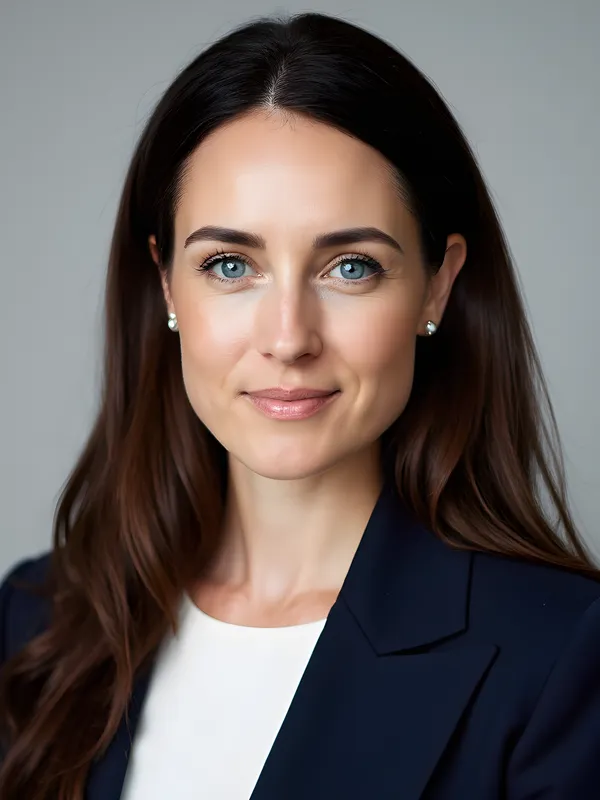
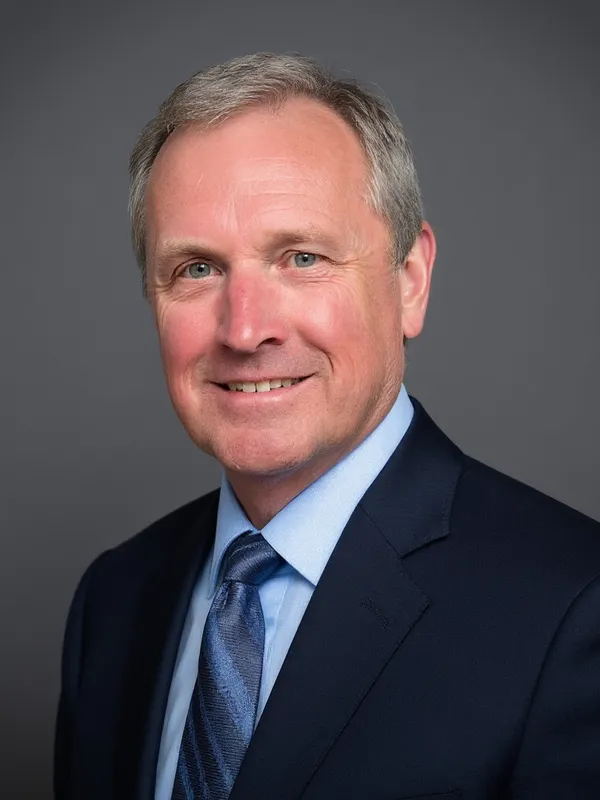
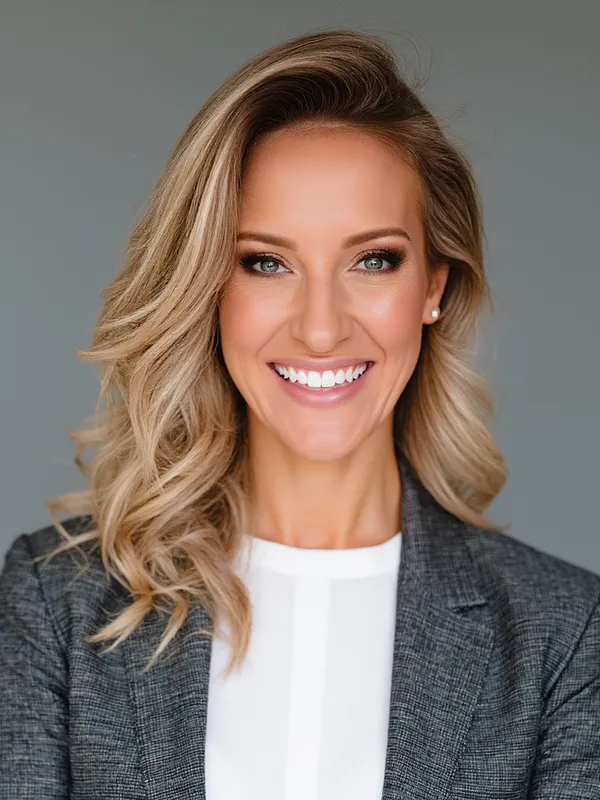
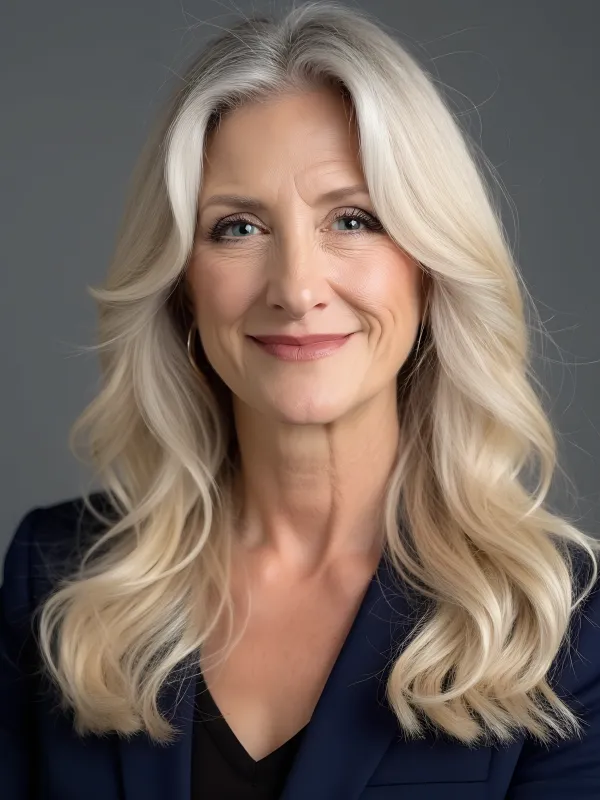
Corporate headshots need to look polished and consistent across the entire team. A professional background in studio style or a clean office setting works best. Grey backgrounds are the standard for corporate work because they convey neutrality and professionalism without drawing attention. When shooting a team, using the same background for every person ensures visual consistency on your About page or company directory. Solid mid-grey is the safest choice because it works with both light and dark skin tones and does not clash with any wardrobe color.
- Team pages: Use the same background for every employee for visual consistency.
- Executive portraits: A subtle gradient or dark studio background adds authority.
- Avoid: Different backgrounds for each person, visible company logos behind you.
Outdoor and nature backgrounds
Outdoor backgrounds and nature scenes add warmth and personality. They work well for coaches, creatives, real estate agents and anyone who wants a less formal vibe. The key is to keep the background softly blurred so your face stays the main subject. Green tones from foliage read as natural and approachable, which is why outdoor headshots are popular in wellness, coaching and sustainability industries. Shoot during golden hour or on an overcast day to avoid harsh shadows. Avoid locations with distracting elements like parking lots, signage or crowds in the background.
- Best light: Golden hour or open shade, never direct midday sun.
- Best blur: Enough to suggest greenery or architecture without sharp distracting details.
- Avoid: Crowded sidewalks, busy intersections, random people in the frame.
Studio backgrounds
A studio background is the gold standard for professional portraits. It is clean, evenly lit and completely distraction-free. The most common studio colors are medium grey, charcoal and white, each creating a different mood. White backgrounds feel clean and modern, making them popular for tech companies and medical professionals. Dark grey or charcoal adds depth and makes the subject pop, which works especially well for executive portraits. You do not need a real studio to get this look. AI tools can generate a realistic studio background from any selfie.
Plain and white backgrounds
Plain backgrounds and white backgrounds are the simplest option. They work for medical professionals, ID photos, team directories and any situation where you want zero distractions. Use a slightly warm white or off-white to avoid a harsh, clinical feel on screen.
Abstract and creative backgrounds
Abstract backgrounds (soft gradients, bokeh lights, color washes) add a modern, creative touch. They work well for tech, marketing and creative professionals. Keep the abstract elements muted and soft so they add texture without fighting your face for attention.
How to choose the right background
Ask yourself three questions: First, does the background contrast well with your skin tone and hair color? If you have dark hair, avoid dark backgrounds that make you blend in. If you have light skin, a pure white background can wash you out. Second, what does your industry expect? Finance and law lean toward conservative solid colors, while creative and tech roles have more flexibility with outdoor or abstract options. Third, where will the photo be displayed? LinkedIn thumbnails are small, so high contrast between you and the background matters most. A company website might display the image larger, giving you room for subtle texture or environmental context.
- Where will this photo appear? LinkedIn and corporate sites favor neutral, clean backgrounds. Social media and personal brands can be more creative.
- What is the norm in your industry? Law and finance lean conservative (grey, studio). Tech and creative fields accept more variety (outdoor, abstract).
- Does it put the focus on your face? If the background is the first thing people notice, it is too distracting. Your face should always be the hero.
Fix your background with AI
Already have a headshot with a bad background? You do not need to reshoot. Our free headshot background editor lets you switch backgrounds in one click, choosing from studio, outdoor, office or any solid color while keeping your face and expression intact. Or generate a completely new professional headshot from selfies with the background of your choice built in from the start.