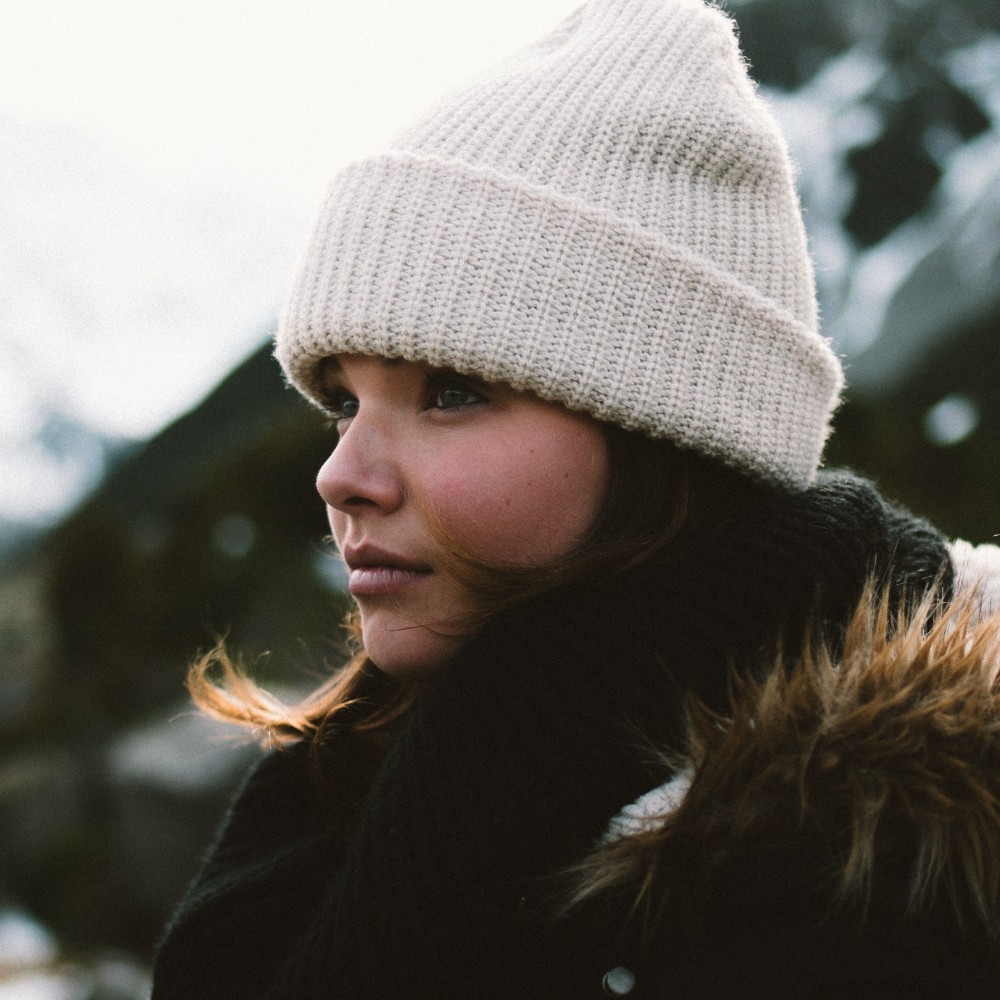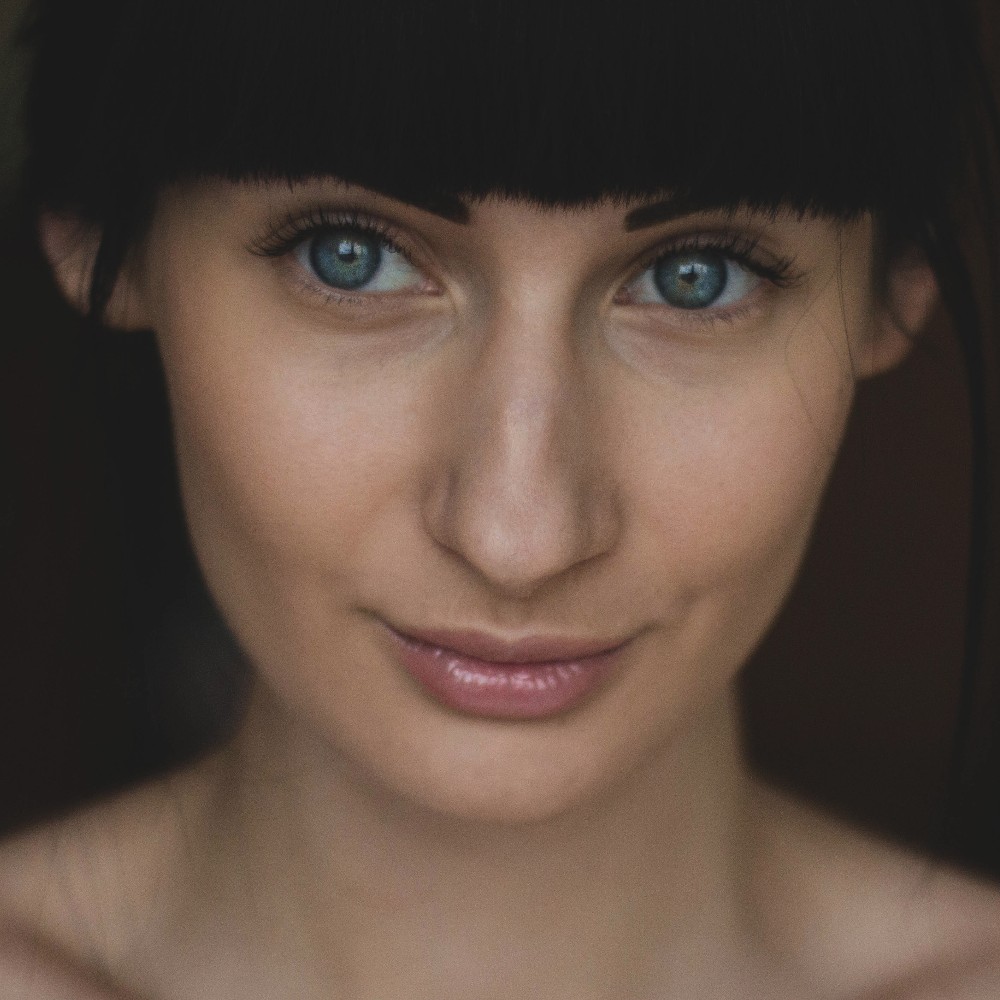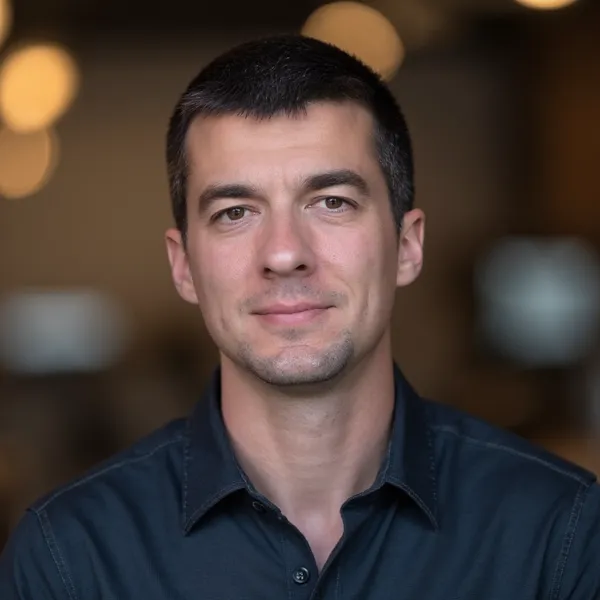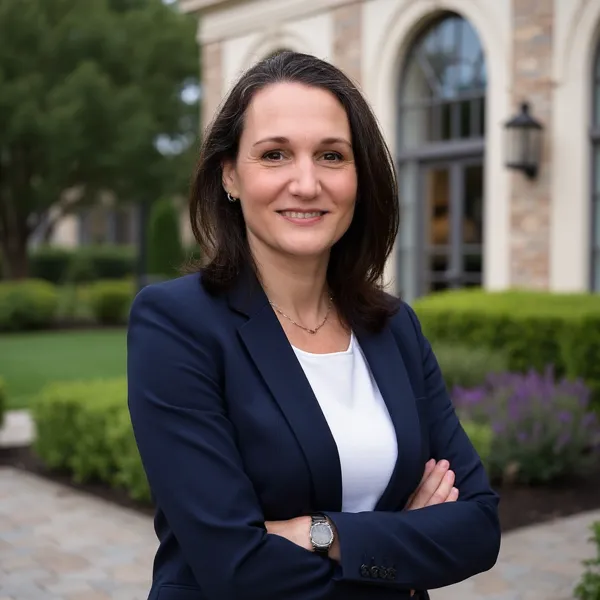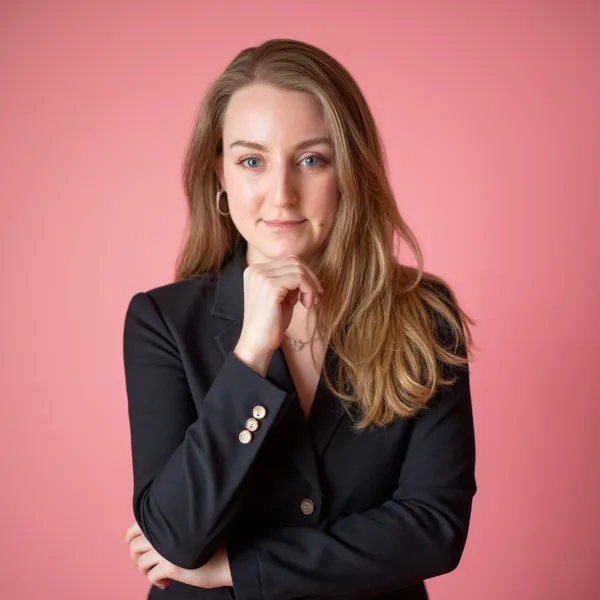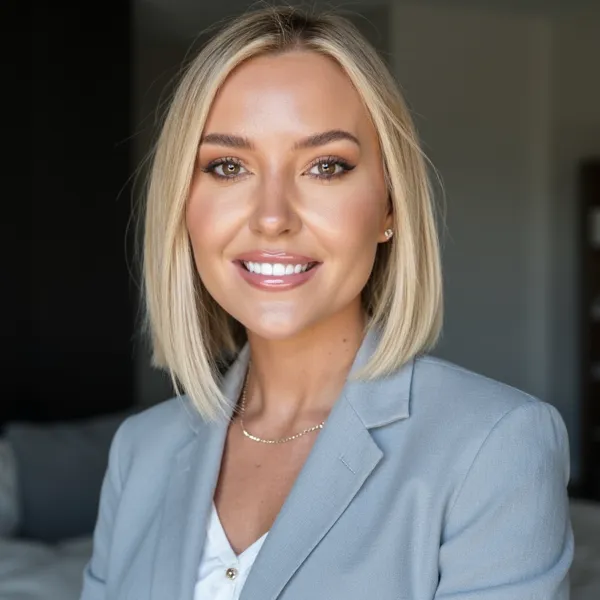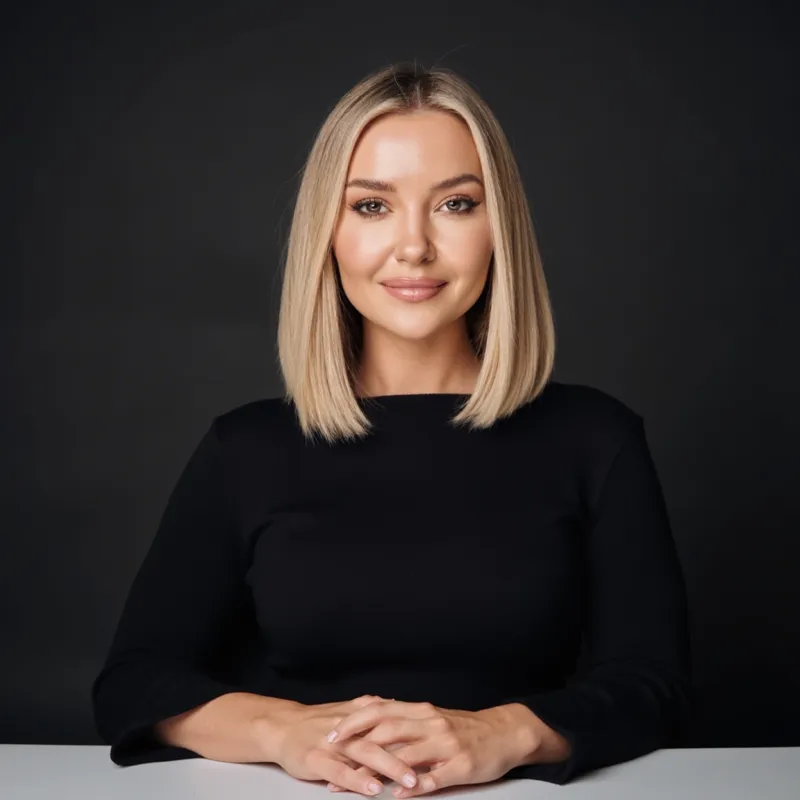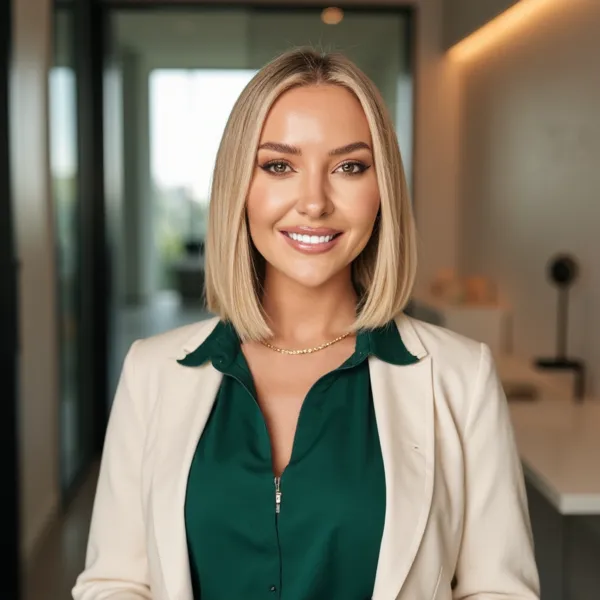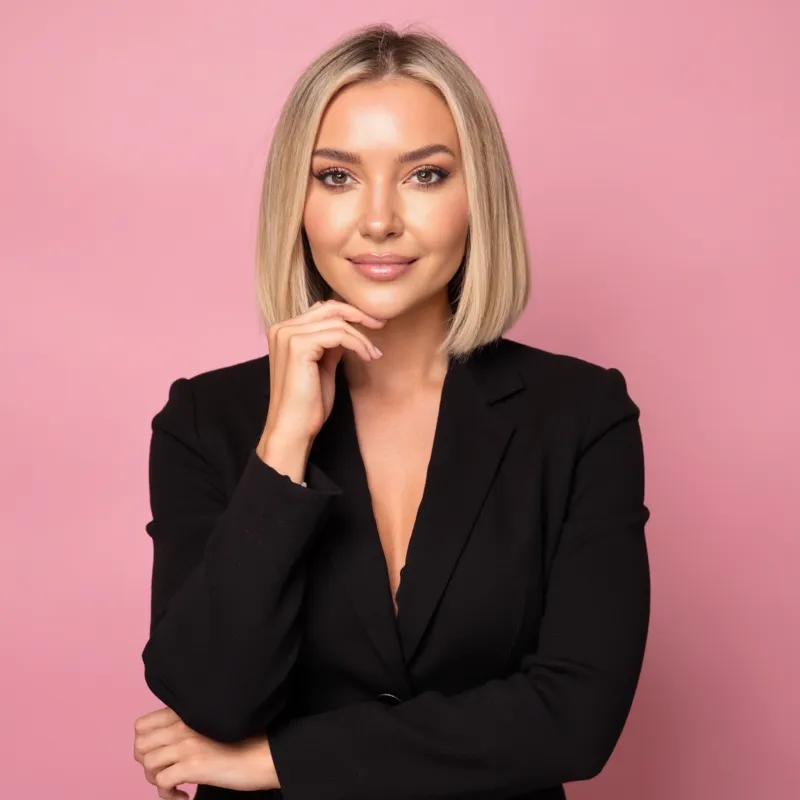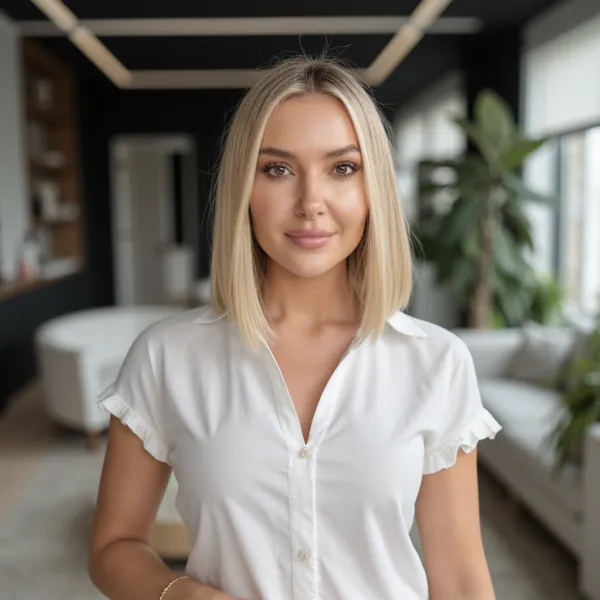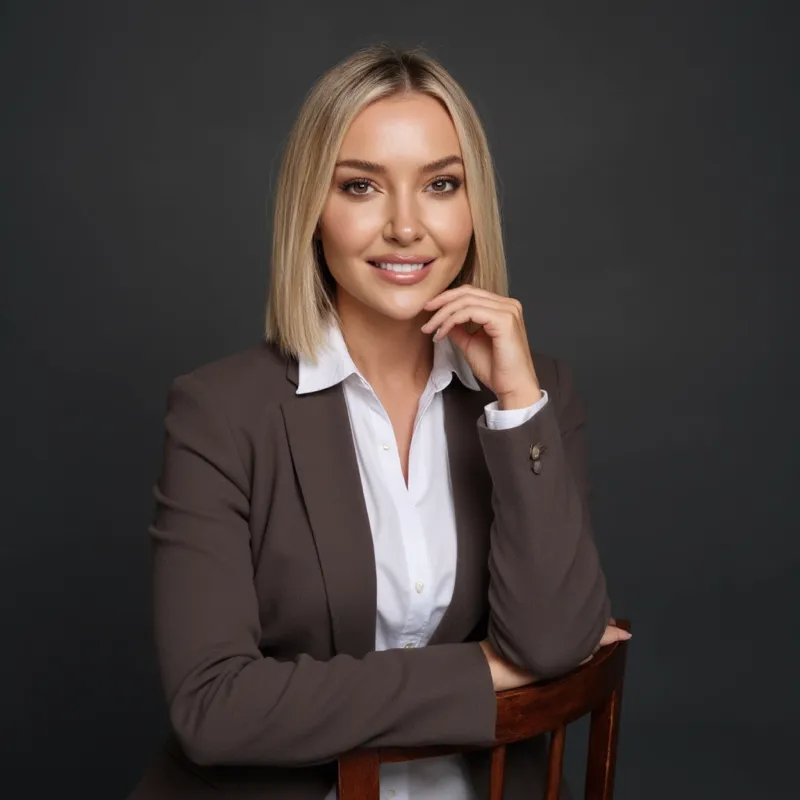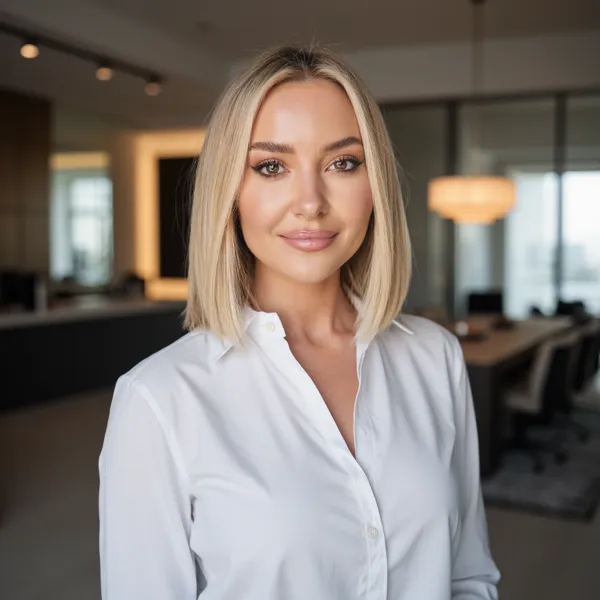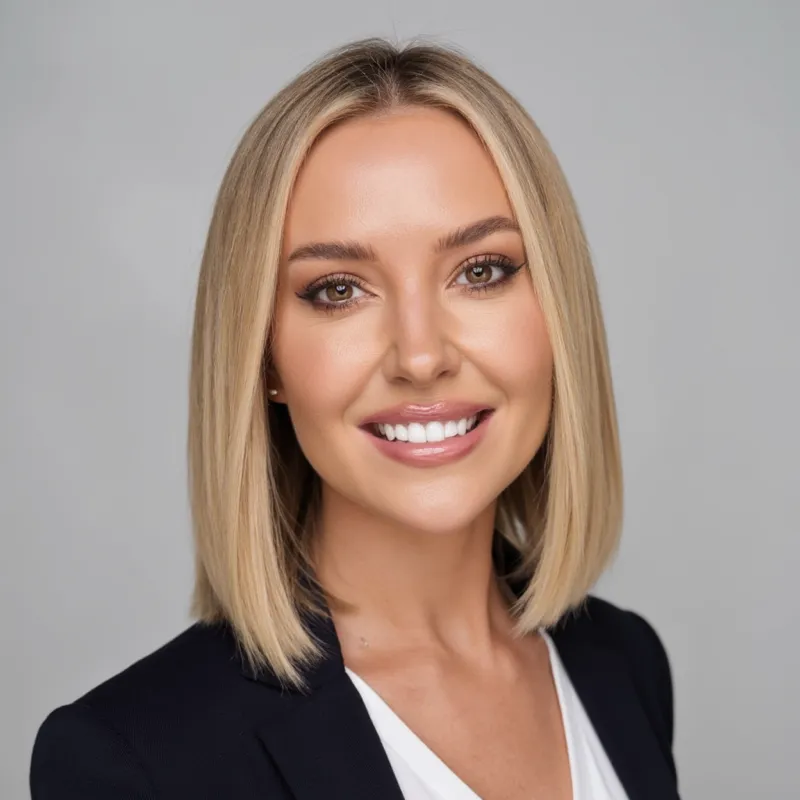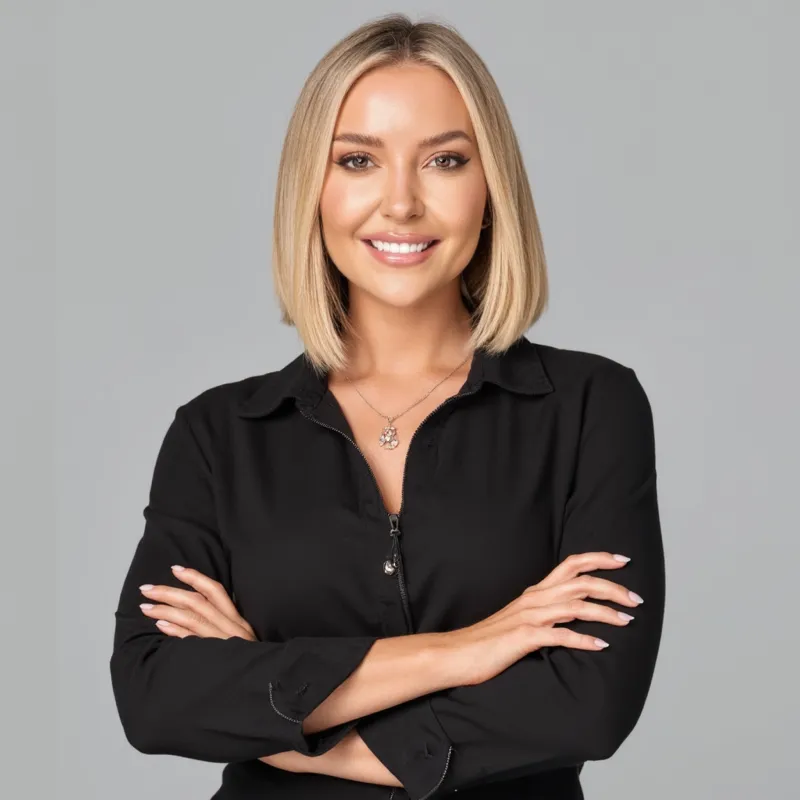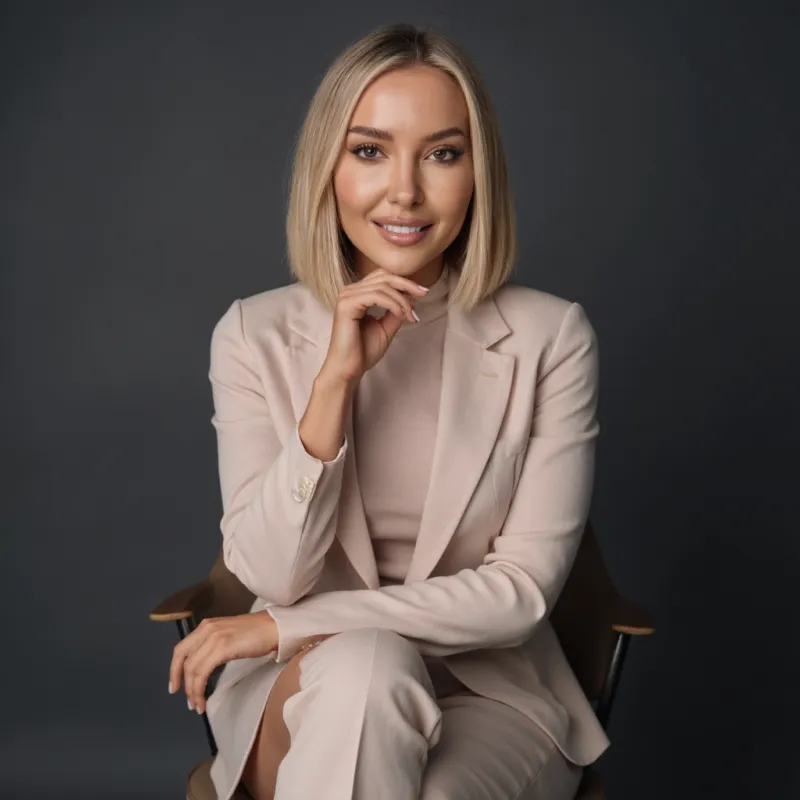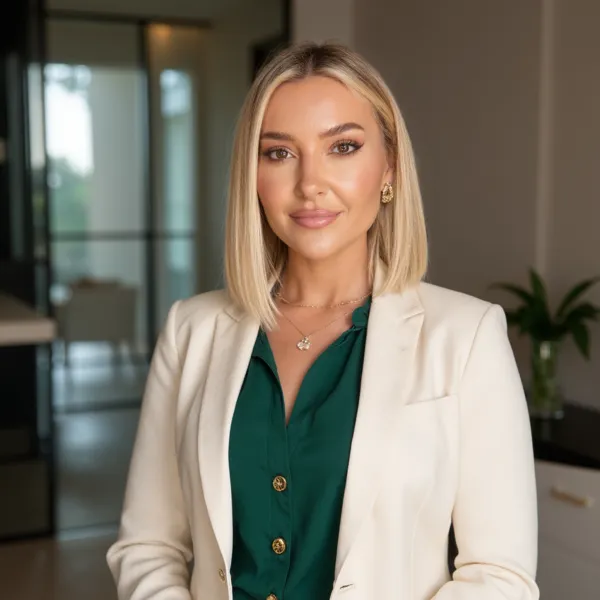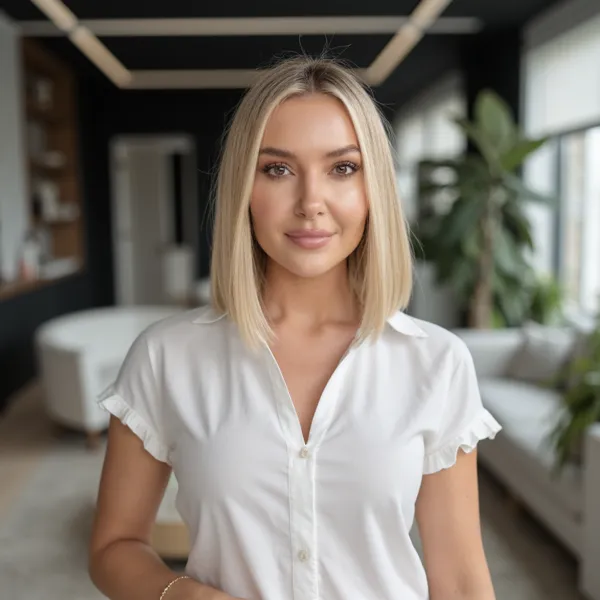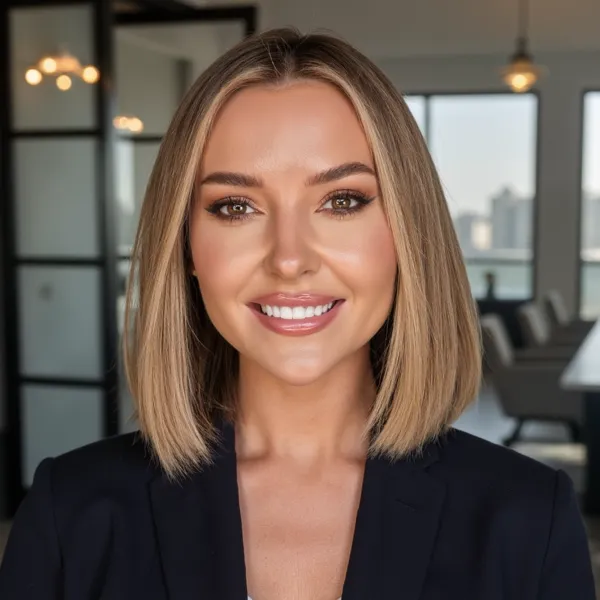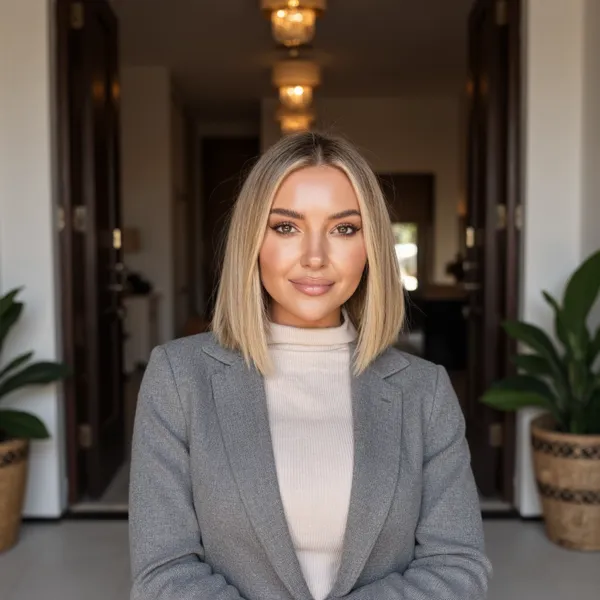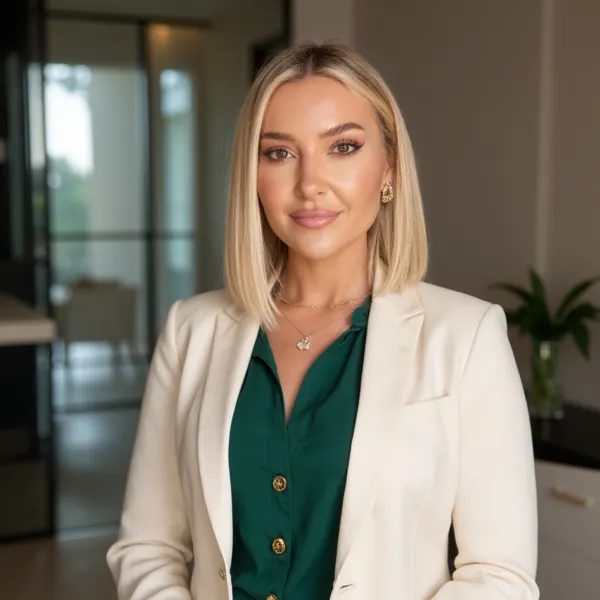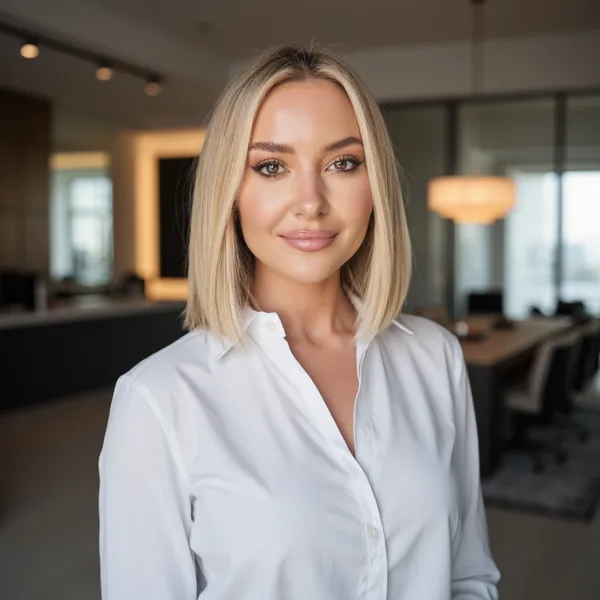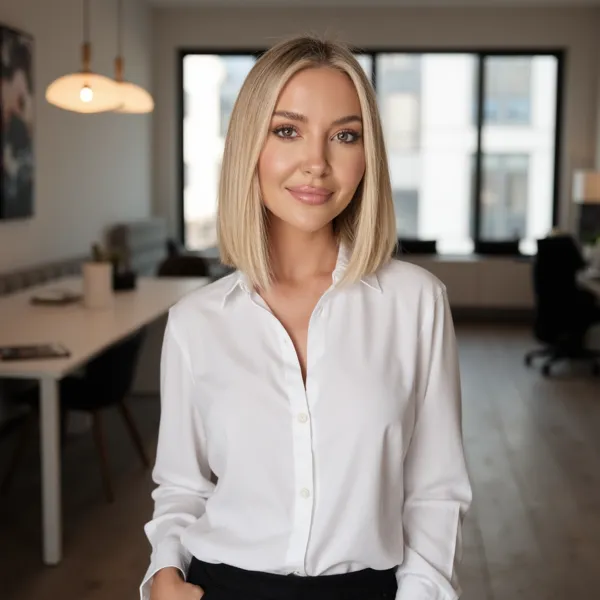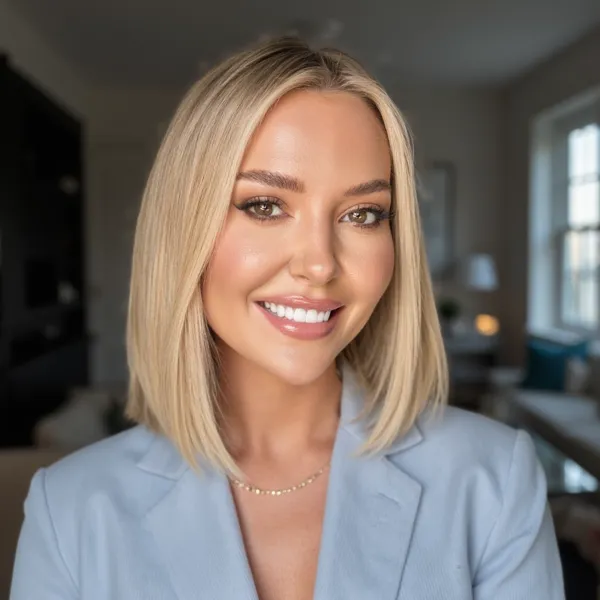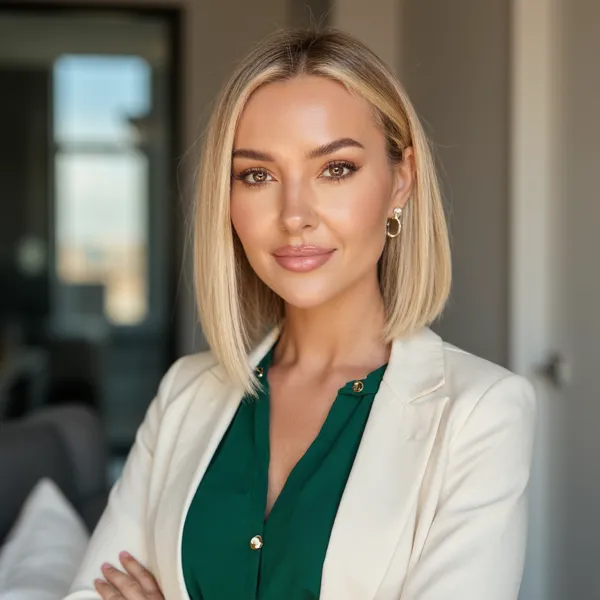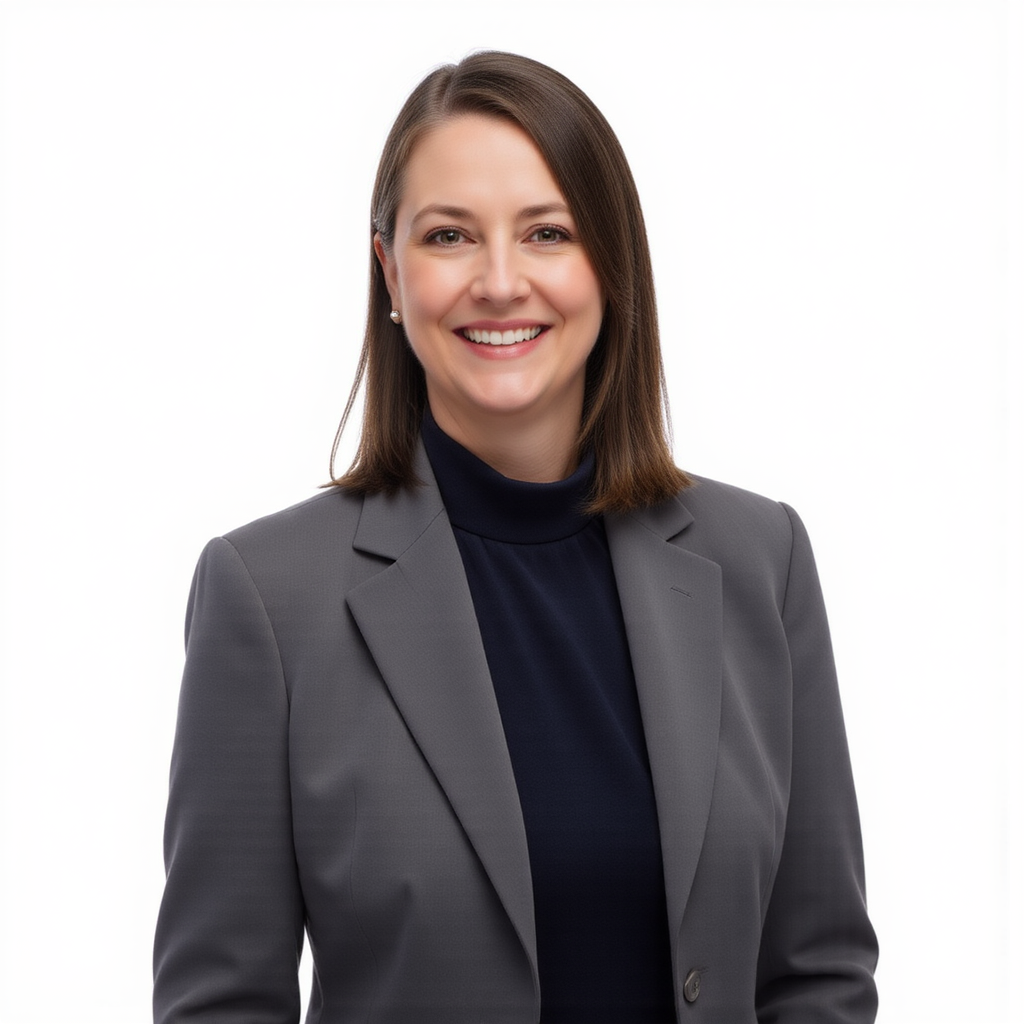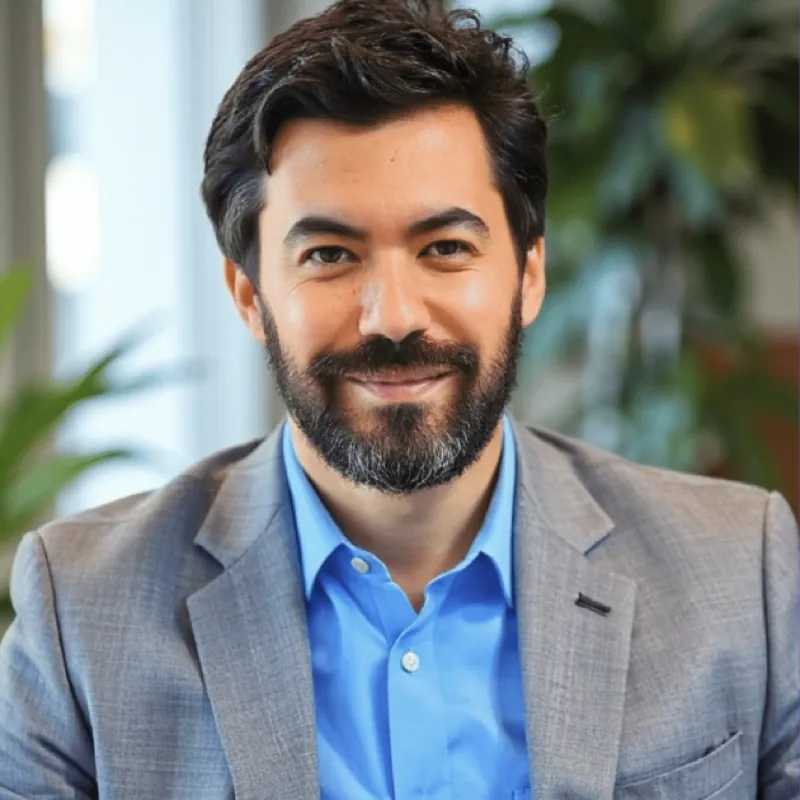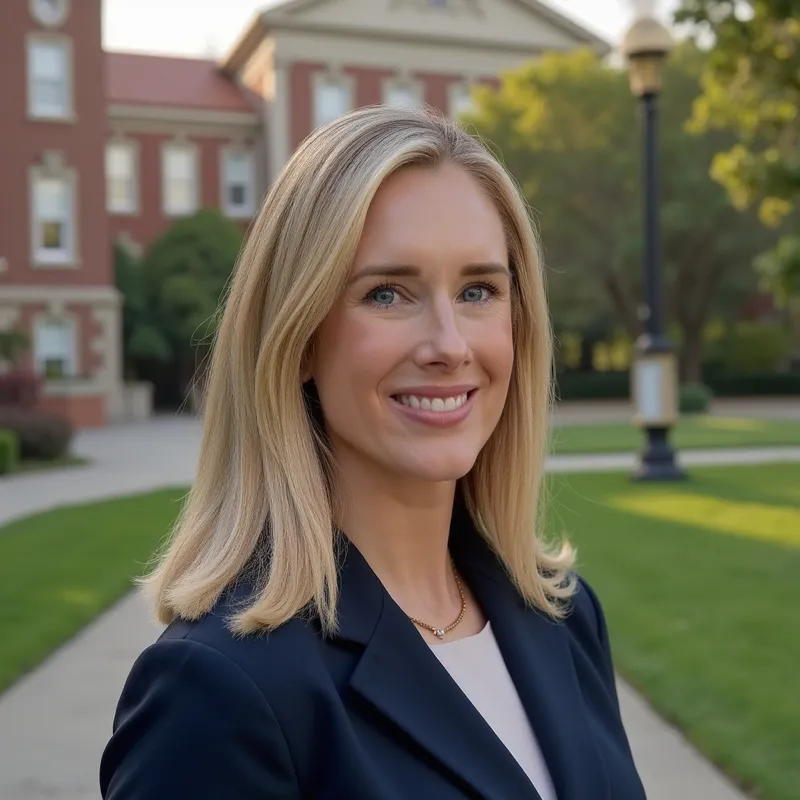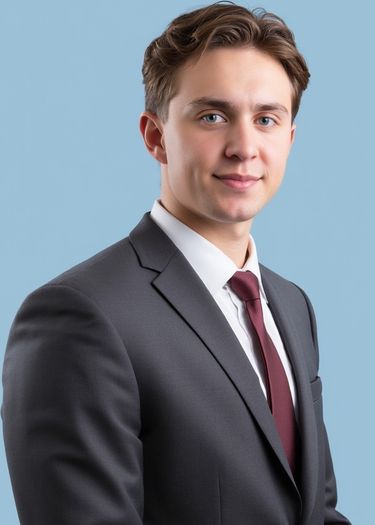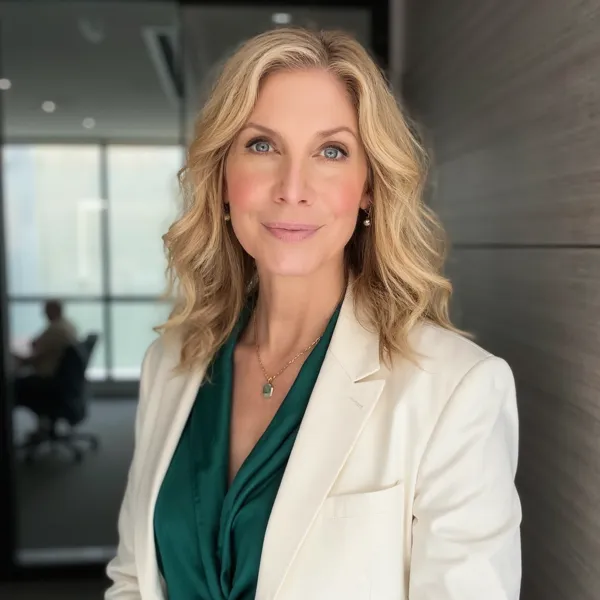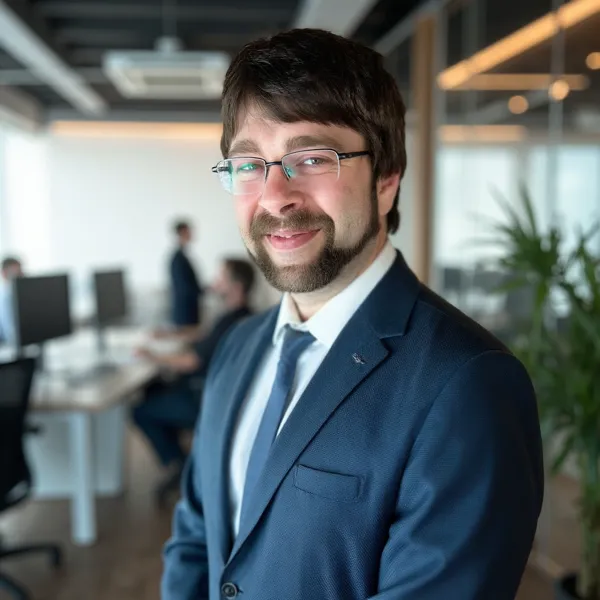
AI Business Headshots — Studio Quality from Your Phone
Skip the studio and get polished business headshots from a few selfies. Ideal for LinkedIn profiles, company directories, business portrait photos and marketing materials.
Create your headshots now+10,000 professionals trust AiProPortrait



Why business headshots are essential for your brand
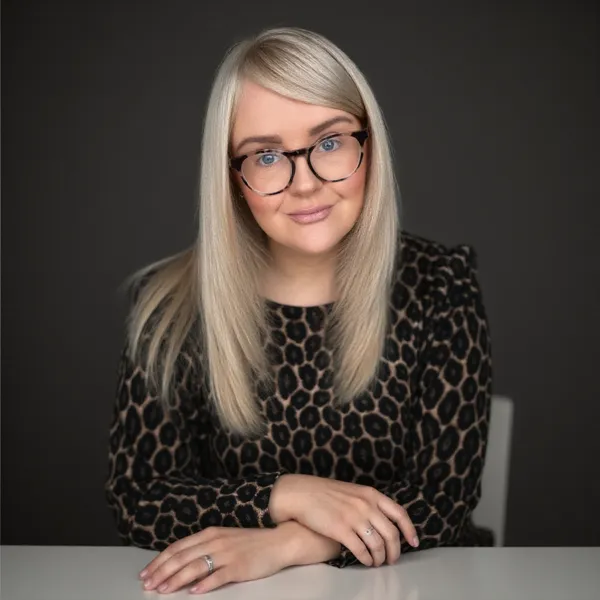
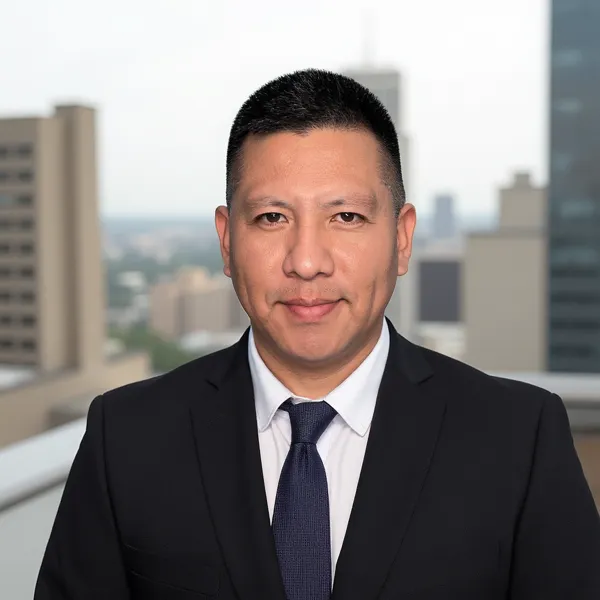
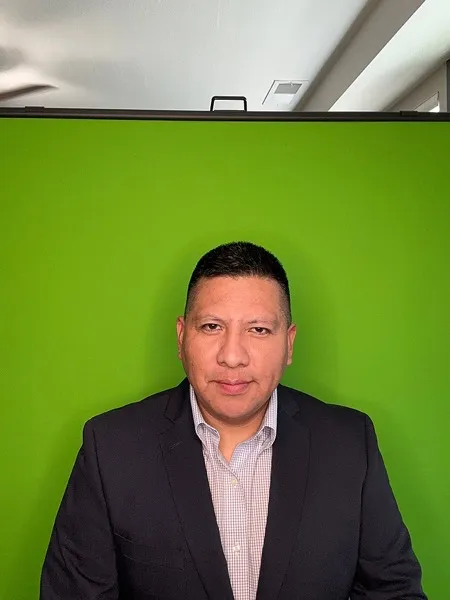
A strong business headshot is one of the most important assets in your professional toolkit. It appears on your LinkedIn profile, company website, email signature, business cards and pitch decks. In every case, it is the first visual impression clients, partners and employers get of you – and first impressions are formed in milliseconds.
The difference between a casual selfie and a polished business portrait is trust. Research shows that people judge competence and likability from a photo alone. A well-lit, professionally composed headshot tells the viewer you take your career seriously and pay attention to detail. A blurry or poorly cropped photo does the opposite – it creates doubt before you even get a chance to speak.
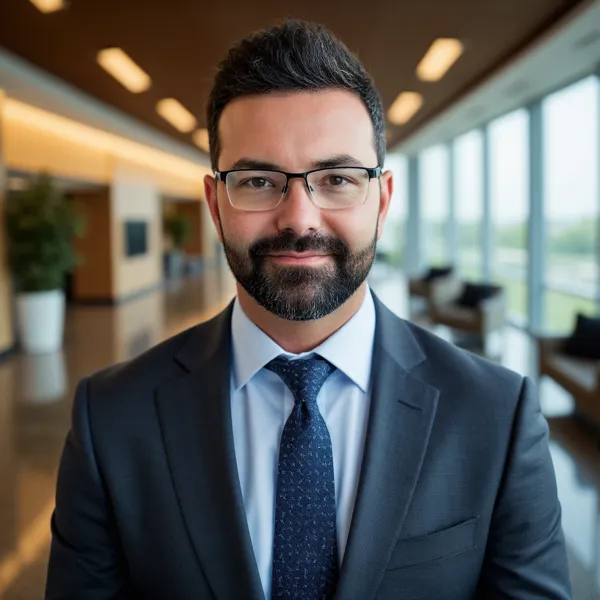
Good business headshots share a few key traits: clean background, flattering light, relaxed but confident expression, and an outfit that matches your industry. A tech startup founder might go for smart casual, while a finance professional would lean toward a suit. The goal is always the same: look like yourself, but at your best.
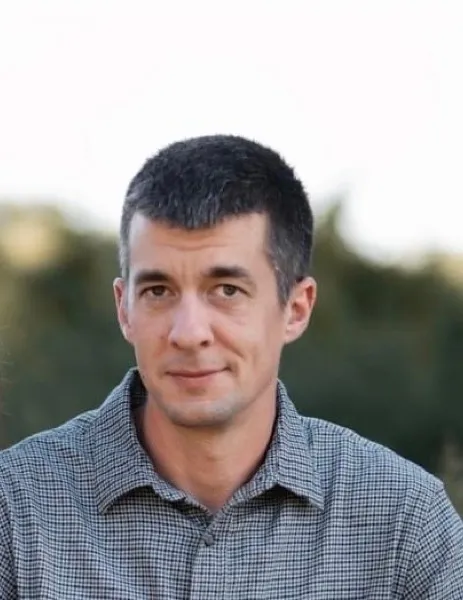
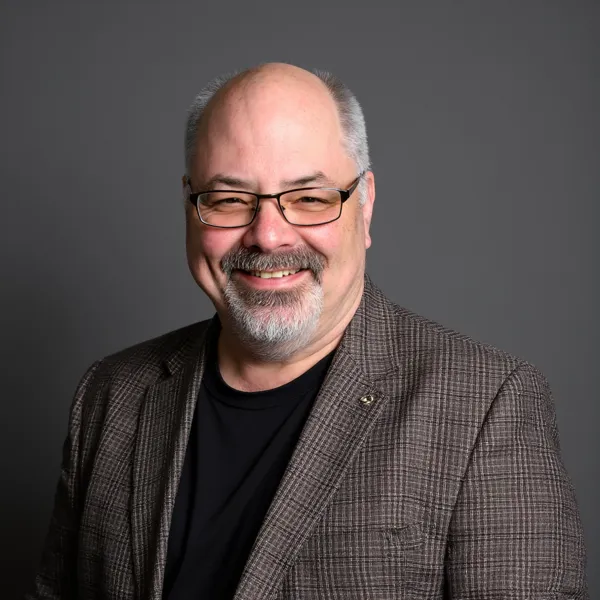
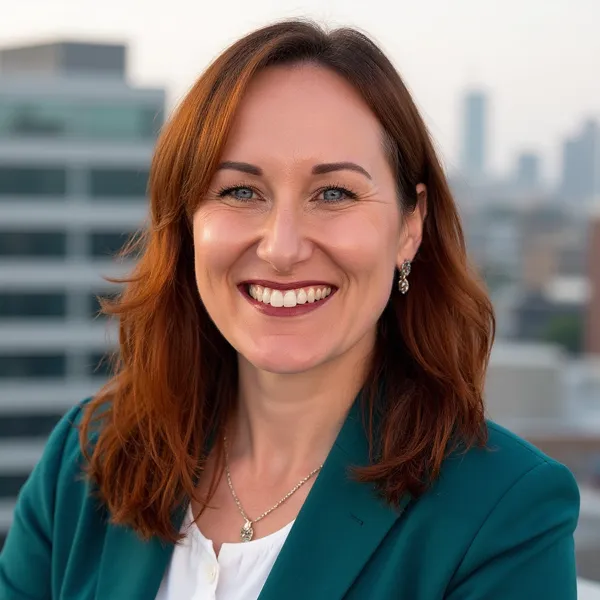
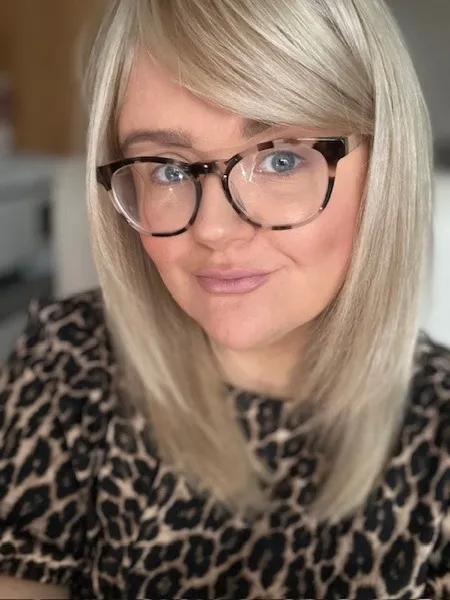
With AiProPortrait, you can skip the studio entirely. Upload a few clear selfies and get 40+ studio-quality business headshots delivered in under an hour. Choose from multiple backgrounds, outfits and crops so every platform gets the right image – from LinkedIn to your company About page.
How Much Do Business Headshots Cost?
Traditional business headshots typically cost $150– $350+ per session. AiProPortrait generates polished business portrait photos from your selfies for a small flat fee.
DIY on your phone
$0
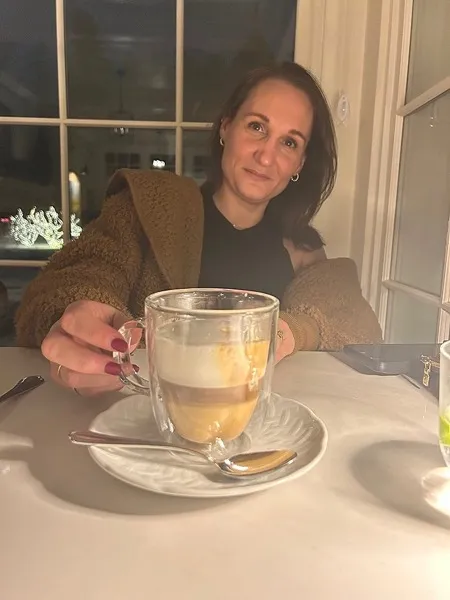
Snap a quick selfie or ask a colleague to take your photo in the office.
Why
Free and fast, but lighting, framing and consistency are hard to control. Your business headshot may look unprofessional next to polished competitors.
$19
Use AI to generate 40+ studio-quality business headshots from a few selfies.
Why
Dozens of consistent, professional business portraits in under an hour – for less than the price of a single studio session.
Professional photographer
$200+
Book a photographer for a traditional business headshot session at a studio or your office.
Why
Great quality, but you pay per person and per session. Updating for new team members or role changes quickly becomes expensive.
Get your business headshots in minutes , not in days
It's easy as 1-2-3 !
1
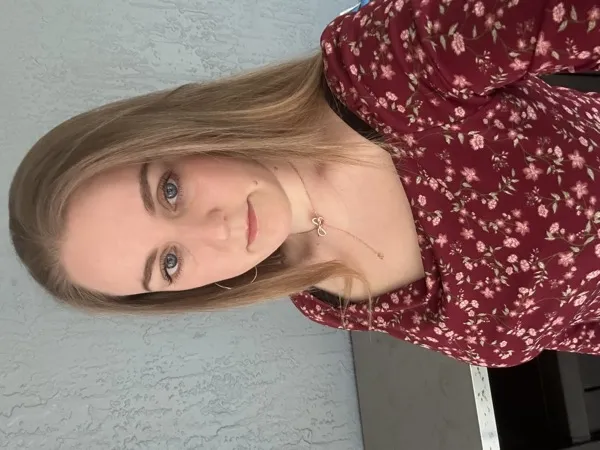
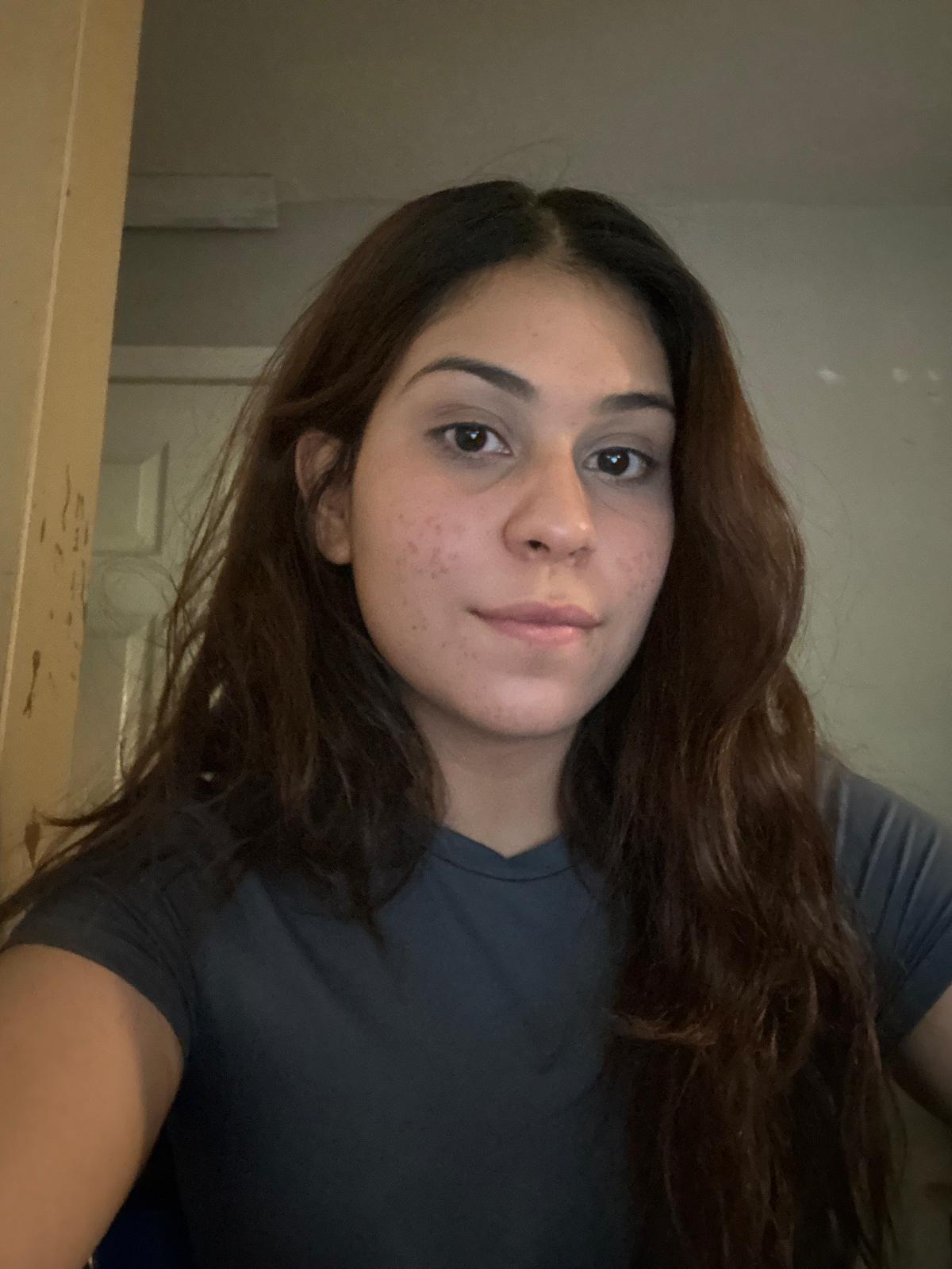
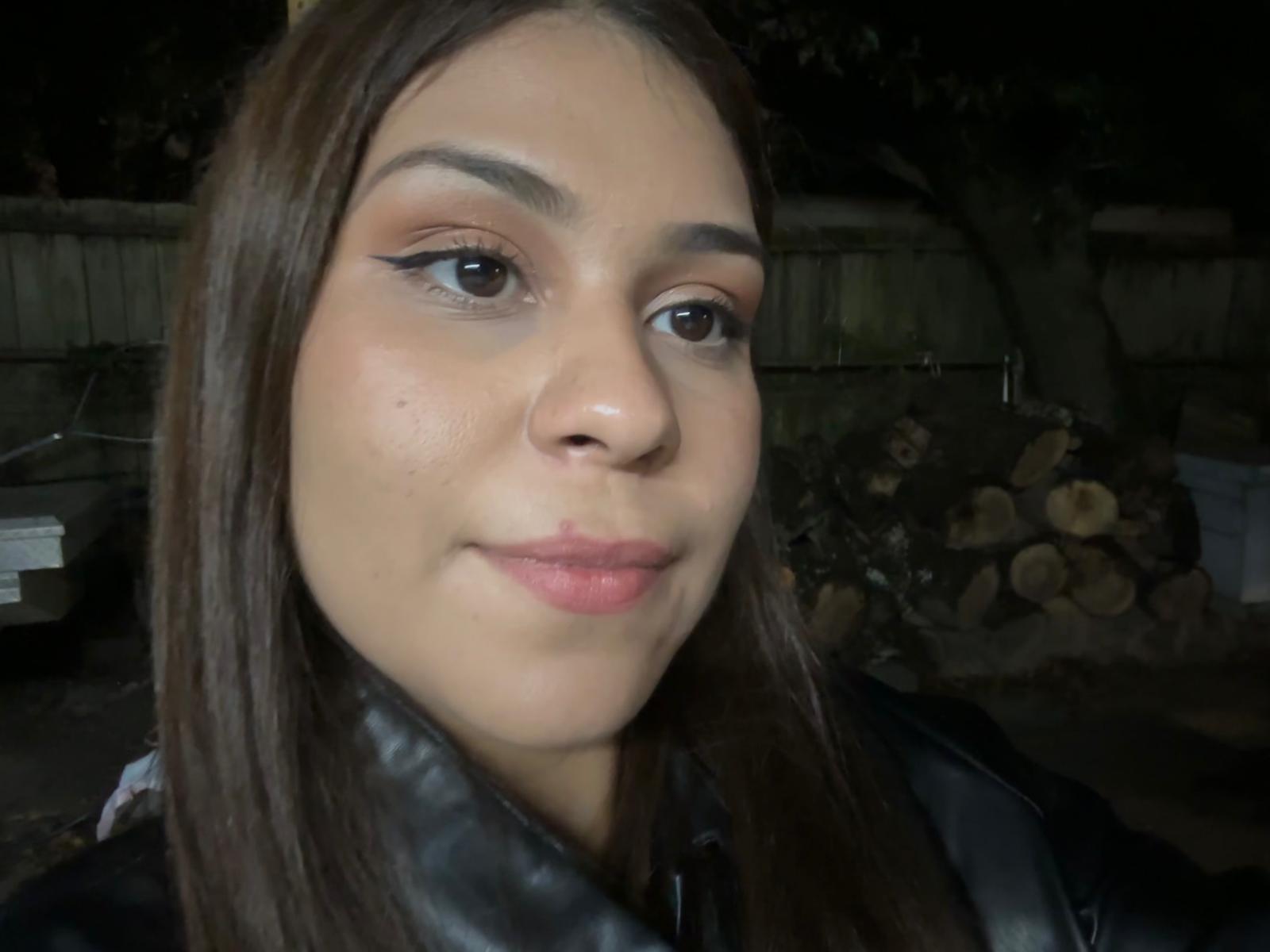
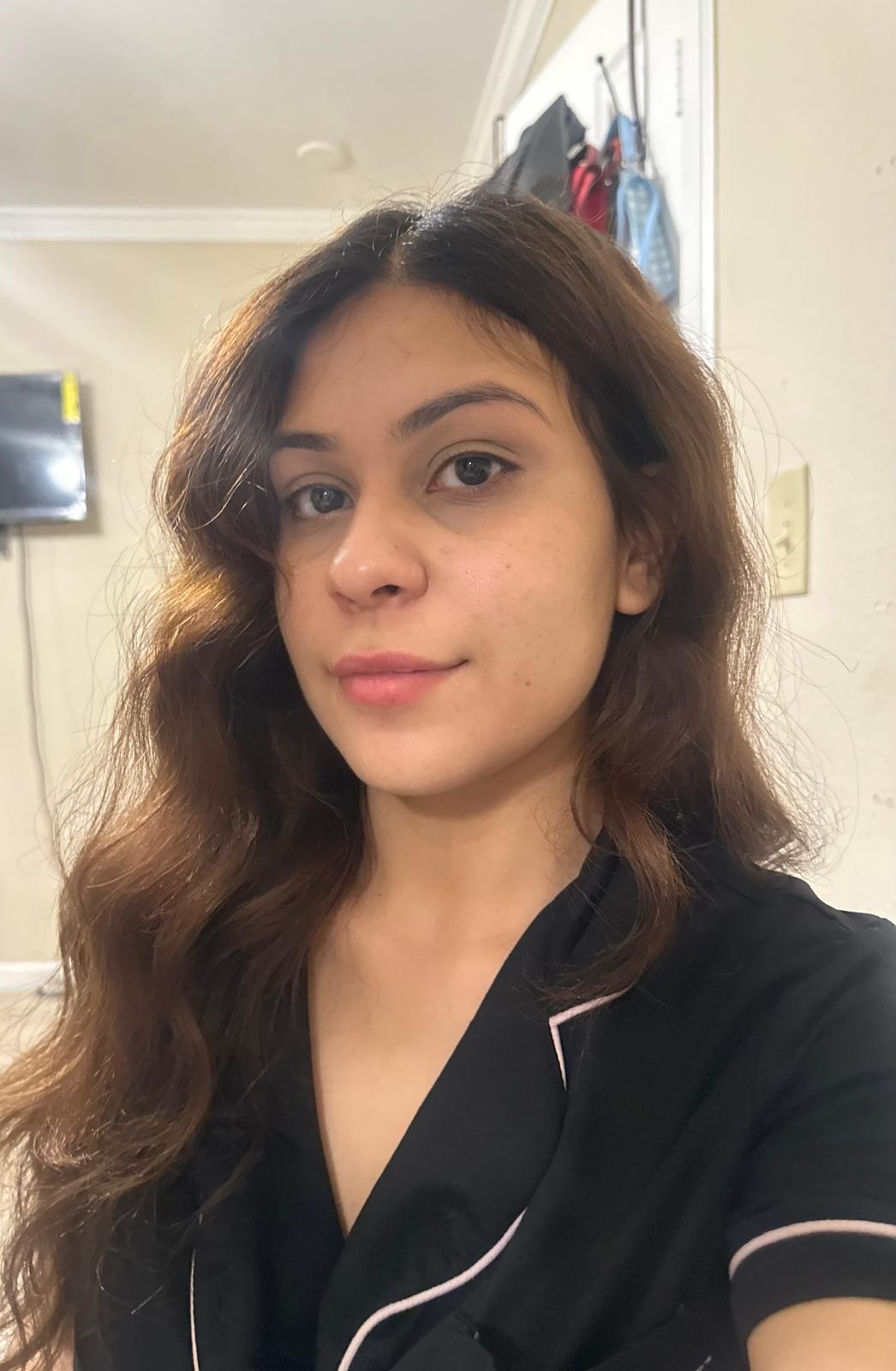
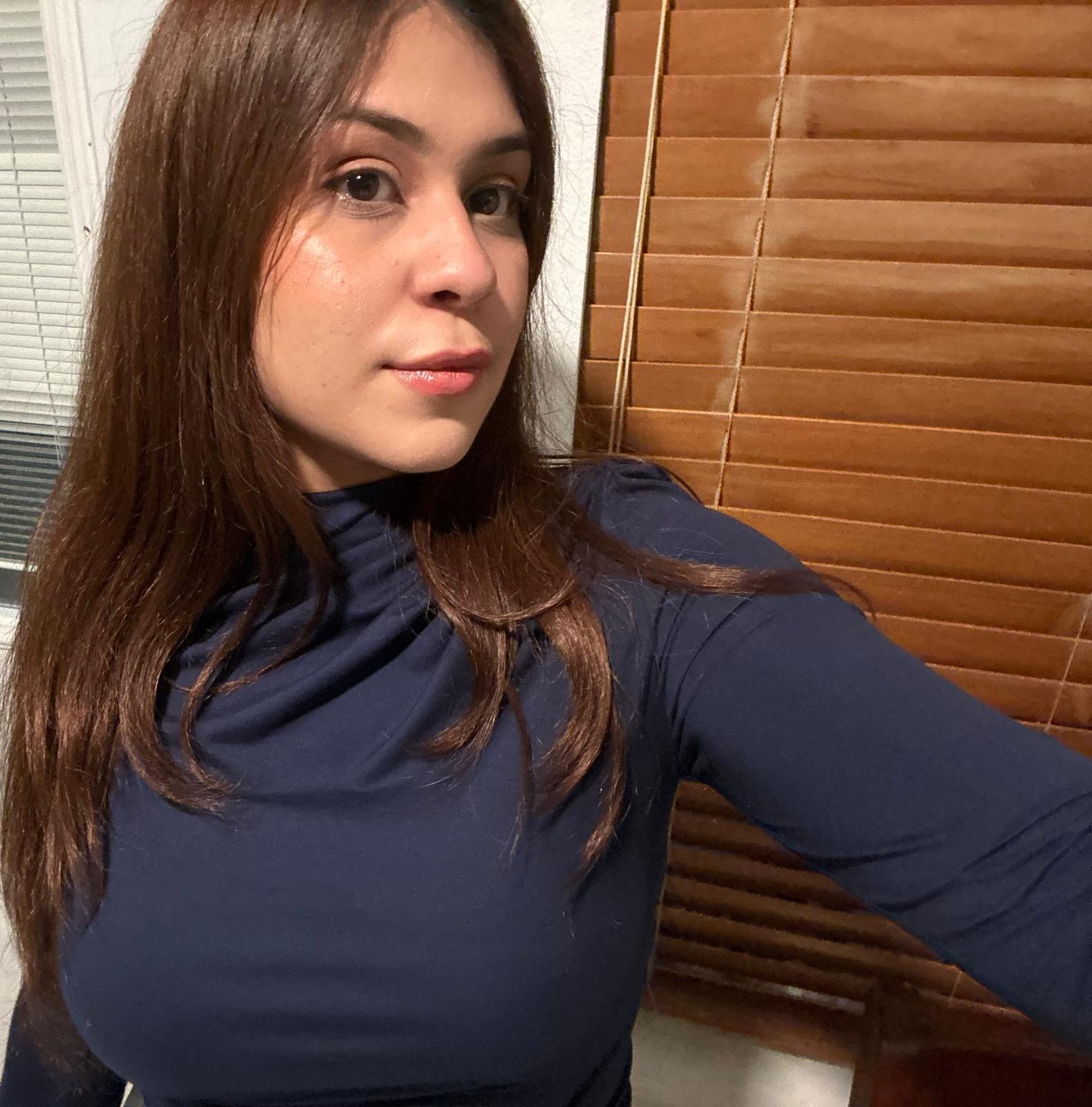
Upload a few photos of yourself
Just upload a few clear photos of yourself, and we’ll handle the rest.


2
Pick the perfect style for your role
Select business style
3
Choose your favorites
Get 40+ crisp, professional business headshots and pick the ones that represent you best.
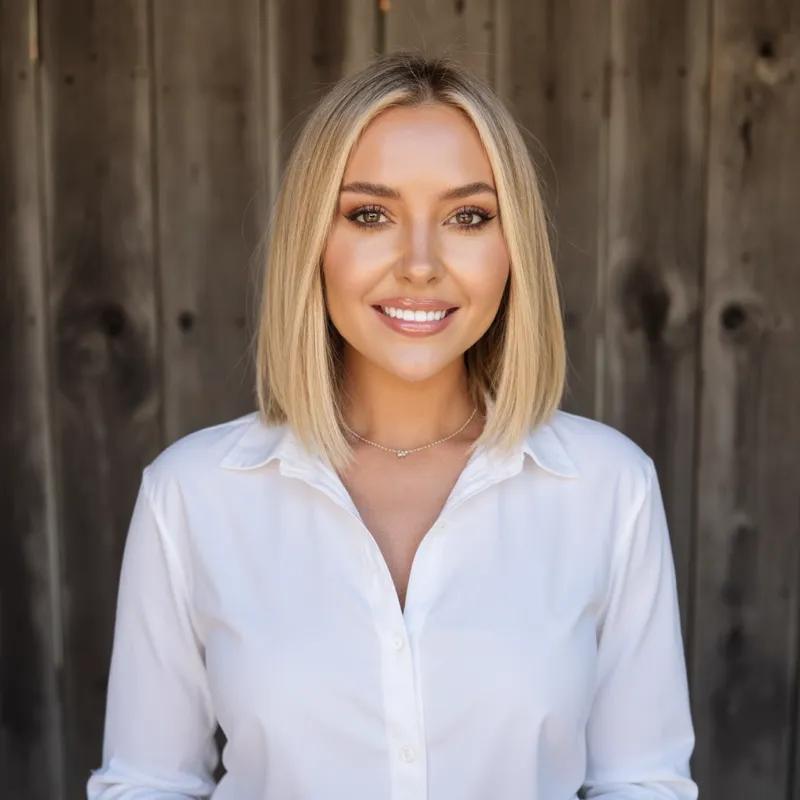
Skip the studio. Same quality, 1/10th the hassle
Get professional business headshots from home in under an hour.
Studio photoshoot
AiProPortrait
✕$250
✓
From $19Value for money
✕2–3 days
✓
Under 1 hourSave time
✕4–5 headshots
✓
40+ headshotsVariety
✕1 look
✓
Multiple looks & stylesMore choices
Your questions, answered
Everything you need to know about our professional AI headshot generator for individuals and teams.
How does your AI headshot generator work?
It’s three simple steps: upload a few selfies, choose your preferred styles, and let our AI create studio-quality headshots. You’ll receive a gallery with plenty of options to download.
What kind of photos should I upload?
Variety helps. Upload 10–15 clear, well-lit photos with different angles, expressions, and backgrounds. Avoid heavy filters, sunglasses, or extreme cropping. Natural light near a window works great.
What do you do with my uploaded photos?
Your photos are used solely to generate your headshots. We never sell your data, never use your images to train global models without your consent, and you can request deletion at any time. By default, we auto-delete within 30 days.
Who owns my AI photos?
You do. You receive full commercial rights and can use your headshots on LinkedIn, websites, resumes, press kits, company directories, and more.
How long does it take?
Most orders are ready the same day—typically within 1–2 hours depending on queue and package. We optimize for realism and consistency rather than rushing.
What if I don’t like the results?
We offer a Profile-Worthy Guarantee. If you don’t get at least one headshot you’re proud to use, contact support and we’ll make it right or refund your purchase.
How many headshots will I receive?
That depends on the package you choose. Plans start around 40+ images and go up to 100–150+ with more outfits, backgrounds, and poses.
Can I change outfits and backgrounds after delivery?
Yes. You can remix backgrounds and outfits on your finished headshots. Higher-tier packages include edit credits for quick tweaks without re-uploading photos.
Are the results realistic?
Our system focuses on accurate likeness, natural skin texture, and believable lighting—avoiding the overly smooth, ‘plastic’ look common in basic tools.
Is this suitable for teams?
Absolutely. We offer team packages with volume discounts and centralized billing so companies can generate consistent headshots for entire departments.
What file sizes and formats do you deliver?
You’ll get high-resolution JPG/PNG suitable for web and print. Executive tiers include 4K options and both portrait and square crops for easy profile use.
Can I use these on LinkedIn and professional sites?
Yes. Many customers update LinkedIn, personal websites, Slack/Teams profiles, and company pages with their new headshots.
How do you keep my data safe?
We use secure storage, encryption in transit and at rest, and strict access controls. We never share your data with third parties for advertising.
Can I delete my photos and results?
Yes. You can request permanent deletion of your source photos and generated images at any time from your account or by contacting support.