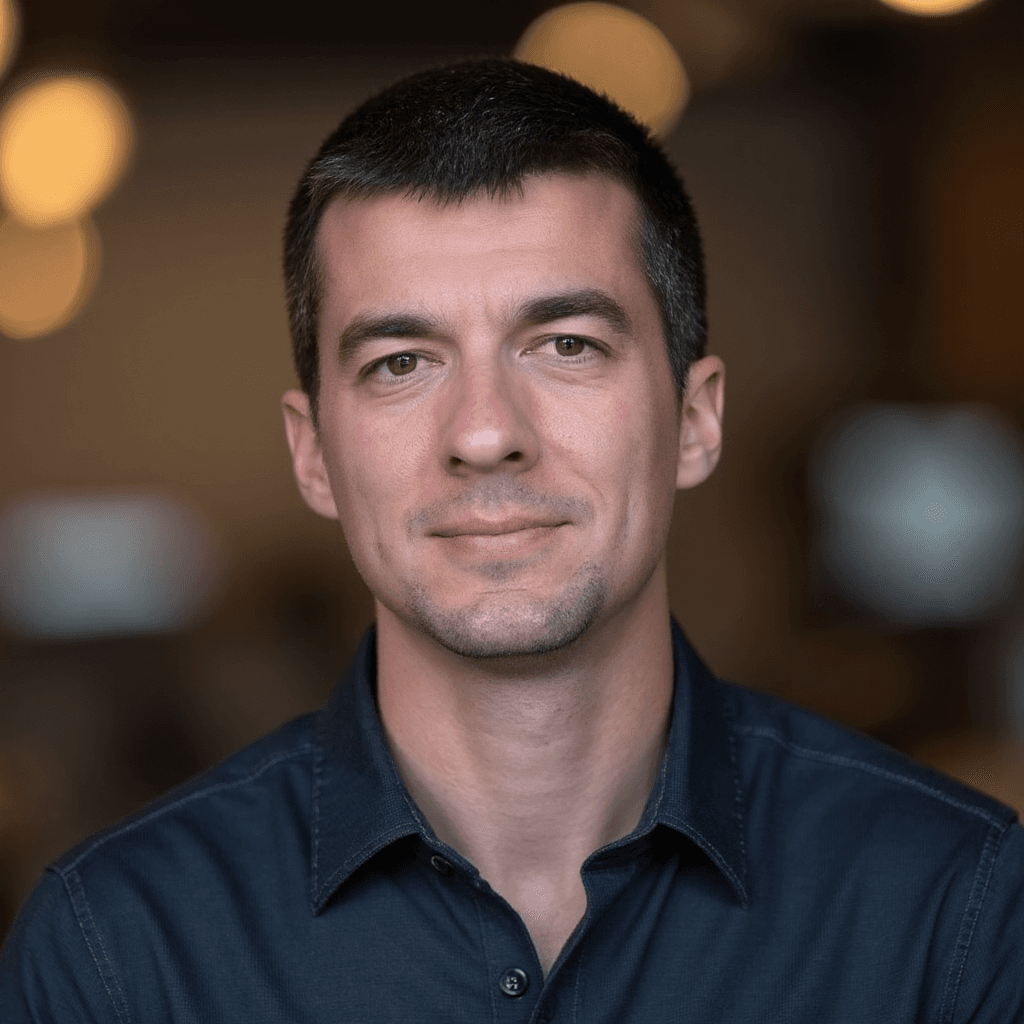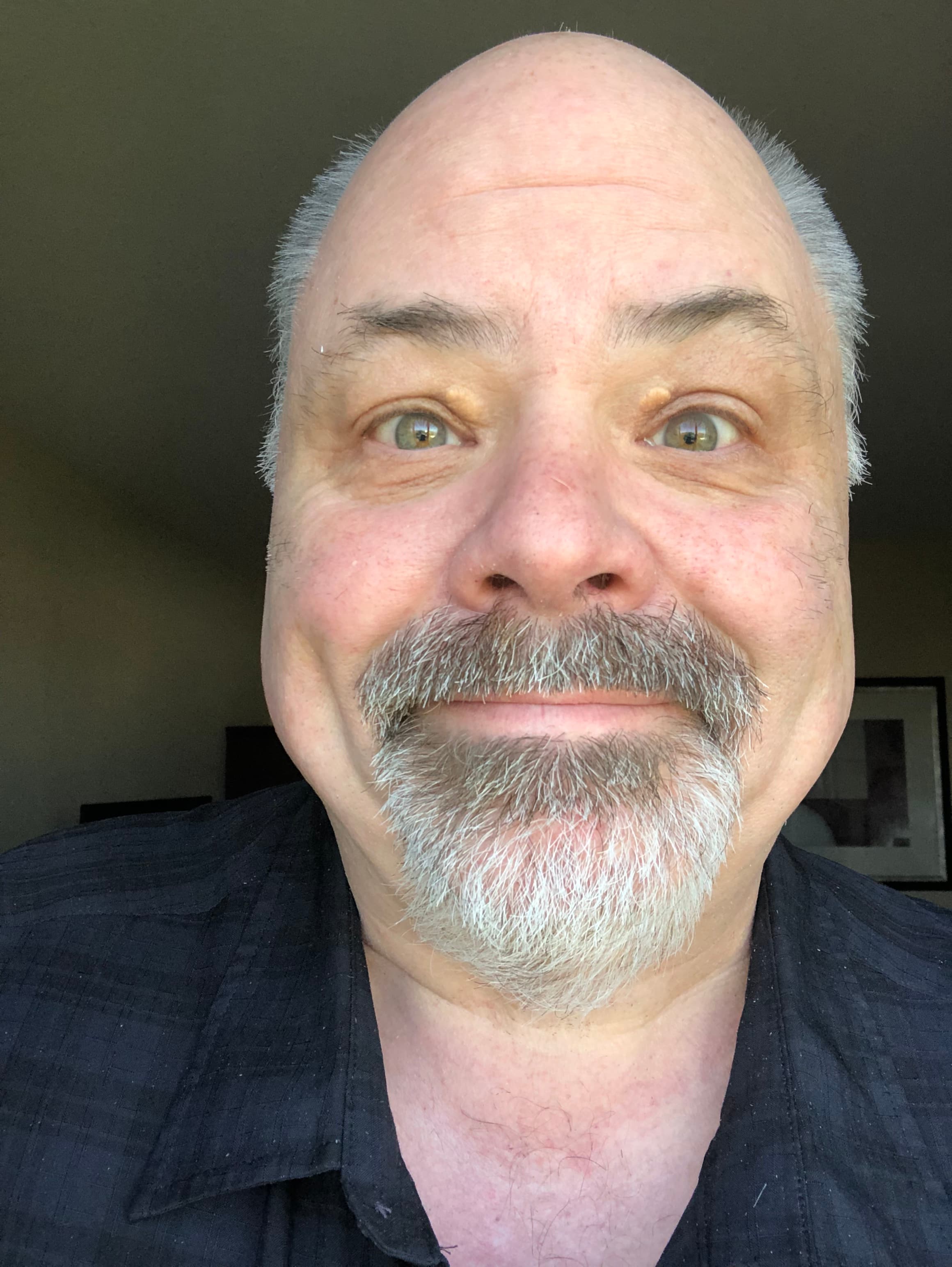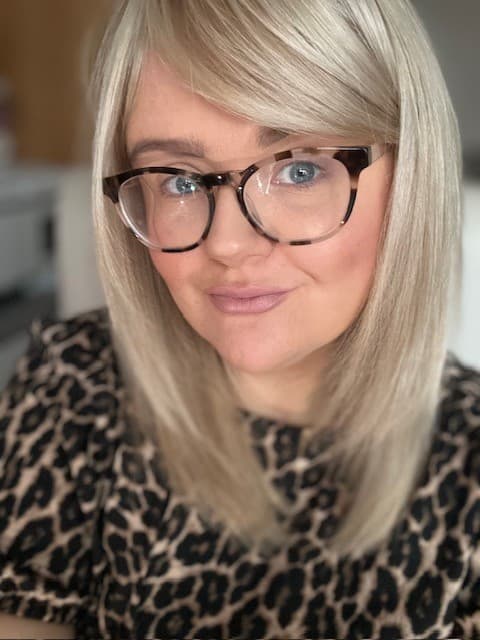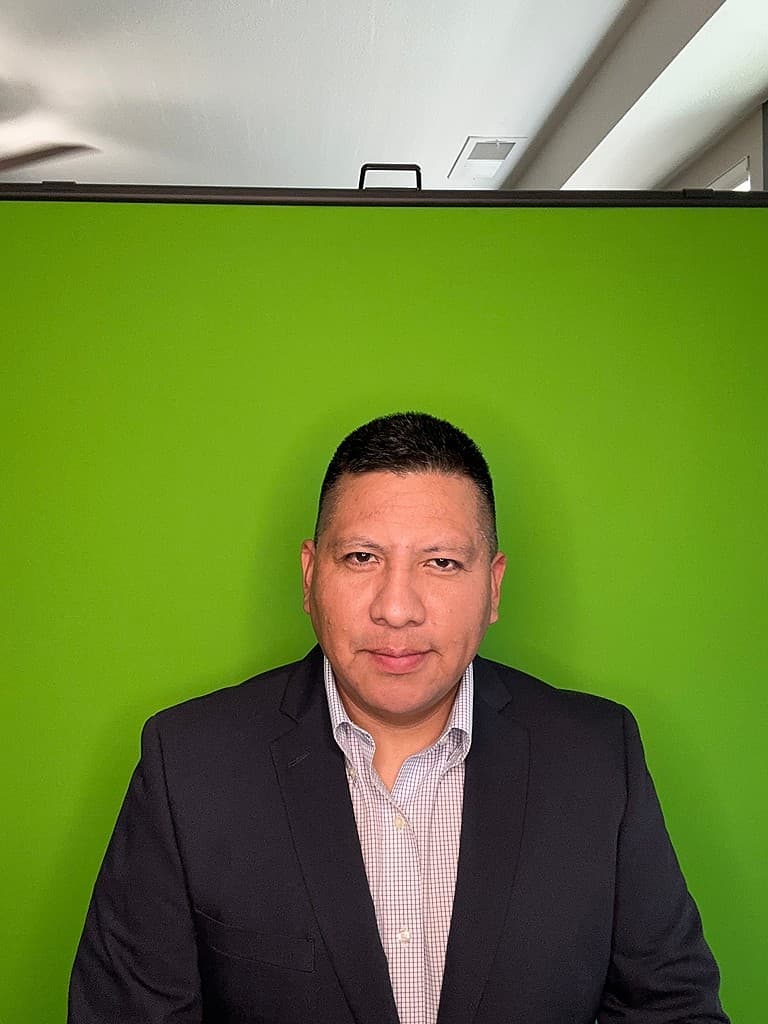
FREE TOOL. NO SIGNUP REQUIRED.

Headshot Background Editor

Upload your photo to get started. We will automatically remove the background and let you customize it with different colors and images.

Who this headshot background is best for

  • Fixing a great selfie that was taken in a messy room.
  • Making a set of profile photos look consistent, even if they were shot in different places.
  • Quickly generating multiple background options for the same headshot.

How to get this background right

Use these practical tips to avoid amateur-looking photos and get a clean, professional result.

  1. Tip 1

    Start from the highest-quality original you have — sharp, well-lit photos work best.

  2. Tip 2

    Choose a replacement background that matches the direction and color of the original light.

  3. Tip 3

    Keep the edit subtle so it doesn’t look like a cut-out pasted onto a fake scene.

Ready for new AI headshot? Generate a complete professional gallery in under an hour.

Create your headshots now
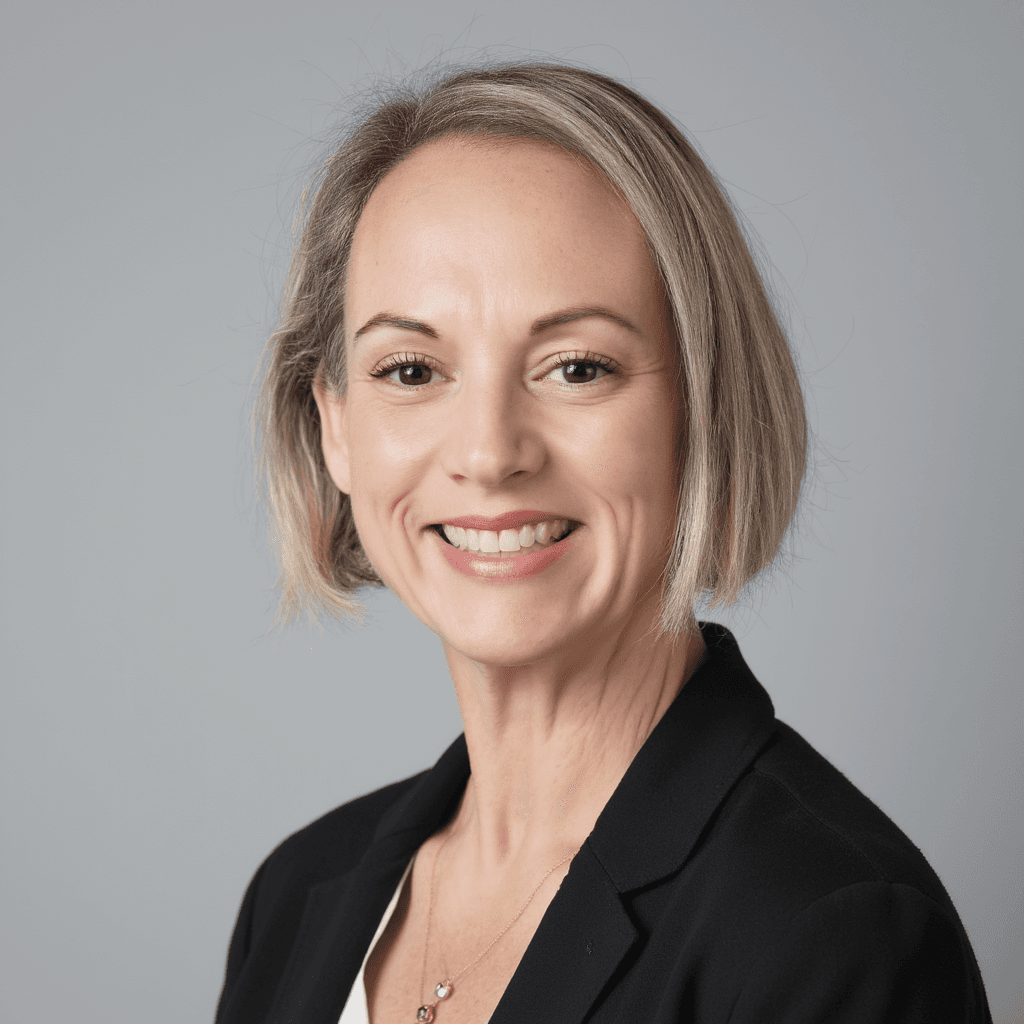
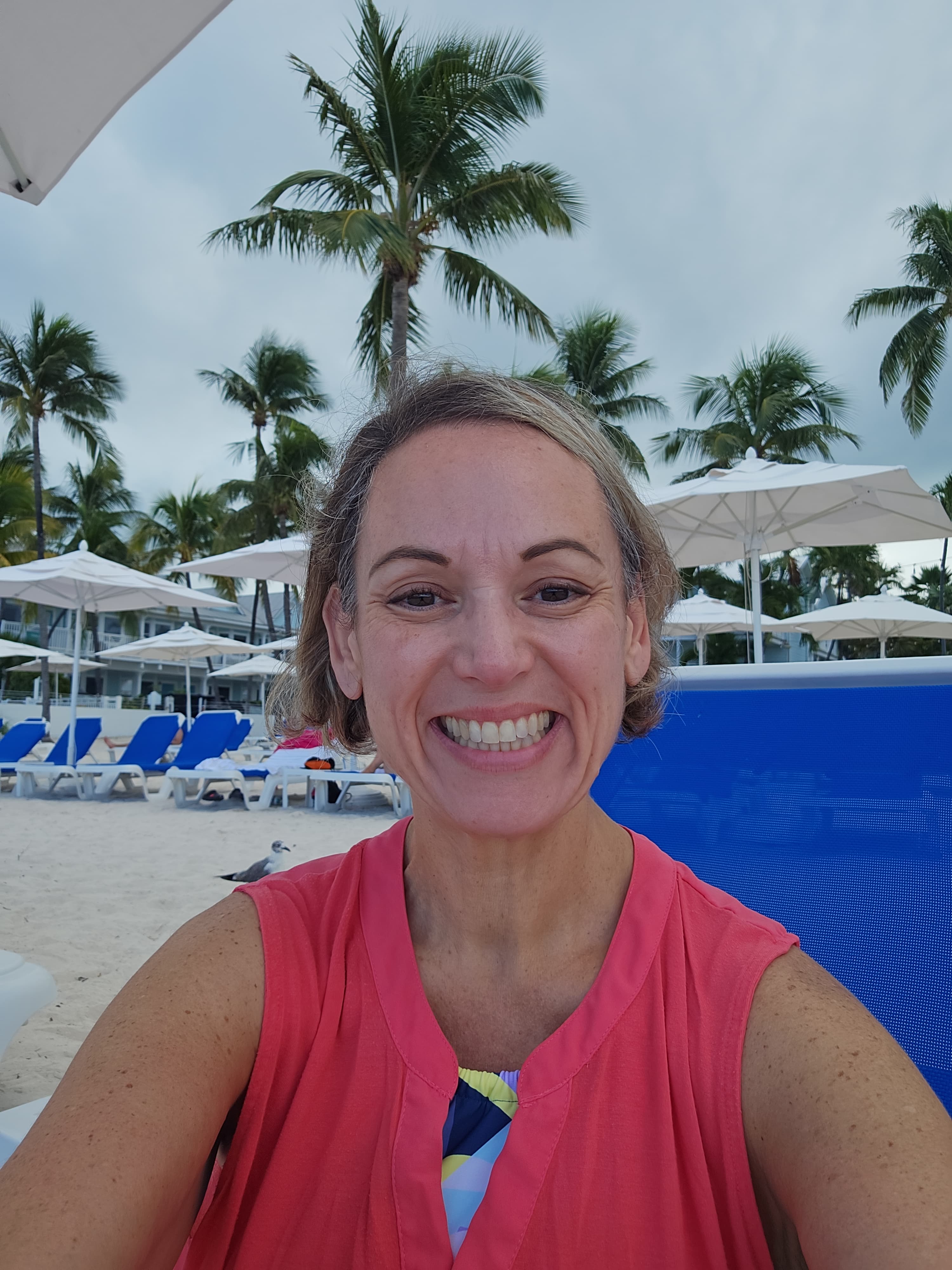
AI Headshot 1
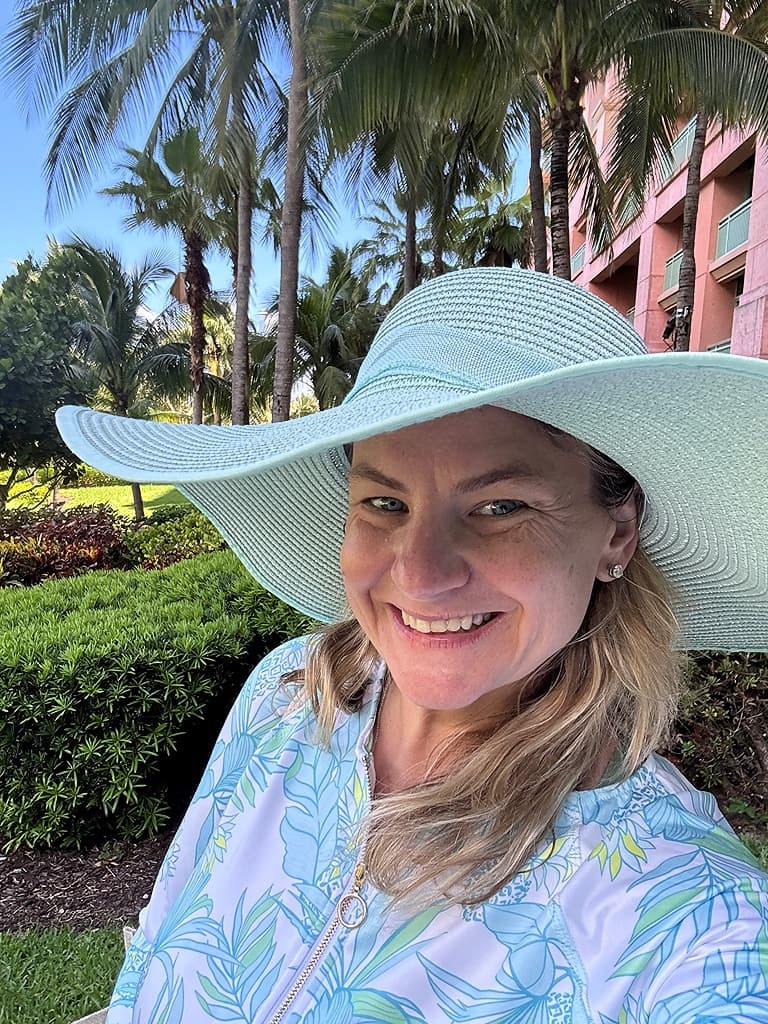
Before selfie for AI Headshot 1
AI Headshot 2
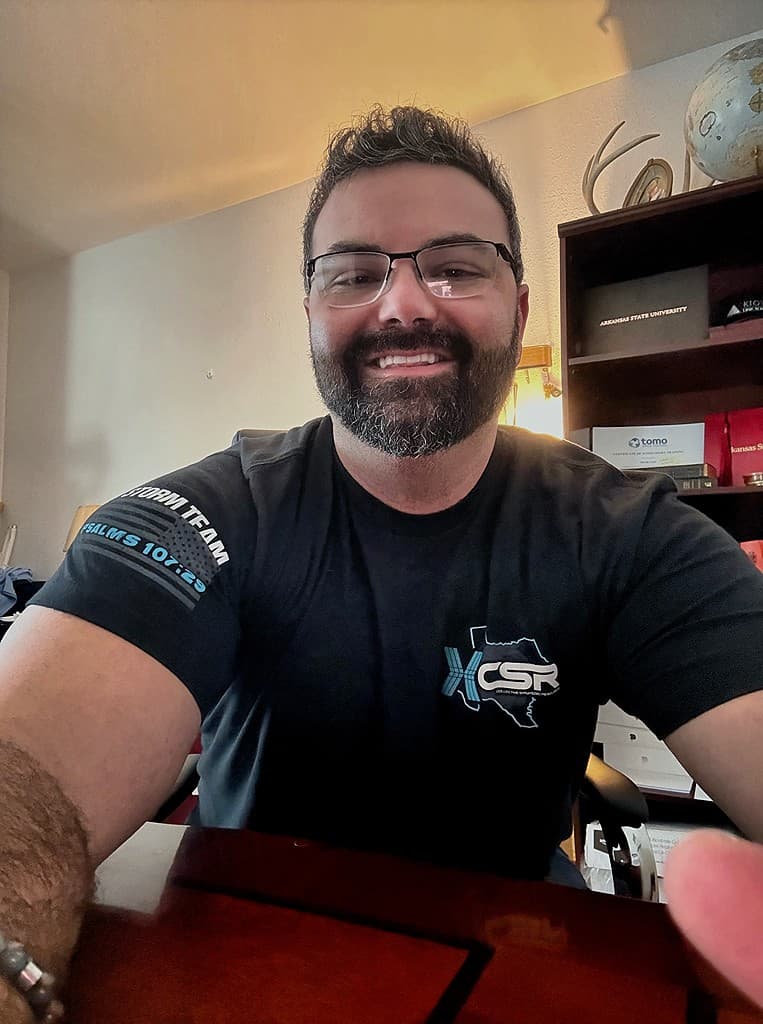
Before selfie for AI Headshot 2
AI Headshot 3
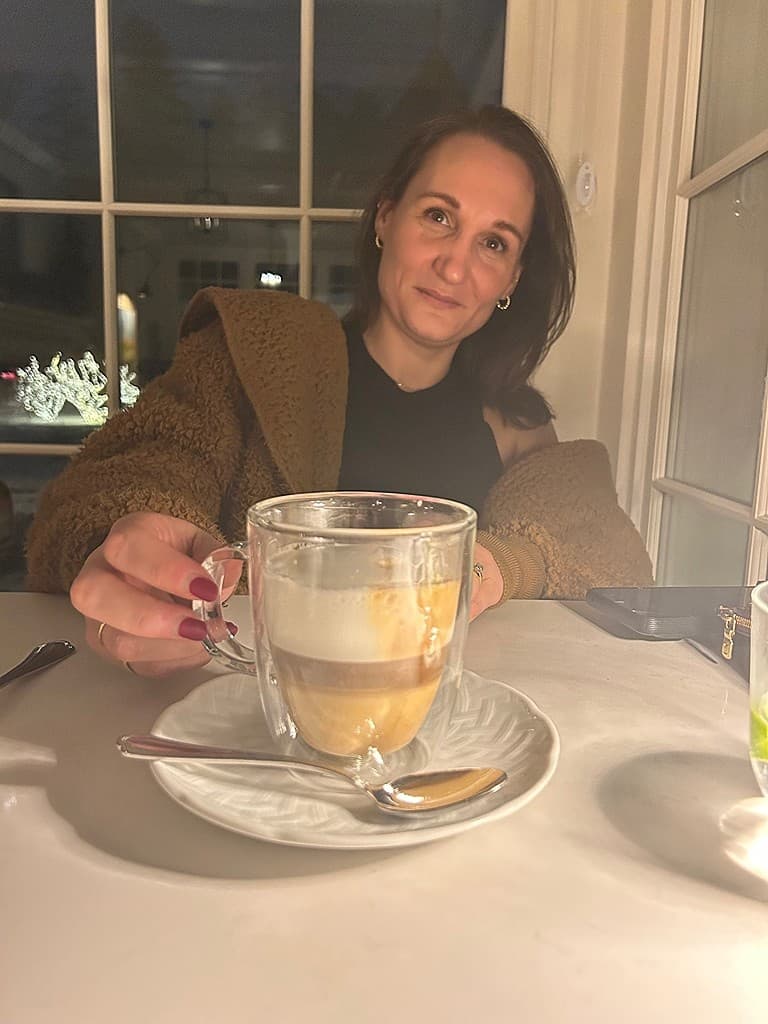
Before selfie for AI Headshot 3
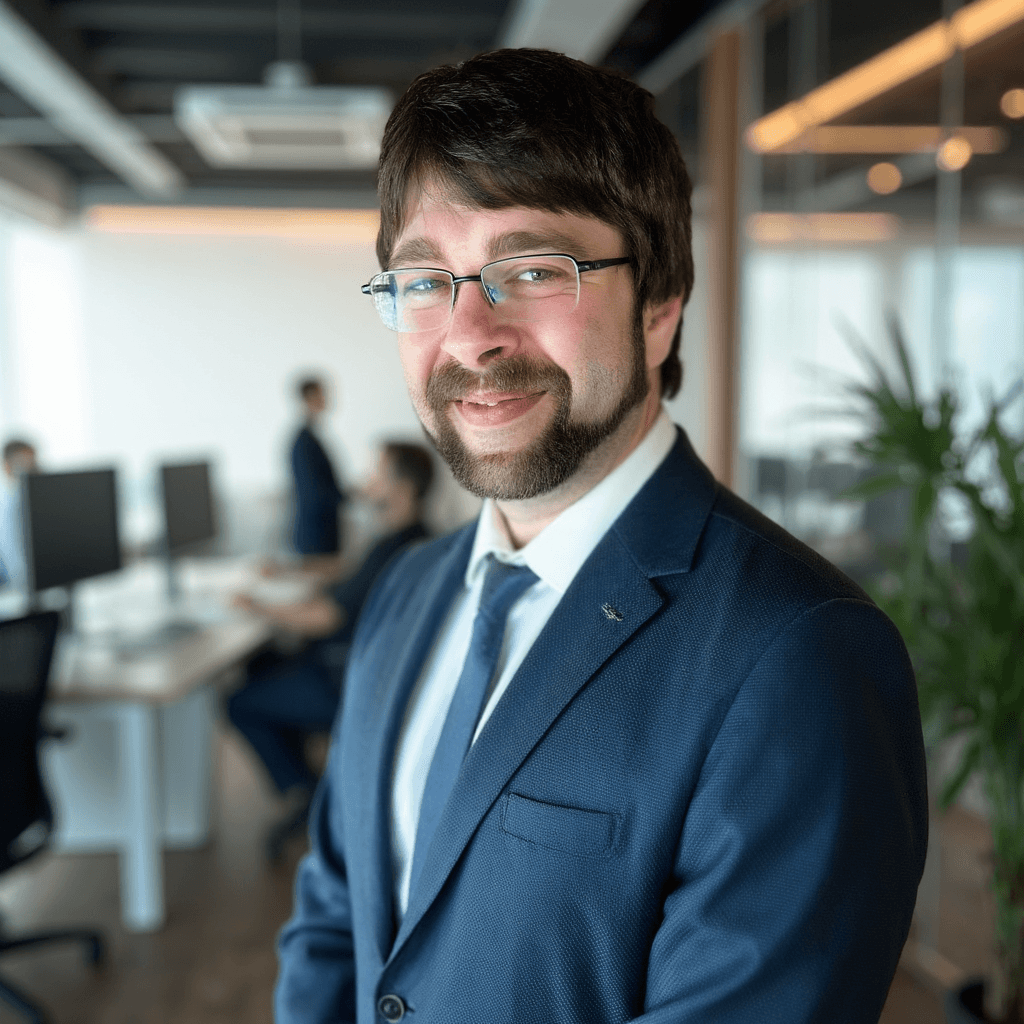
AI Headshot 4
Before selfie for AI Headshot 4
AI Headshot 5
Before selfie for AI Headshot 5
AI Headshot 6
Before selfie for AI Headshot 6
AI Headshot 1
Before selfie for AI Headshot 1
AI Headshot 2
Before selfie for AI Headshot 2
AI Headshot 3
Before selfie for AI Headshot 3
AI Headshot 4
Before selfie for AI Headshot 4
AI Headshot 4
Before selfie for AI Headshot 4
AI Headshot 1
Before selfie for AI Headshot 1
AI Headshot 2
Before selfie for AI Headshot 2
AI Headshot 3
Before selfie for AI Headshot 3
AI Headshot 4
Before selfie for AI Headshot 4
AI Headshot 5
Before selfie for AI Headshot 5
AI Headshot 6
Before selfie for AI Headshot 6
AI Headshot 1
Before selfie for AI Headshot 1
AI Headshot 2
Before selfie for AI Headshot 2
AI Headshot 3
Before selfie for AI Headshot 3
AI Headshot 4
Before selfie for AI Headshot 4
AI Headshot 4
Before selfie for AI Headshot 4