

Headshot background guide
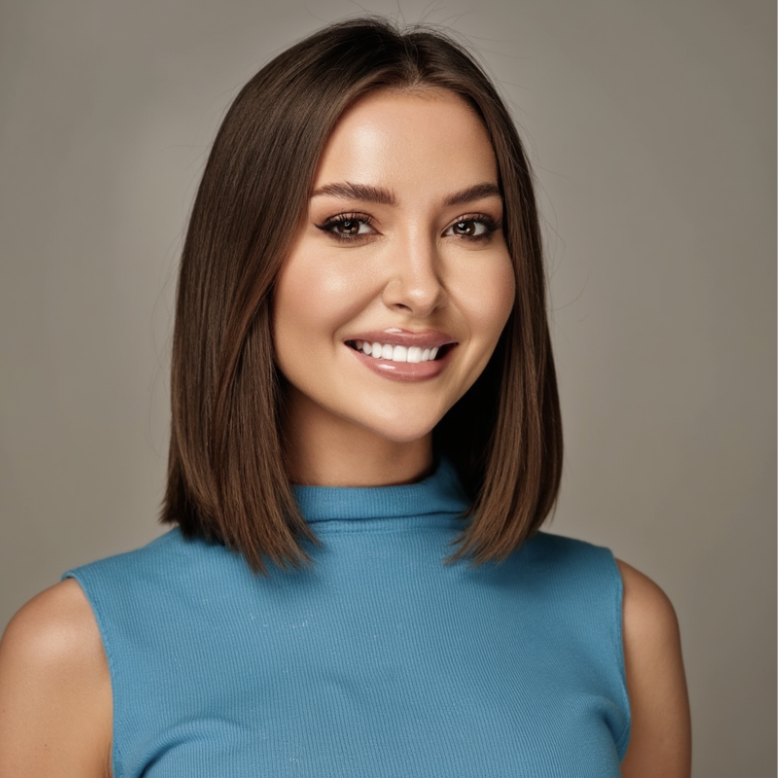
Your LinkedIn headshot appears tiny in search results, so the background must support your face, not fight it. The right LinkedIn headshot background makes you look modern, trustworthy, and easy to work with — which leads to more profile views and messages.











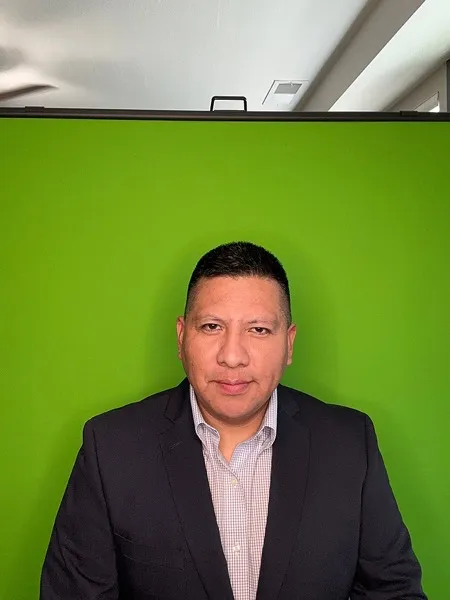

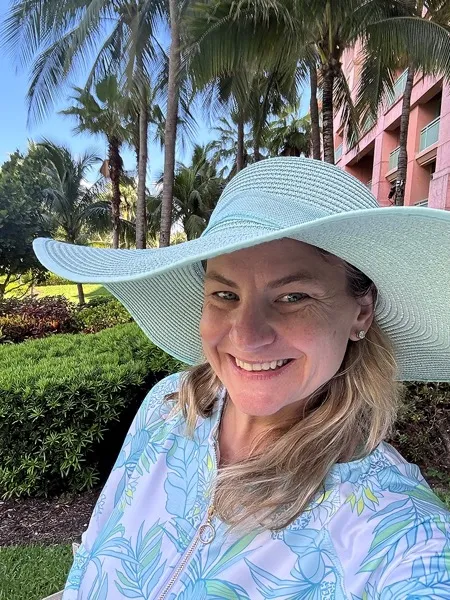

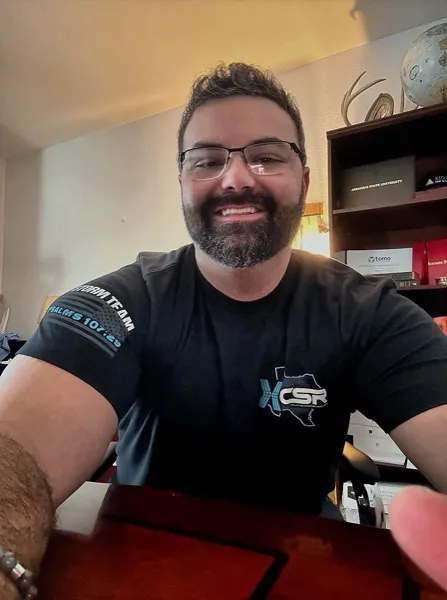




Use these practical tips to avoid amateur-looking photos and get a clean, professional result.
Tip 1
Test your headshot at small size — if the background is too busy, simplify or blur it.
Tip 2
Use colors that complement your skin tone and clothes, not match them exactly.
Tip 3
Avoid extreme filters or backgrounds that look like TikTok effects.
Cropped group photos where someone else’s shoulder or hair is still visible.
Holiday or party backgrounds that send the wrong signal to recruiters.
Get professional business headshots from home in under 30 minutes.
A neutral studio-style background or softly blurred office/outdoor scene works best. It should be bright, simple, and put full focus on your face.
Explore more background styles and choose the one that fits your personal brand.
If your gallery does not include at least one headshot you are proud to use, contact support and we will make it right or refund your purchase.