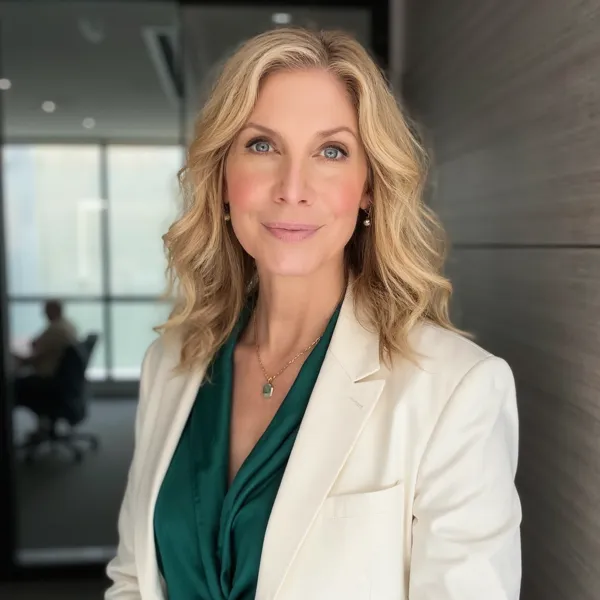

Headshot background guide

A blurred headshot background is one of the easiest ways to make any photo look more professional. By softening the details behind you, your eyes, expression, and smile become the main focus. You can get this effect with a camera lens, portrait mode, or AI if the original shot is already taken.











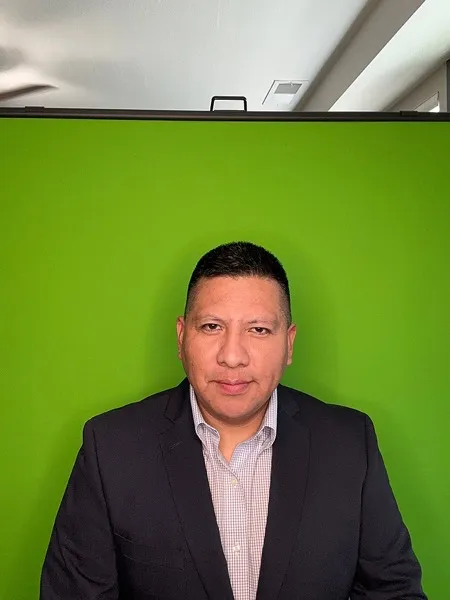

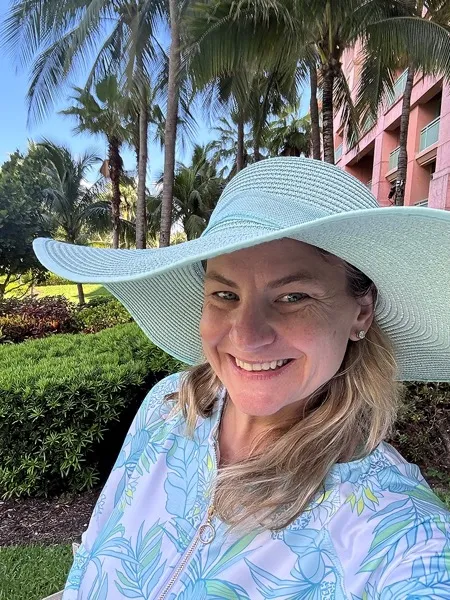

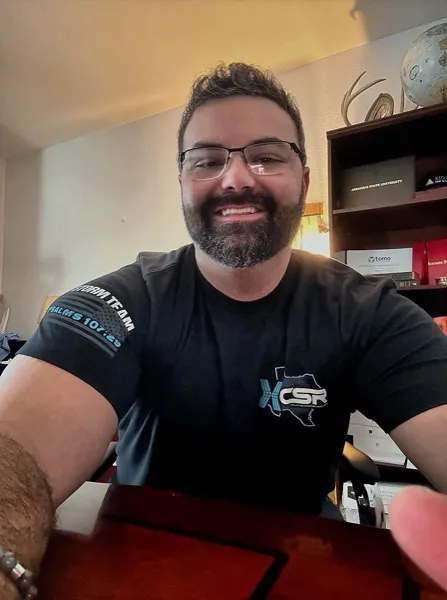



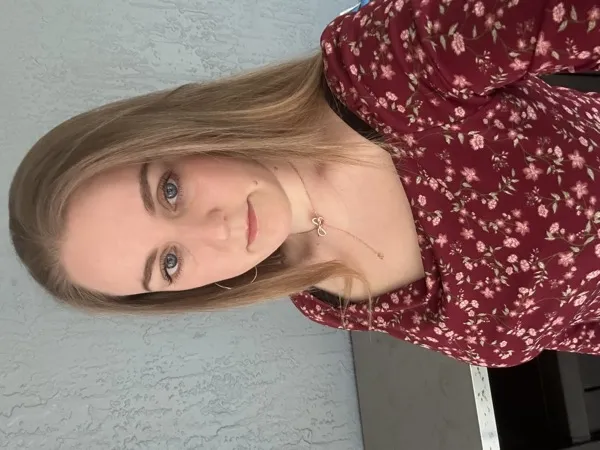
Use these practical tips to avoid amateur-looking photos and get a clean, professional result.
Tip 1
Use blur to simplify, not to hide everything. The background should still suggest a setting (outdoor, office, studio) without being sharp.
Tip 2
Avoid over-blurring so much that the edges around your hair look fake.
Tip 3
If you’re editing, keep the blur smooth and consistent – no sharp halos around your shoulders.
Applying blur only around your head and leaving other areas sharp, which looks artificial.
Using a blur that doesn’t match the lighting direction or depth of the original photo.
Get professional business headshots from home in under 30 minutes.
Yes. A softly blurred background is one of the most popular and professional choices for LinkedIn because it looks modern and keeps the focus on your face.
Yes. AiProPortrait can take your existing photo and generate a new headshot with a natural, soft blur that looks like it was shot with a professional lens.
Explore more background styles and choose the one that fits your personal brand.
If your gallery does not include at least one headshot you are proud to use, contact support and we will make it right or refund your purchase.