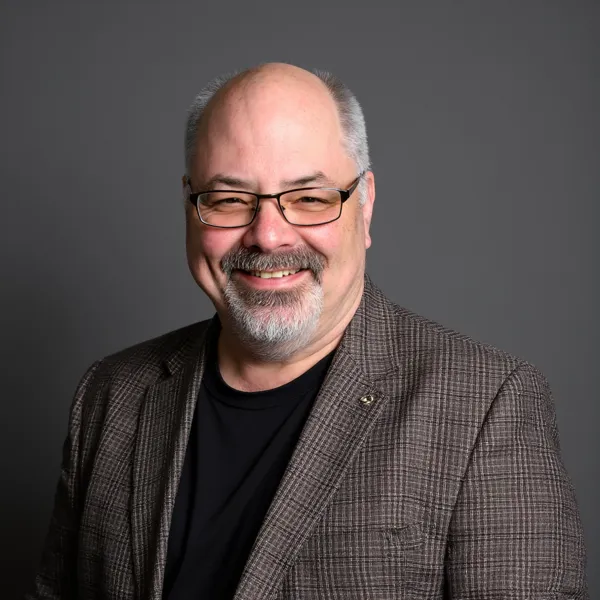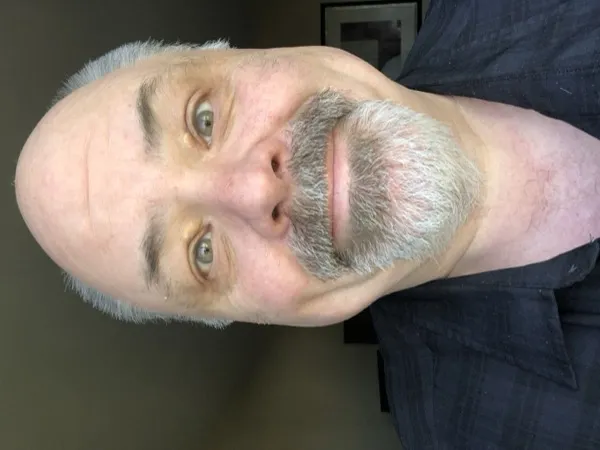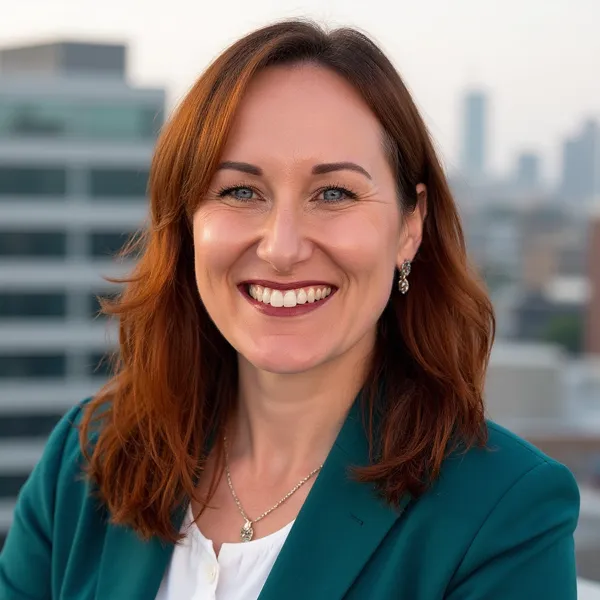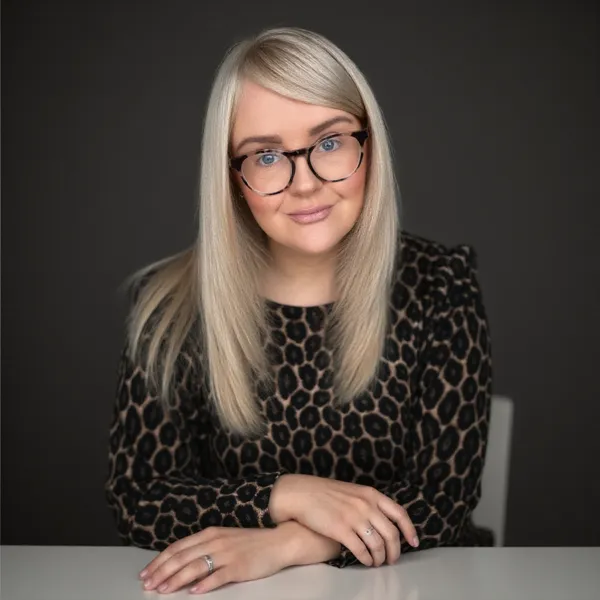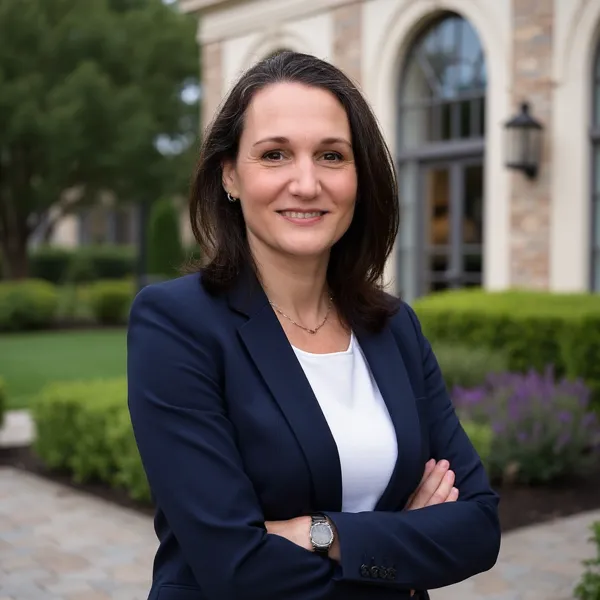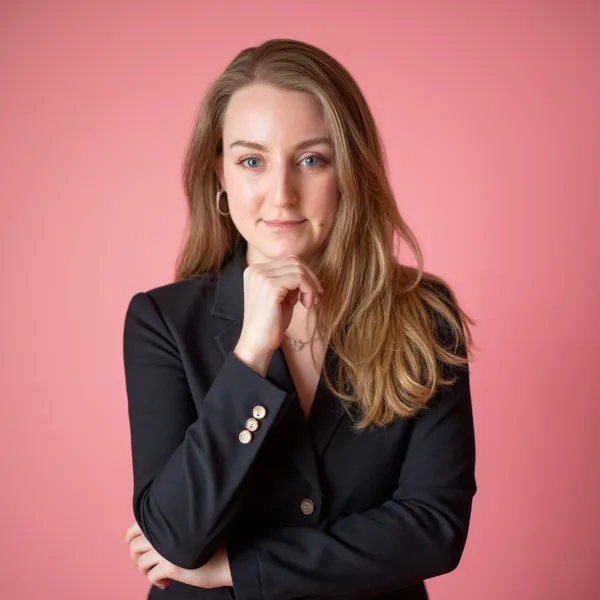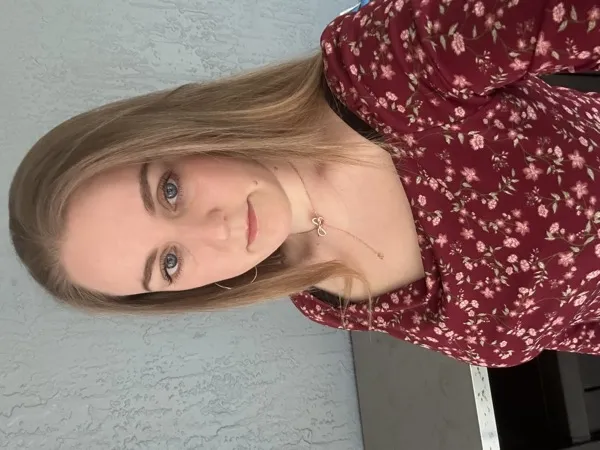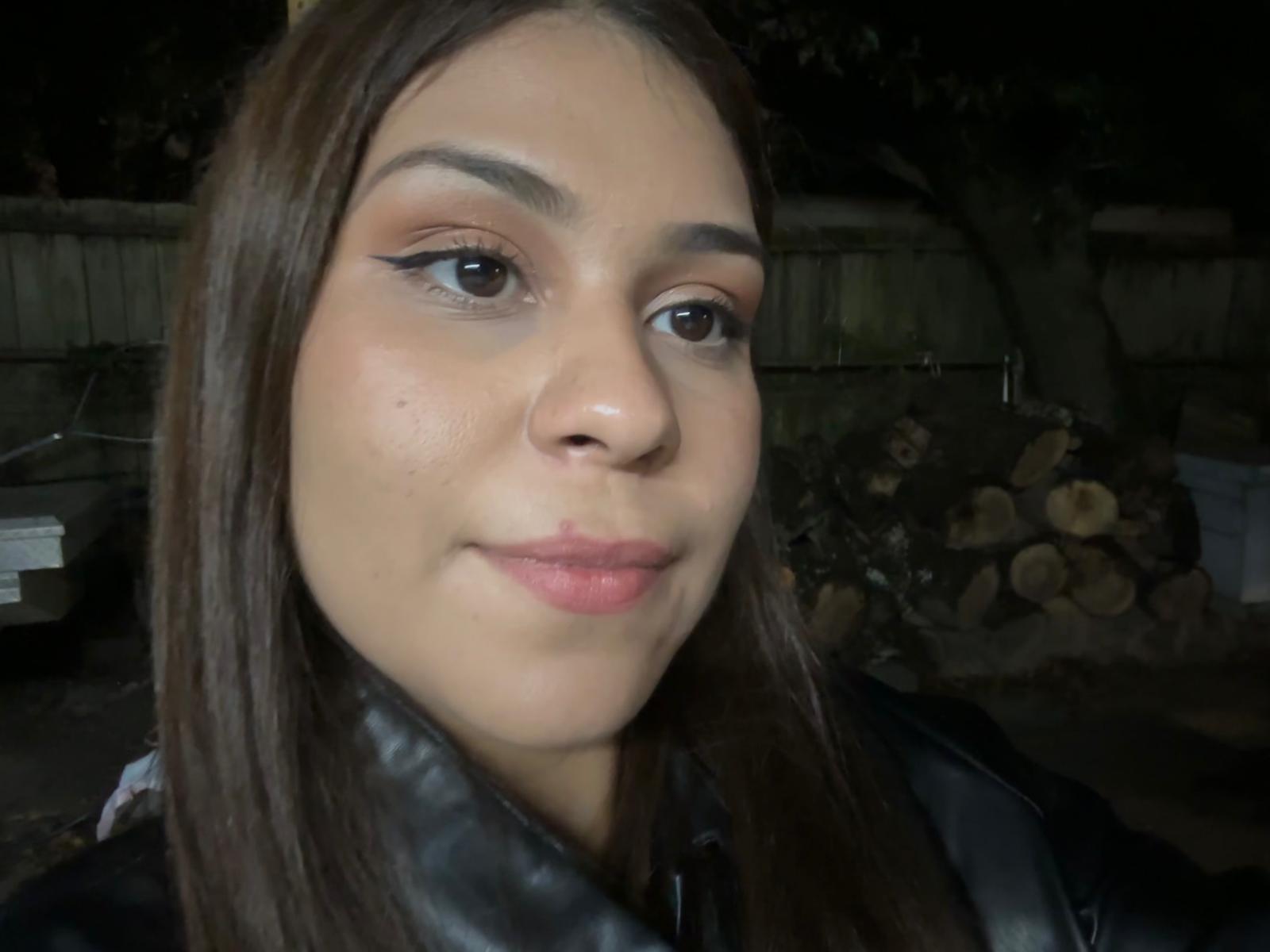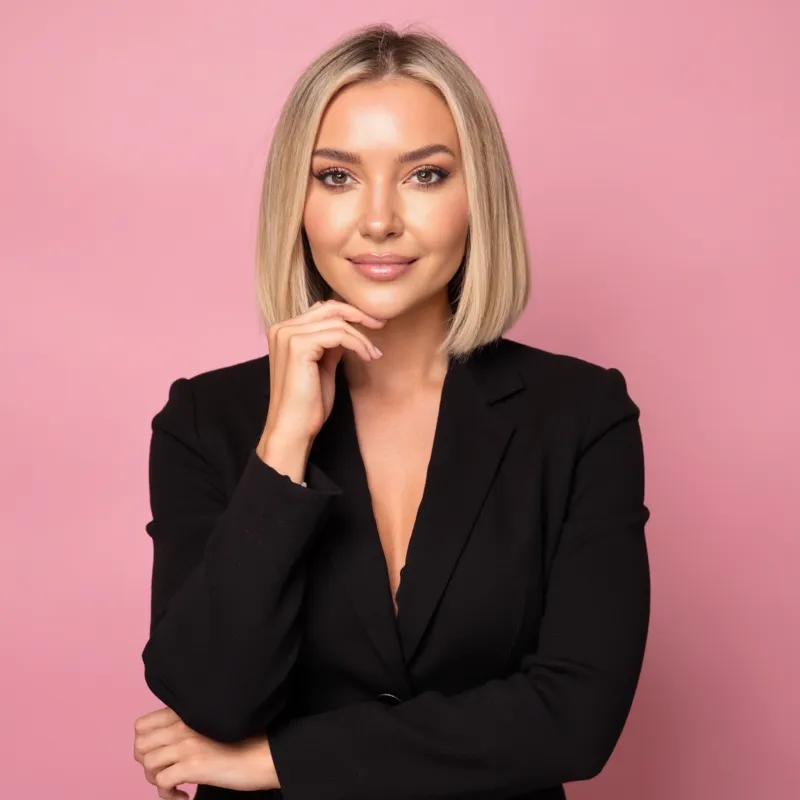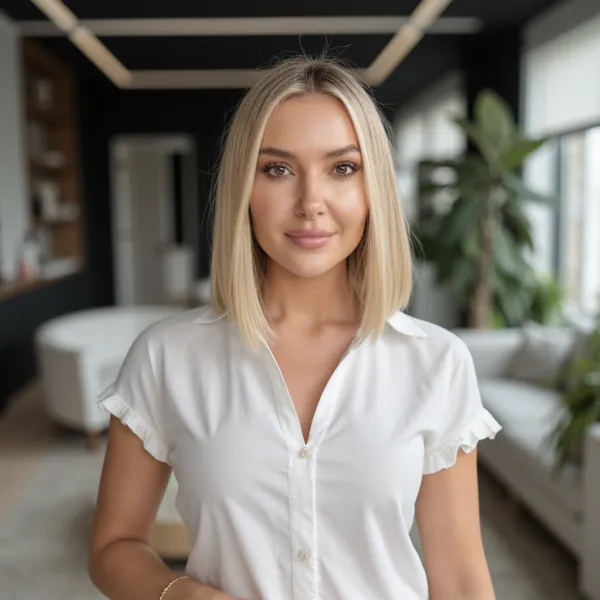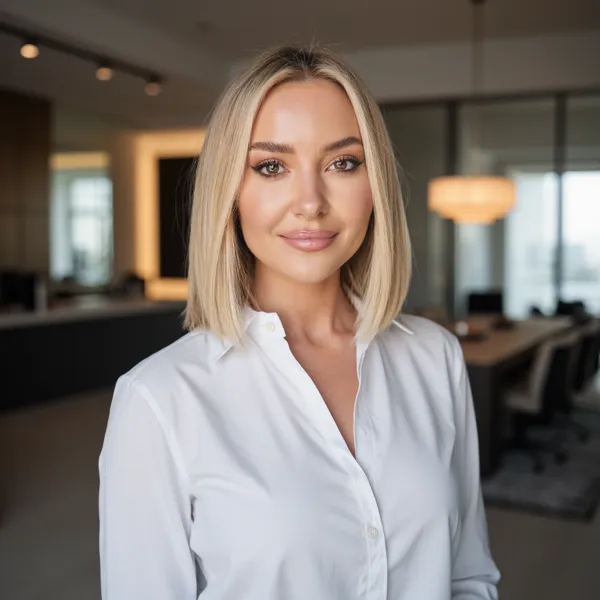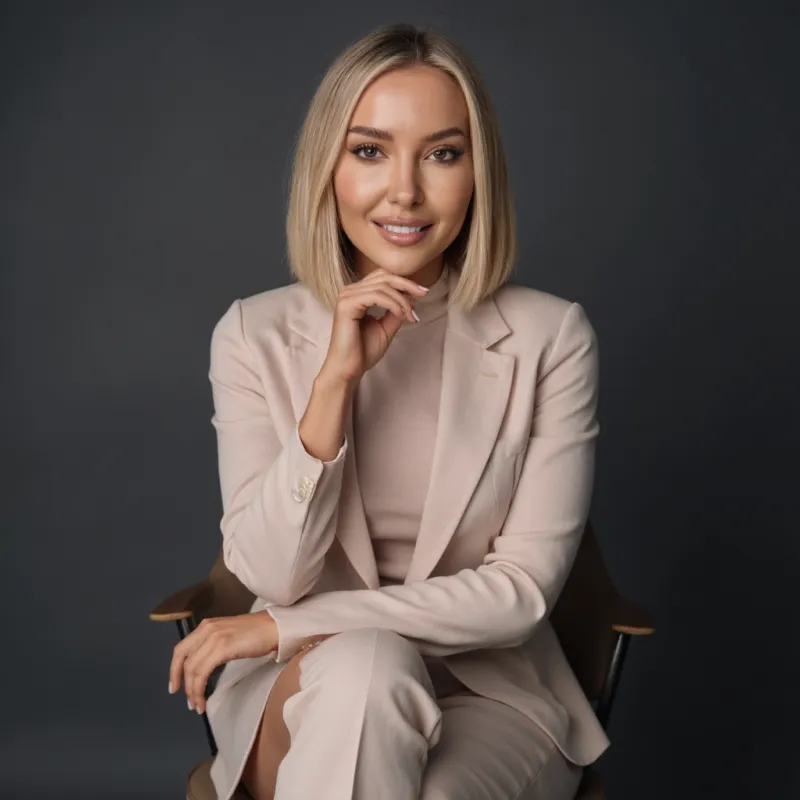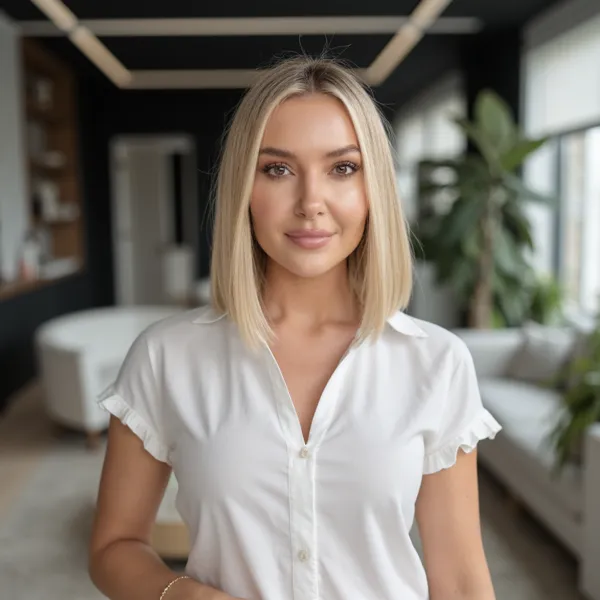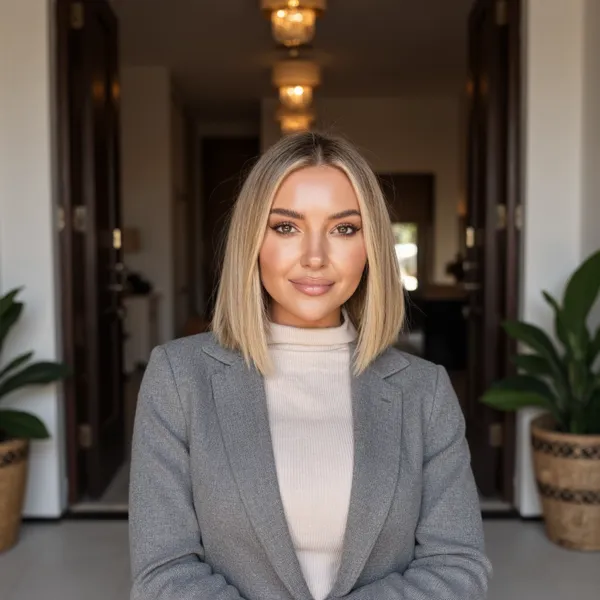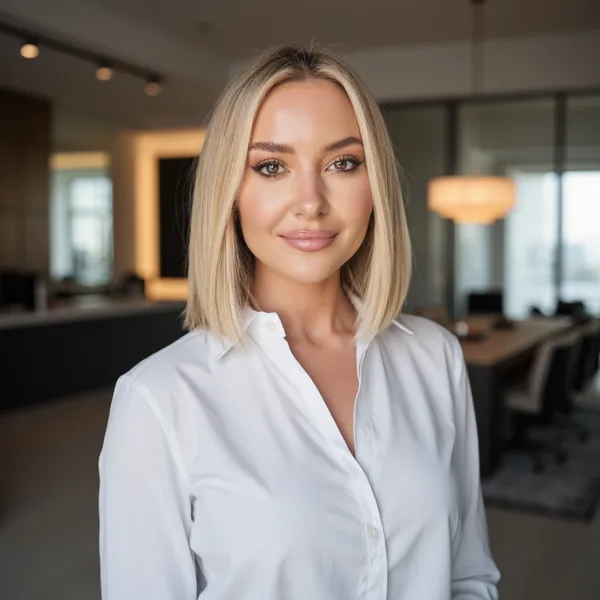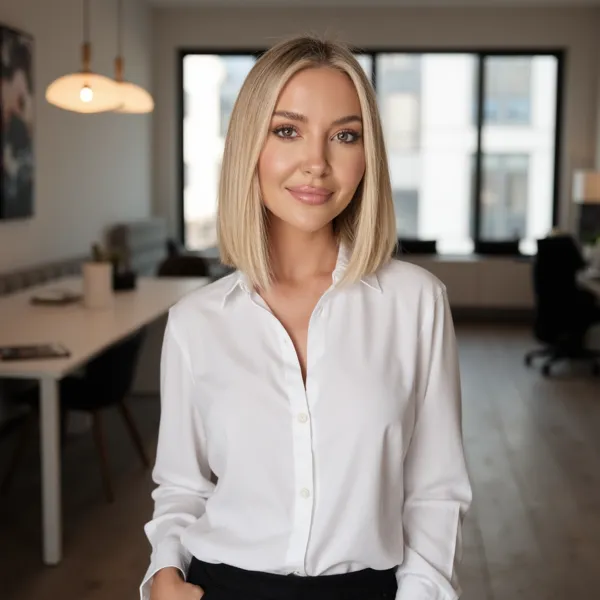
AI LinkedIn Headshot Generator - Ready in 30 Minutes

Upload a few selfies and get studio-quality LinkedIn headshots that recruiters actually click on.

Create your headshots now
5-star rated
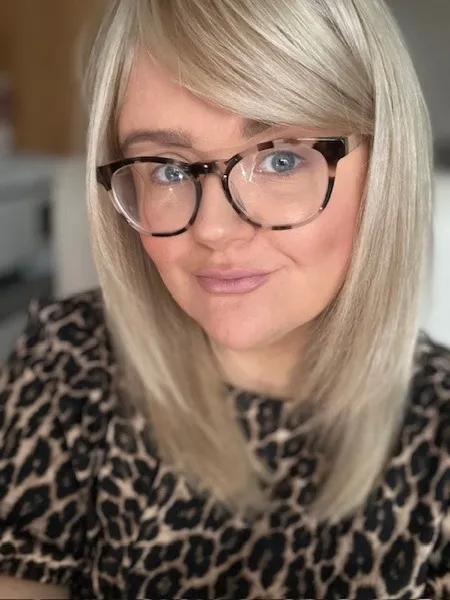
Satisfied customer 1
Satisfied customer 2
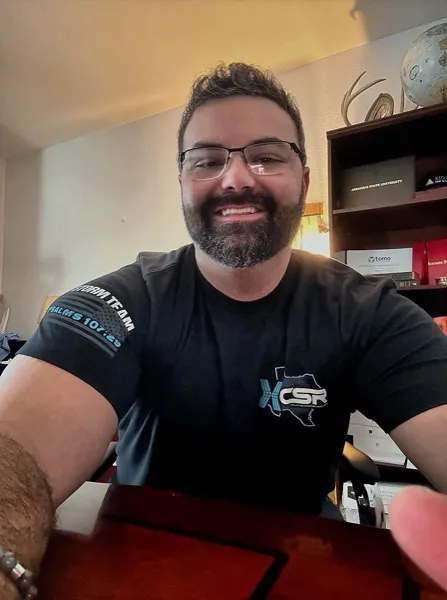
Satisfied customer 3

+50,000 happy customers
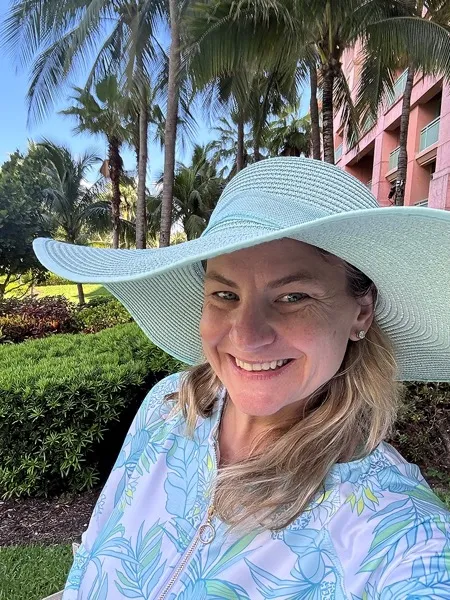
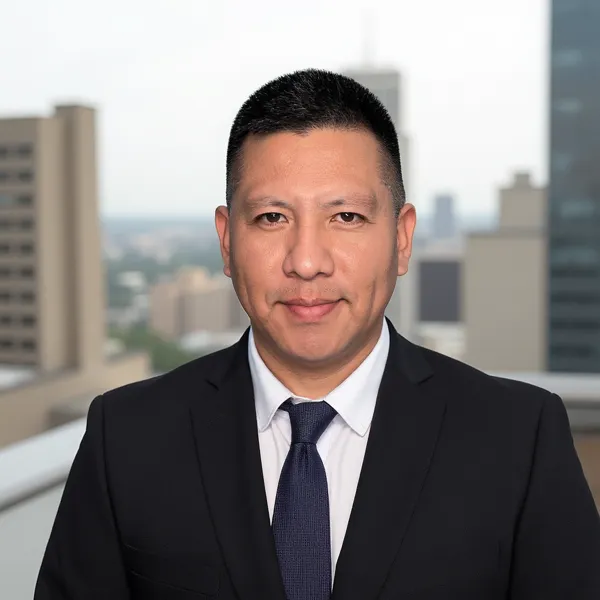
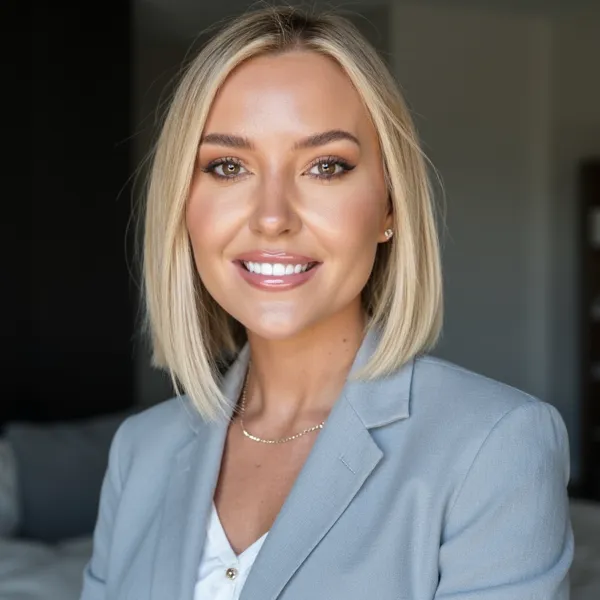
Professional AI headshot 1
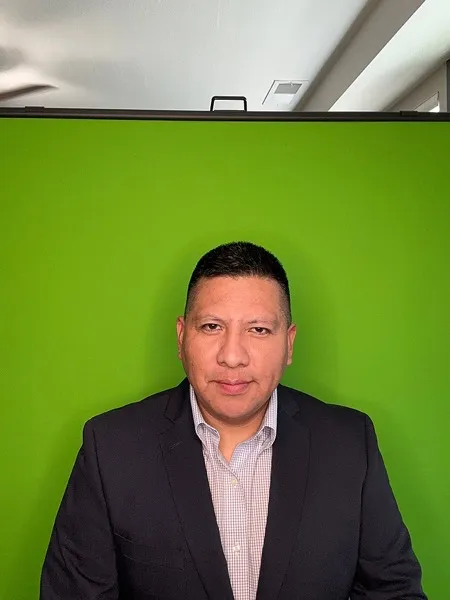
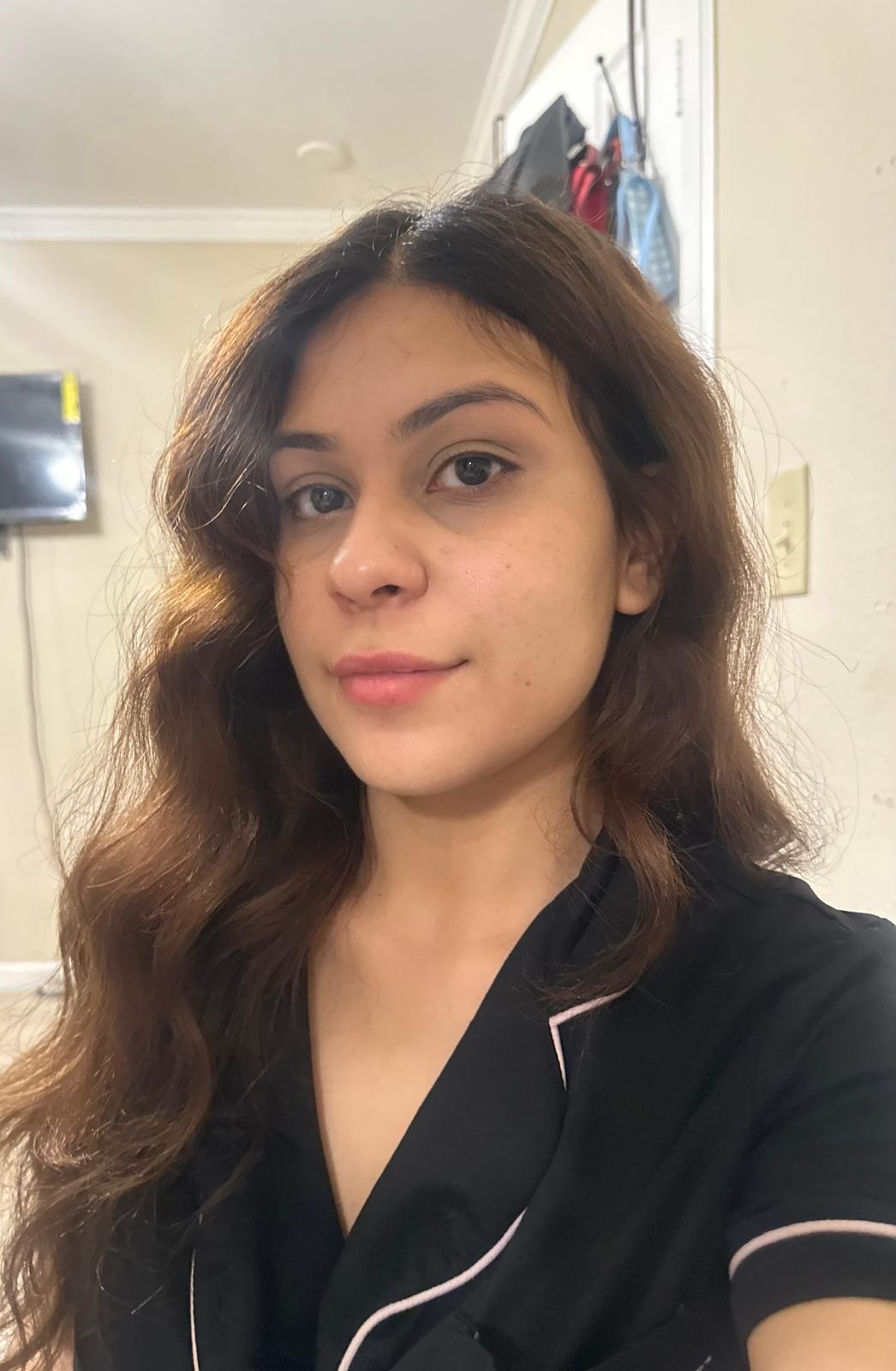
Before selfie - Professional AI headshot 1
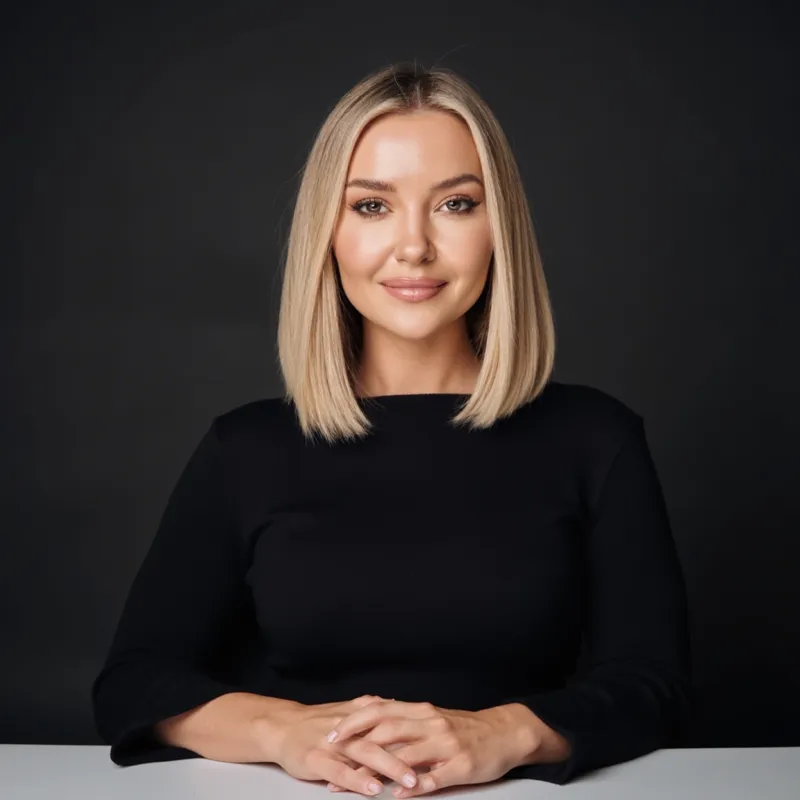
Professional AI headshot 2
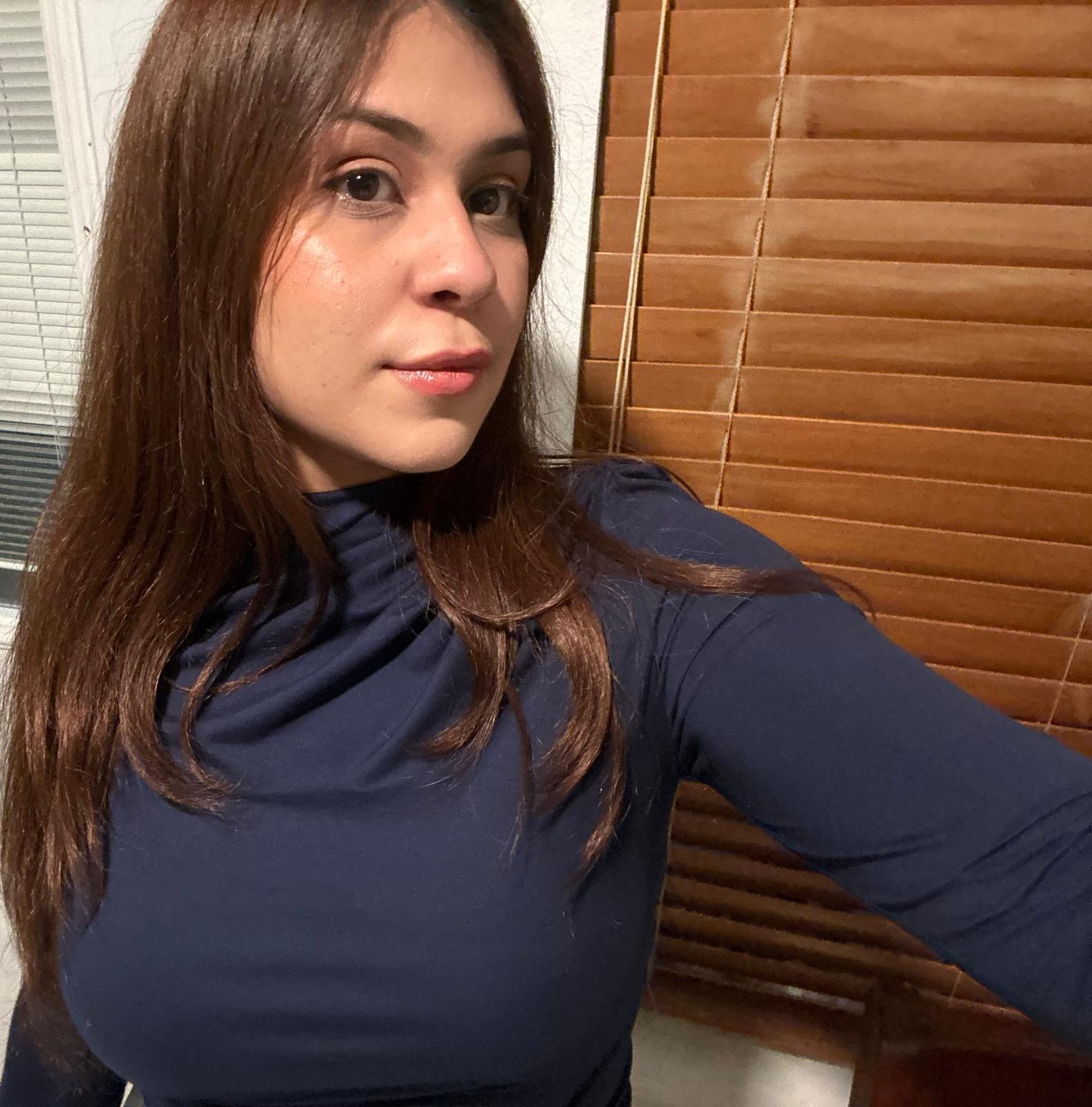
Before selfie - Professional AI headshot 2
Professional AI headshot 3
Before selfie - Professional AI headshot 3
Professional AI headshot 4
Before selfie - Professional AI headshot 4
Professional AI headshot 5
Before selfie - Professional AI headshot 5
Professional AI headshot 6
Before selfie - Professional AI headshot 6
Professional AI headshot 7
Before selfie - Professional AI headshot 7
Professional AI headshot 8
Before selfie - Professional AI headshot 8
Professional AI headshot 9
Before selfie - Professional AI headshot 9
Professional AI headshot 10
Before selfie - Professional AI headshot 10
Professional AI headshot 11
Before selfie - Professional AI headshot 11

Why your LinkedIn headshot and profile picture matter

How Much Do LinkedIn Headshots Cost?

Traditional studio LinkedIn headshots can easily cost hundreds of dollars. AiProPortrait generates professional LinkedIn-ready headshots from your selfies for a fraction of that.

DIY

$0

Take your own LinkedIn headshot at home with your phone.

Why

Cheapest option, but you're on your own for lighting, framing and editing. Easy to end up with a blurry or unflattering LinkedIn profile picture.

$19

Use AI to generate 40+ studio-quality LinkedIn headshots from a few selfies.

Why

You get dozens of professional, consistent LinkedIn profile photos in under 30 minutes, for less than the cost of a single traditional photoshoot.

Professional photographer

$200+

Hire a photographer and go to a studio for classic headshots.

Why

Great quality, but you have to book a time, travel to the studio, and you usually only get a handful of final images.

Get your linkedin headshots in 30 minutes, not 3 days

It's easy as 1-2-3 !

1

Upload a few photos of yourself

Just upload a few clear photos of yourself, and we'll handle the rest.
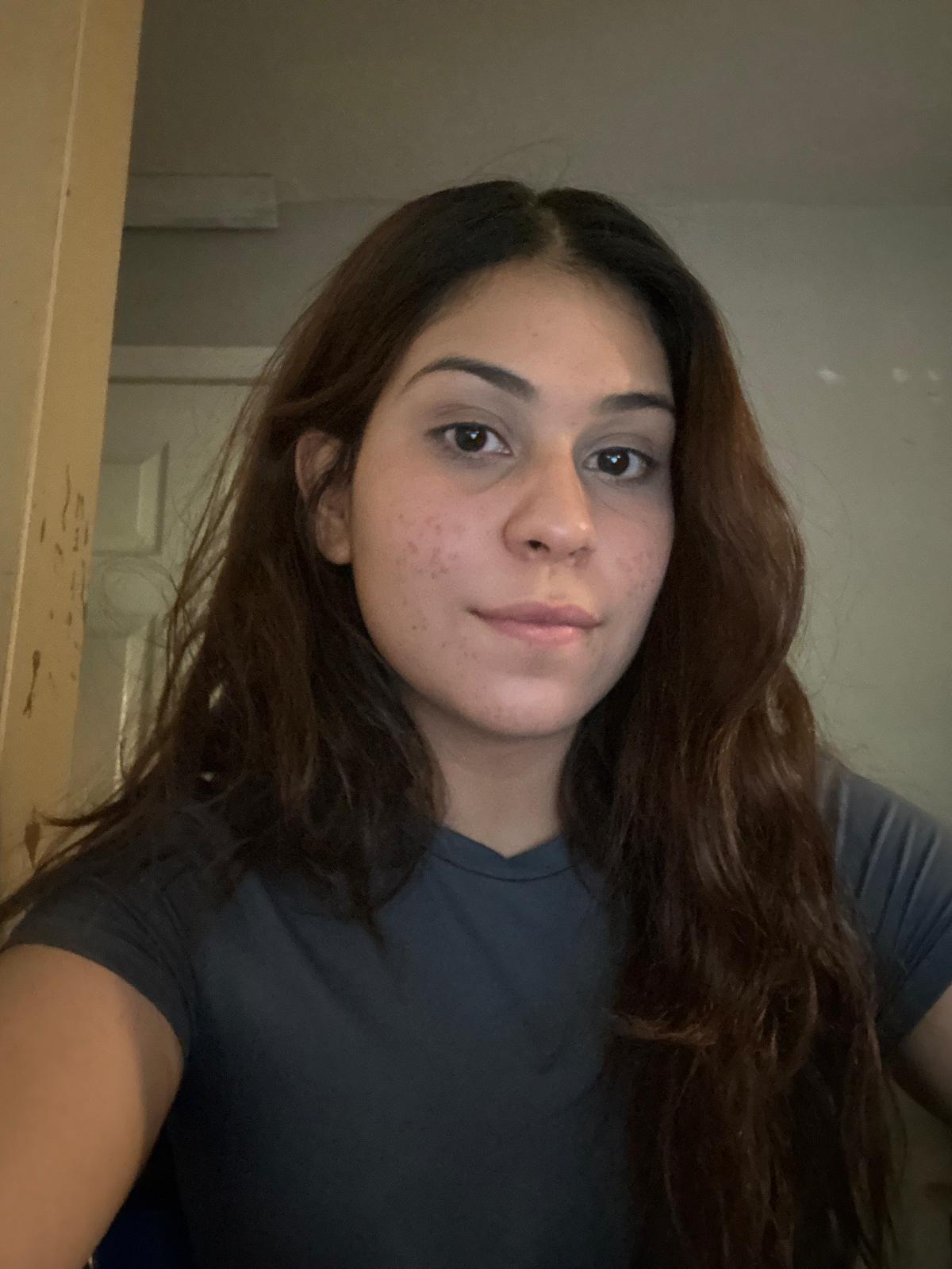
Sample selfie upload for AI headshot training photo 1Sample selfie upload for AI headshot training photo 2Sample selfie upload for AI headshot training photo 3Sample selfie upload for AI headshot training photo 4
2

Pick the perfect style for your role

Select linkedin style

3

Choose your favorites

Get 40+ crisp, professional linkedin headshots and pick the ones that represent you best.
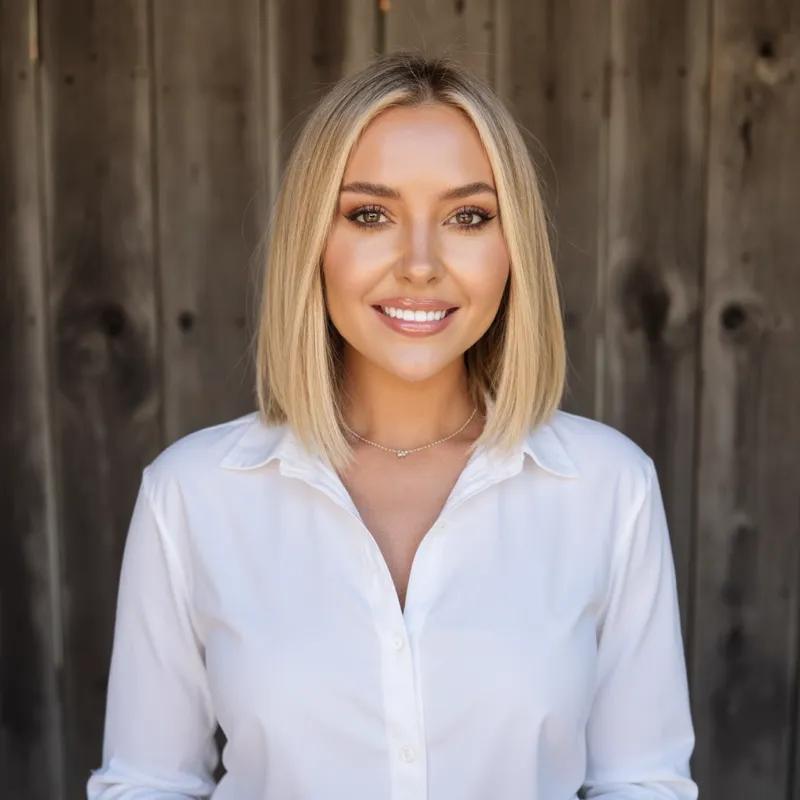
  • AI professional headshot example 1
  • AI professional headshot example 2
  • AI professional headshot example 3
  • AI professional headshot example 4
  • AI professional headshot example 5
  • AI professional headshot example 6
  • AI professional headshot example 7
  • AI professional headshot example 8
  • AI professional headshot example 9
  • AI professional headshot example 10
  • AI professional headshot example 11
  • AI professional headshot example 12
  • AI professional headshot example 13
  • AI professional headshot example 14
  • AI professional headshot example 15
  • AI professional headshot example 16
  • AI professional headshot example 17
  • AI professional headshot example 18
  • AI professional headshot example 19
  • AI professional headshot example 20
  • AI professional headshot example 21
  • AI professional headshot example 22
  • AI professional headshot example 23
  • AI professional headshot example 24
  • AI professional headshot example 25
  • AI professional headshot example 26

Skip the studio. Same quality, 1/10th the hassle

Get professional business headshots from home in under 30 minutes.

Studio photoshoot
AiProPortrait
$250
From $19Value for money
2–3 days
Under 30 minutesSave time
4–5 headshots
40+ headshotsVariety
1 look
Multiple looks & stylesMore choices

LinkedIn headshot FAQ

Quick answers about fit, styling, plan choice, and where this page sits in the wider commercial funnel.
Who is the LinkedIn headshots page for?
Use the LinkedIn page if your main goal is a sharper profile photo for job applications, networking, recruiting visibility, or personal branding on LinkedIn.
What makes a good AI LinkedIn headshot?
LinkedIn photos tend to work best with clean lighting, realistic wardrobe choices, and neutral or softly blurred backgrounds that keep the focus on your face.
Can I reuse LinkedIn headshots outside LinkedIn?
Yes. Many buyers start here for LinkedIn and then reuse the same images on resumes, email signatures, and speaker bios. If you need broader workplace use, the professional page is the best companion.
Which plan is best for LinkedIn headshots?
The pricing page is the fastest place to compare plans, but most solo buyers testing a new LinkedIn profile picture start with the $19 option.
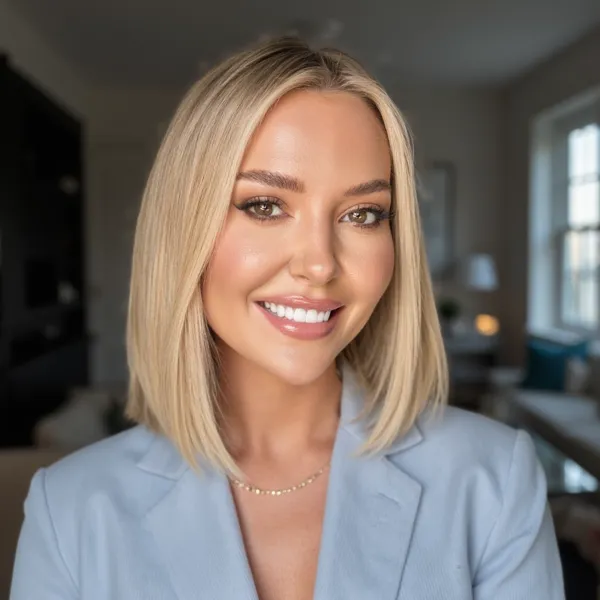
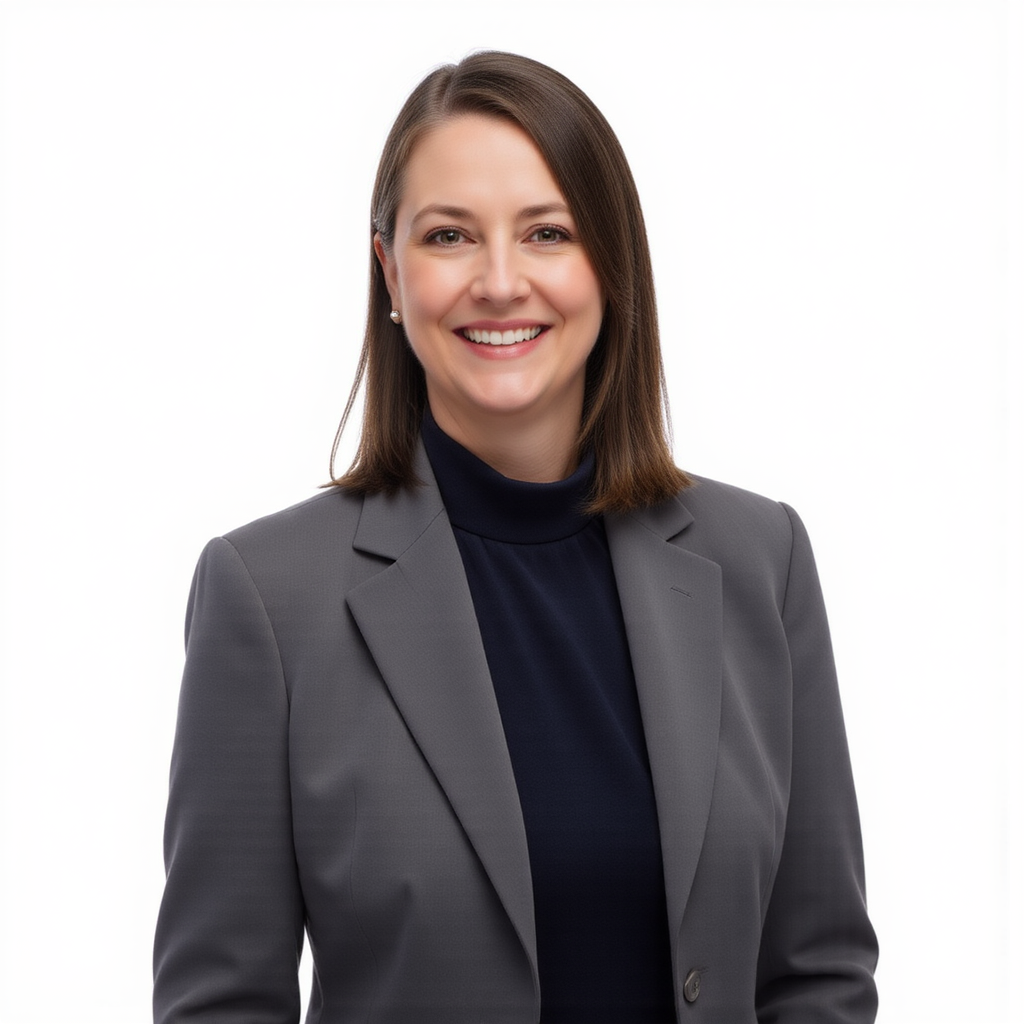
Professional headshot of a woman smiling in a blue blouse and blazer, AI headshot photo example
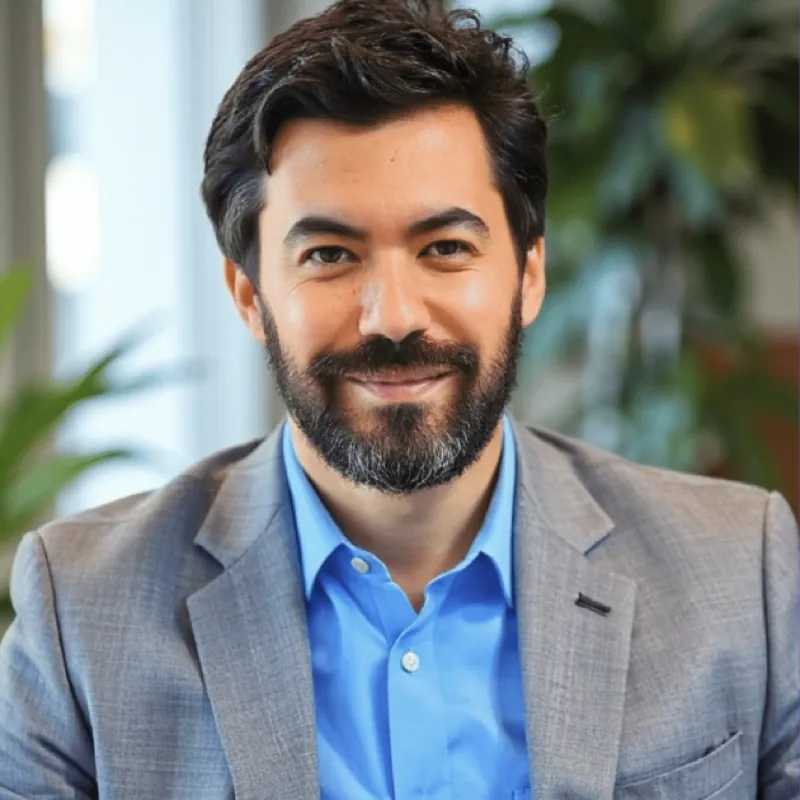
Professional headshot of a man in glasses, blue shirt, and suit, AI headshot photo example
Professional headshot of a woman with straight dark hair, neutral expression, AI headshot photo example
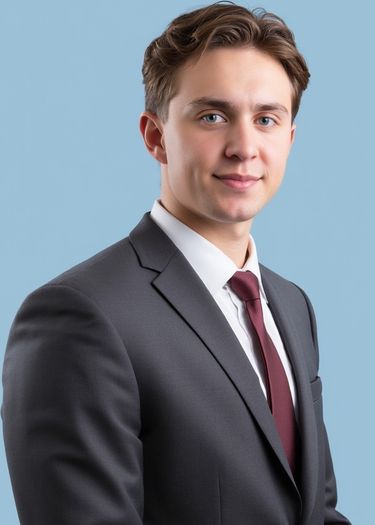
Professional headshot of a man in a gray suit and tie, AI headshot photo example
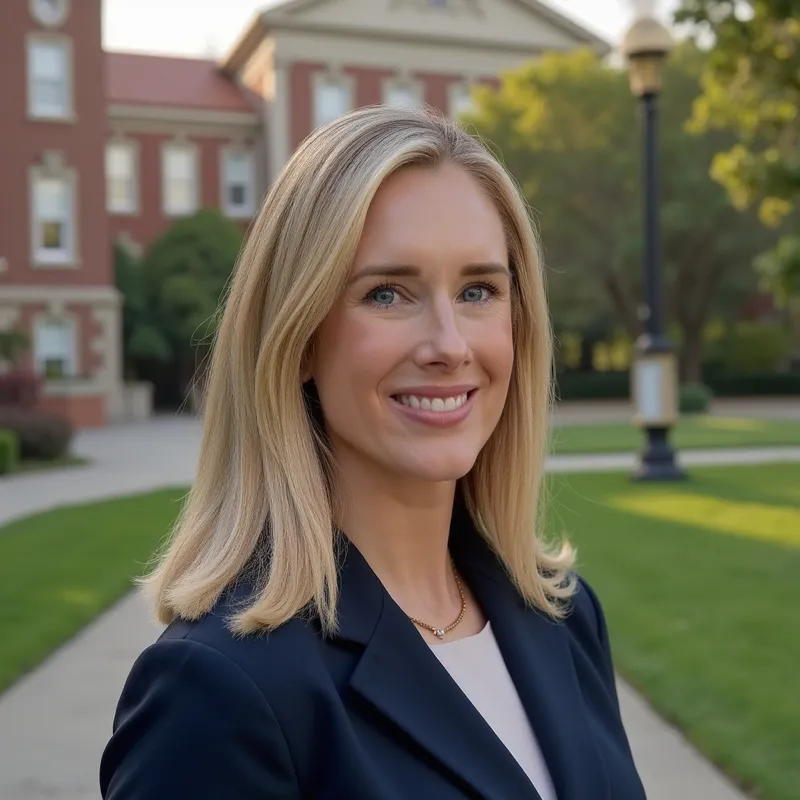
Professional headshot of a woman smiling in a blazer and light-blue blouse, AI headshot photo example