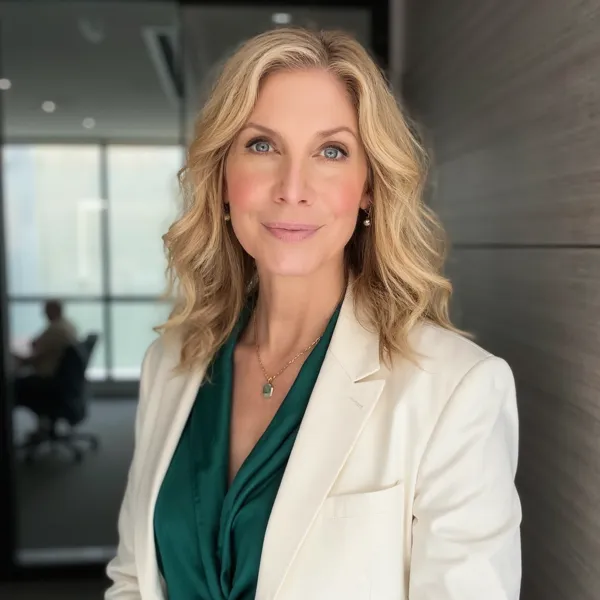
Who this tool is for
- Fixing a great selfie that was taken in a messy room.
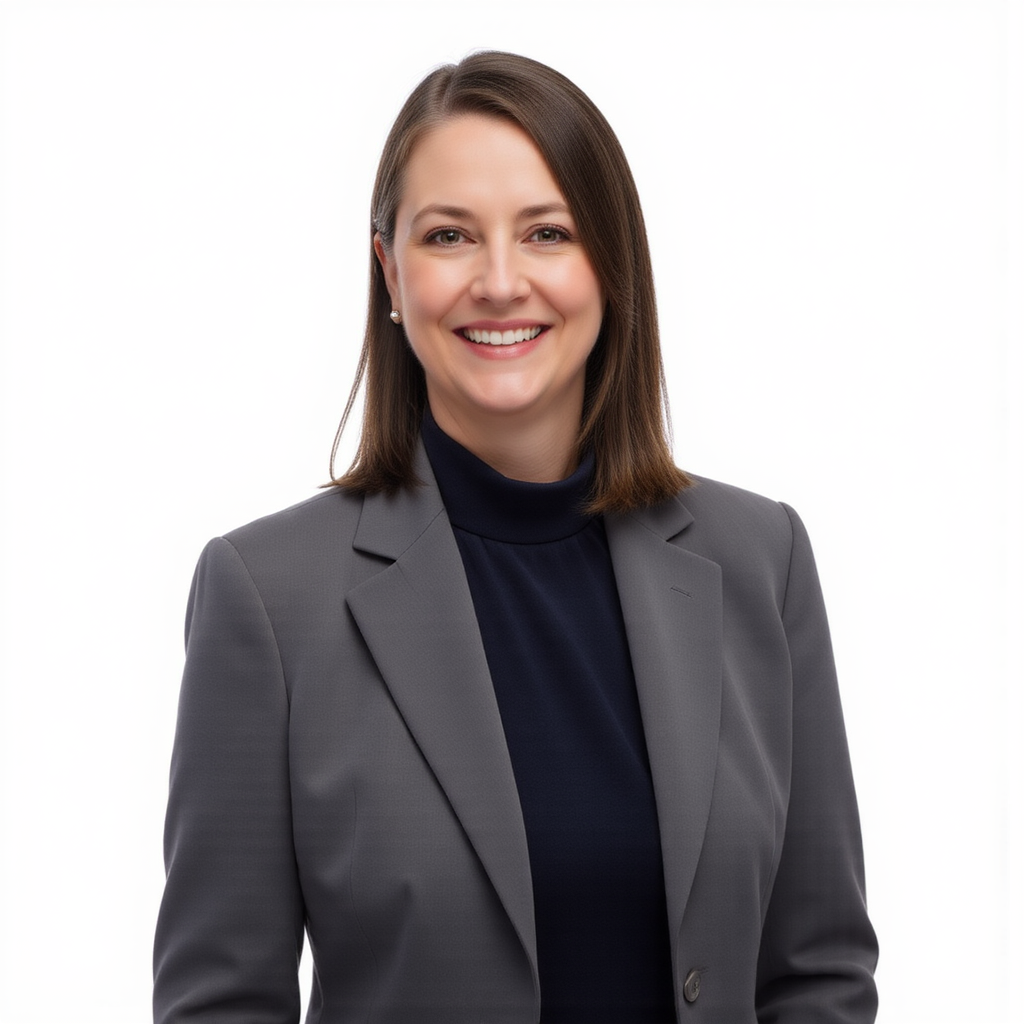
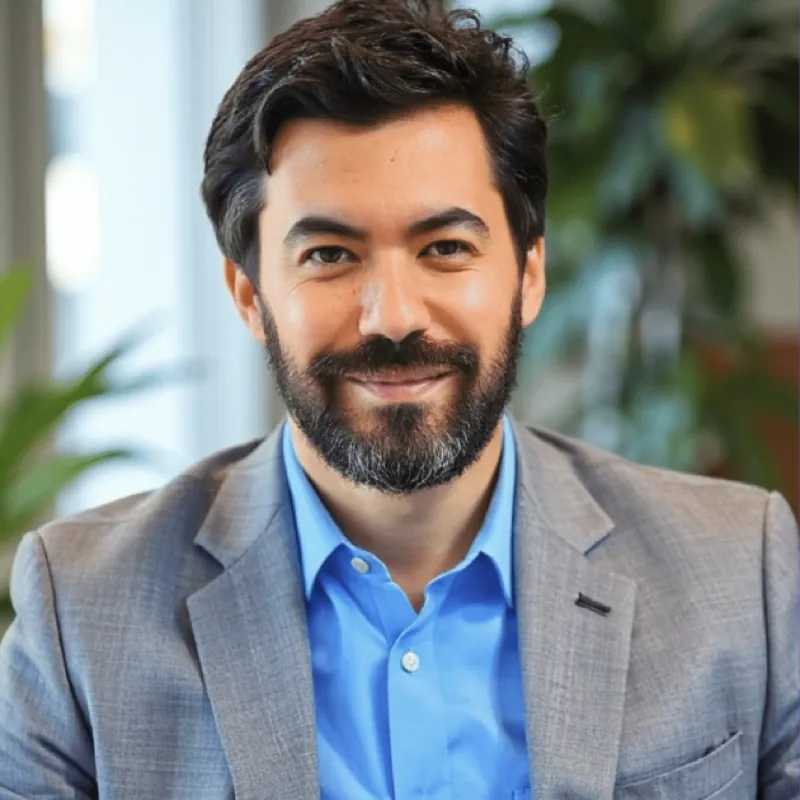
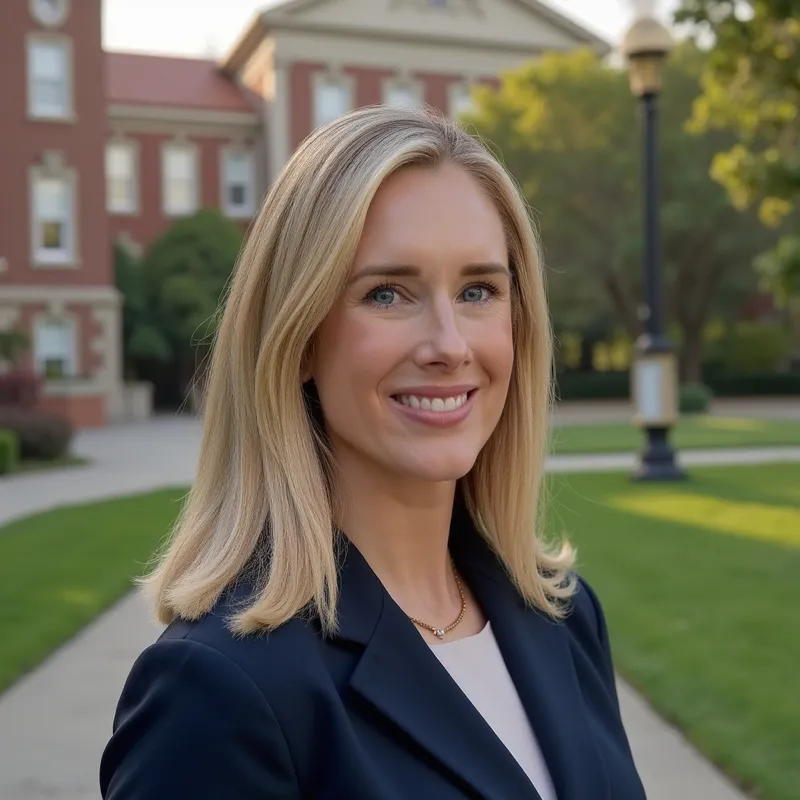
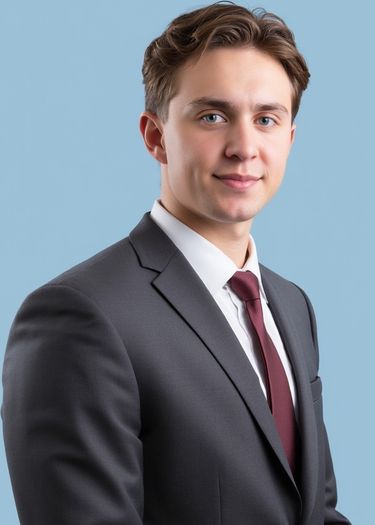
- Making a set of profile photos look consistent, even if they were shot in different places.
- Quickly generating multiple background options for the same headshot.
How to get good results
Use these practical tips to avoid amateur-looking photos and get a clean, professional result.
Start with quality
Start from the highest-quality original you have. Sharp, well-lit photos work best.
Match the light
Choose a replacement background that matches the direction and color of the original light.
Keep it subtle
Keep the edit subtle so it doesn't look like a cut-out pasted onto a fake scene.
Want studio-quality headshots without any editing? Upload a few selfies and AiProPortrait generates 40+ professional headshots in about 20 minutes. See pricing.
Get professional AI headshots
Skip the editing. Upload selfies and get 40+ studio-quality headshots in 20 minutes. Starting at $19.