AI Team Headshots — Consistent Photos for Every Member
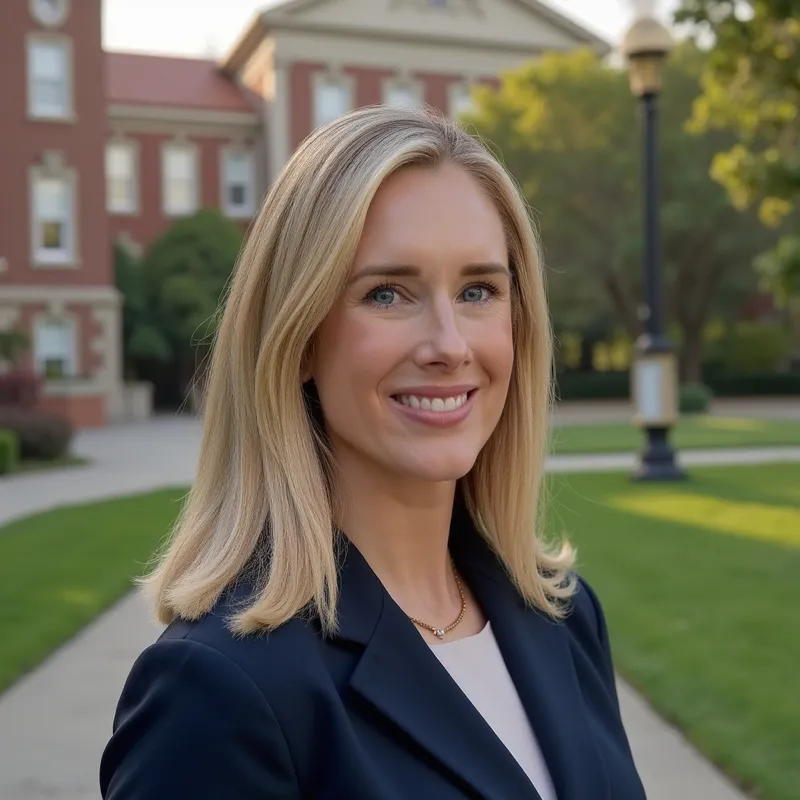
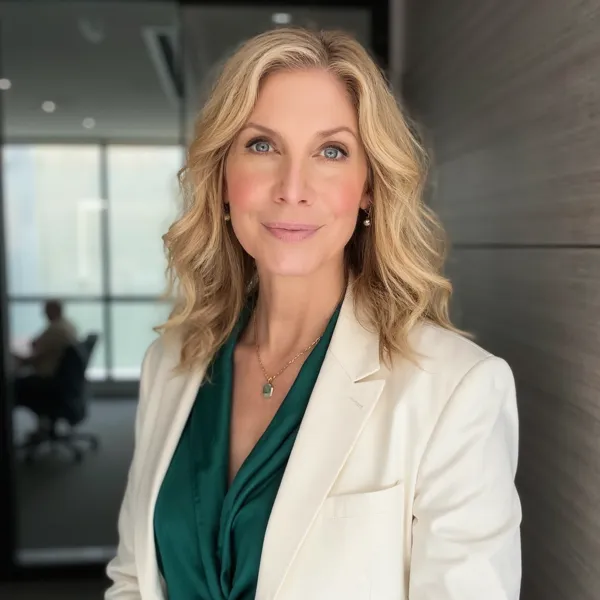
Get matching, studio-quality team headshots for your entire company without booking a photographer. Perfect for company team photos, About pages, pitch decks and LinkedIn profiles.
Create your headshots now+5,000 teams trust AiProPortrait



Why consistent team headshots matter for your company
Your company's About page, LinkedIn presence and pitch decks all share one thing: team headshots. When every team member has a consistent, studio-quality photo, it instantly communicates that your company is organized, professional and detail-oriented. When those photos are a mix of selfies, vacation crops and outdated portraits, it sends the opposite message.
Consistent company team photos also support recruiting and employer branding. Candidates research your team before they apply. When they see a cohesive, human-looking team page, it feels like a place where people are valued. For remote and hybrid teams, strong team headshots are often the only way for clients and colleagues to "meet" your people before a video call.
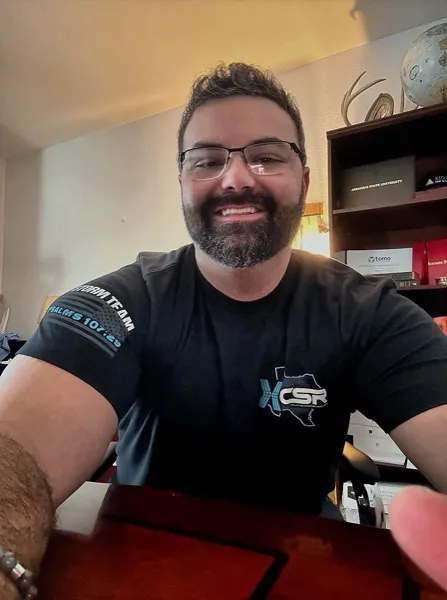
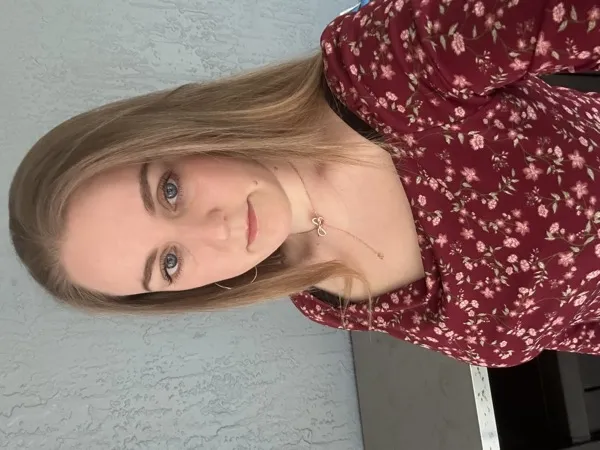
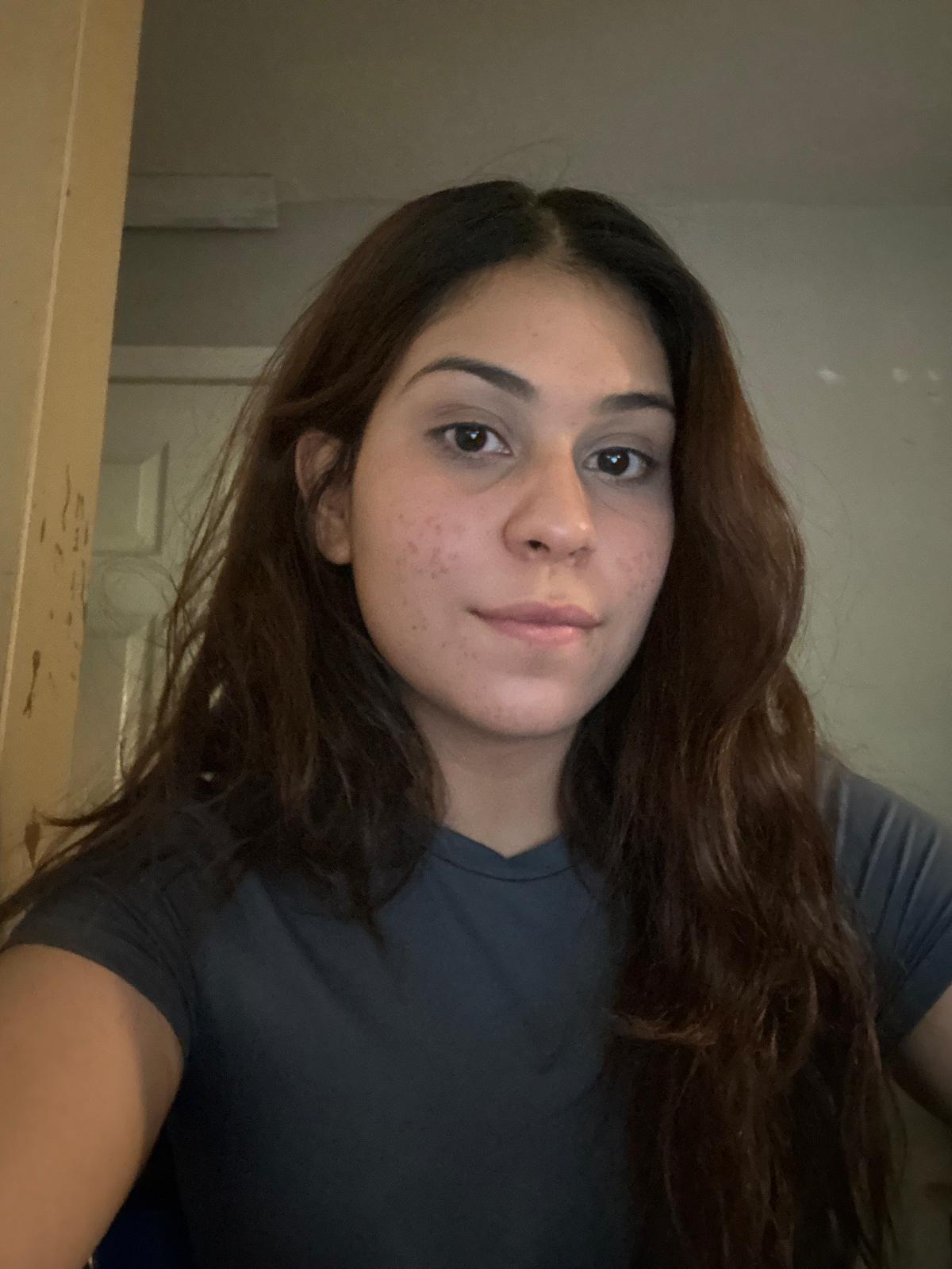
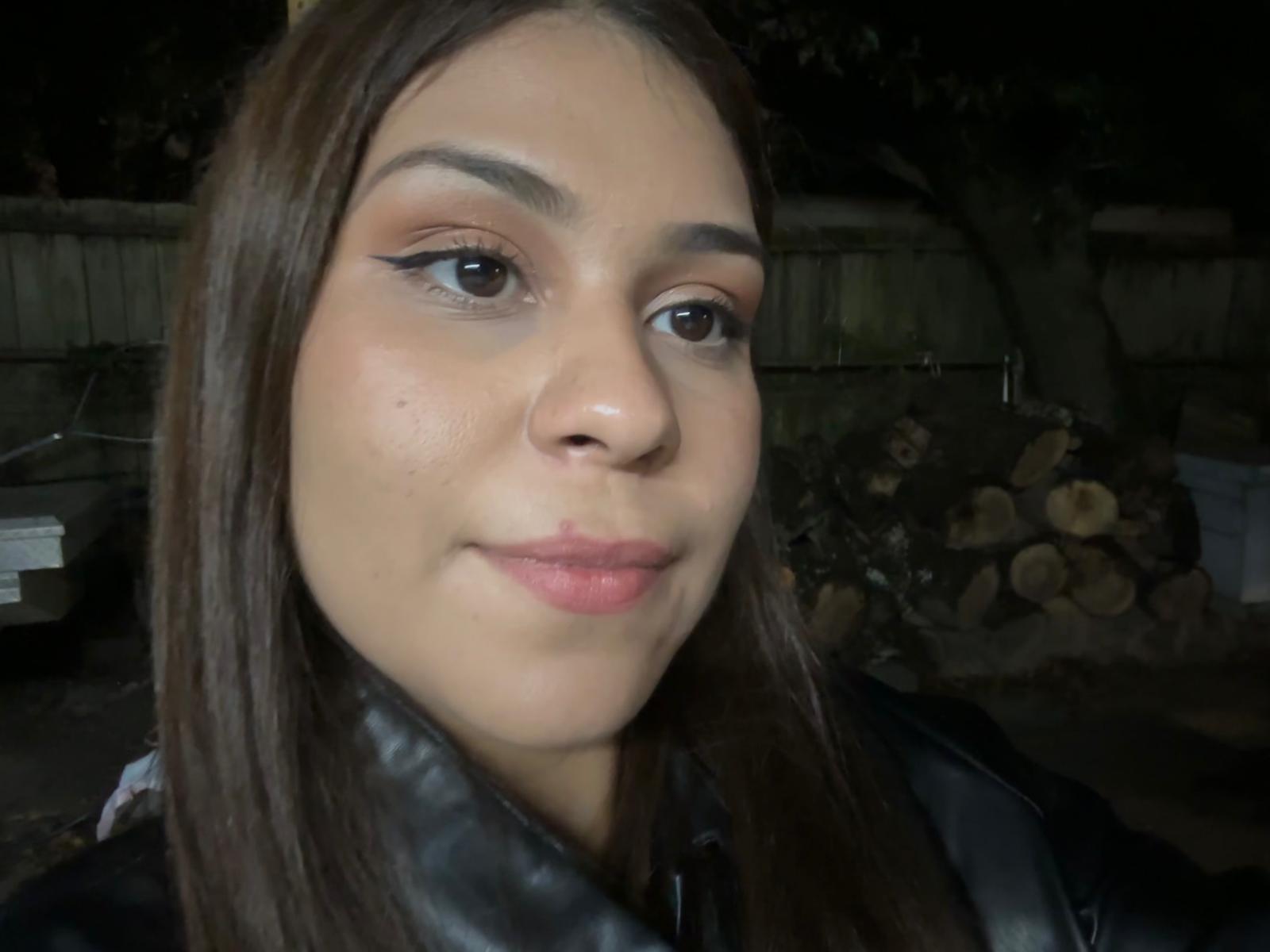
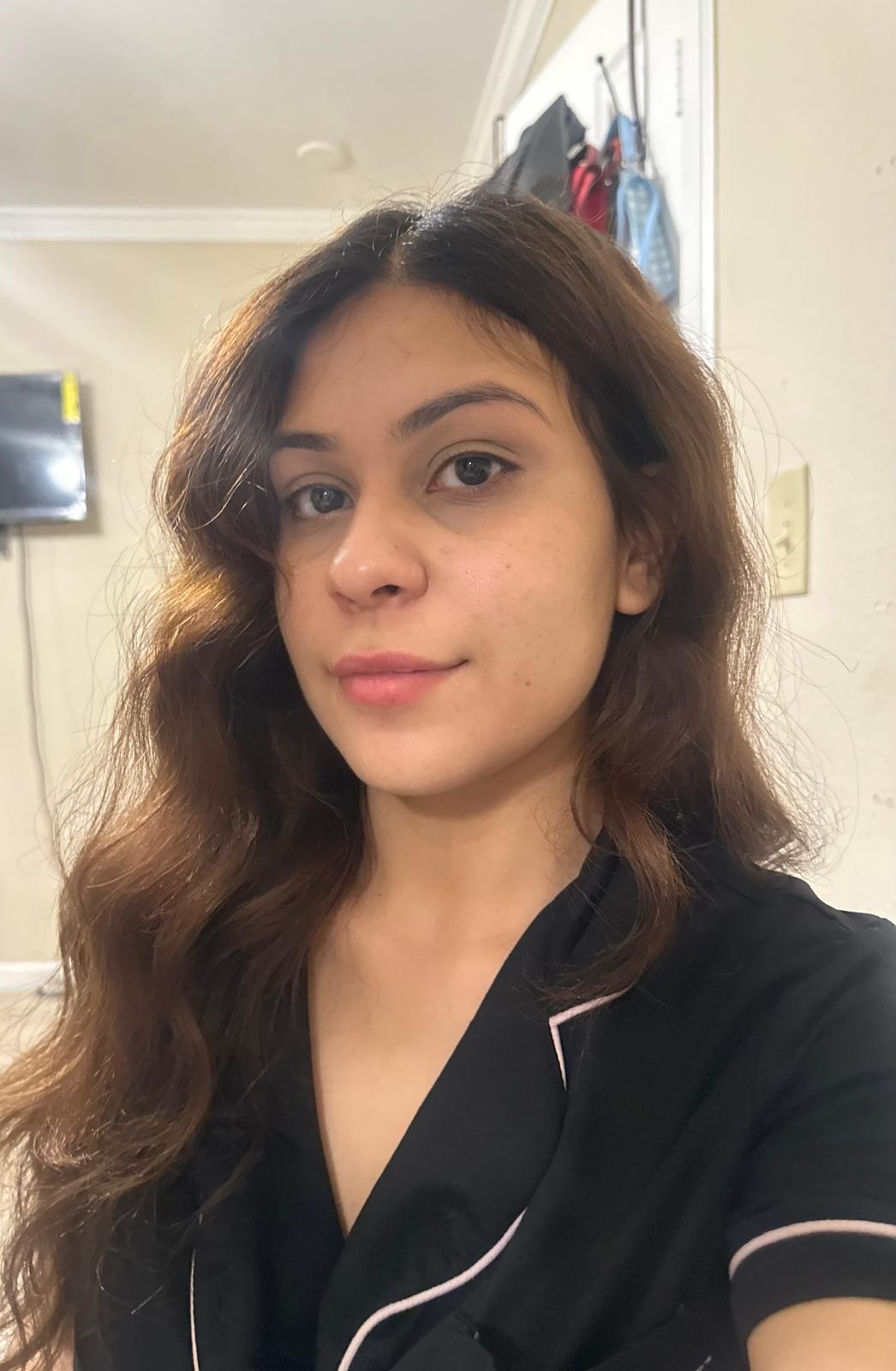
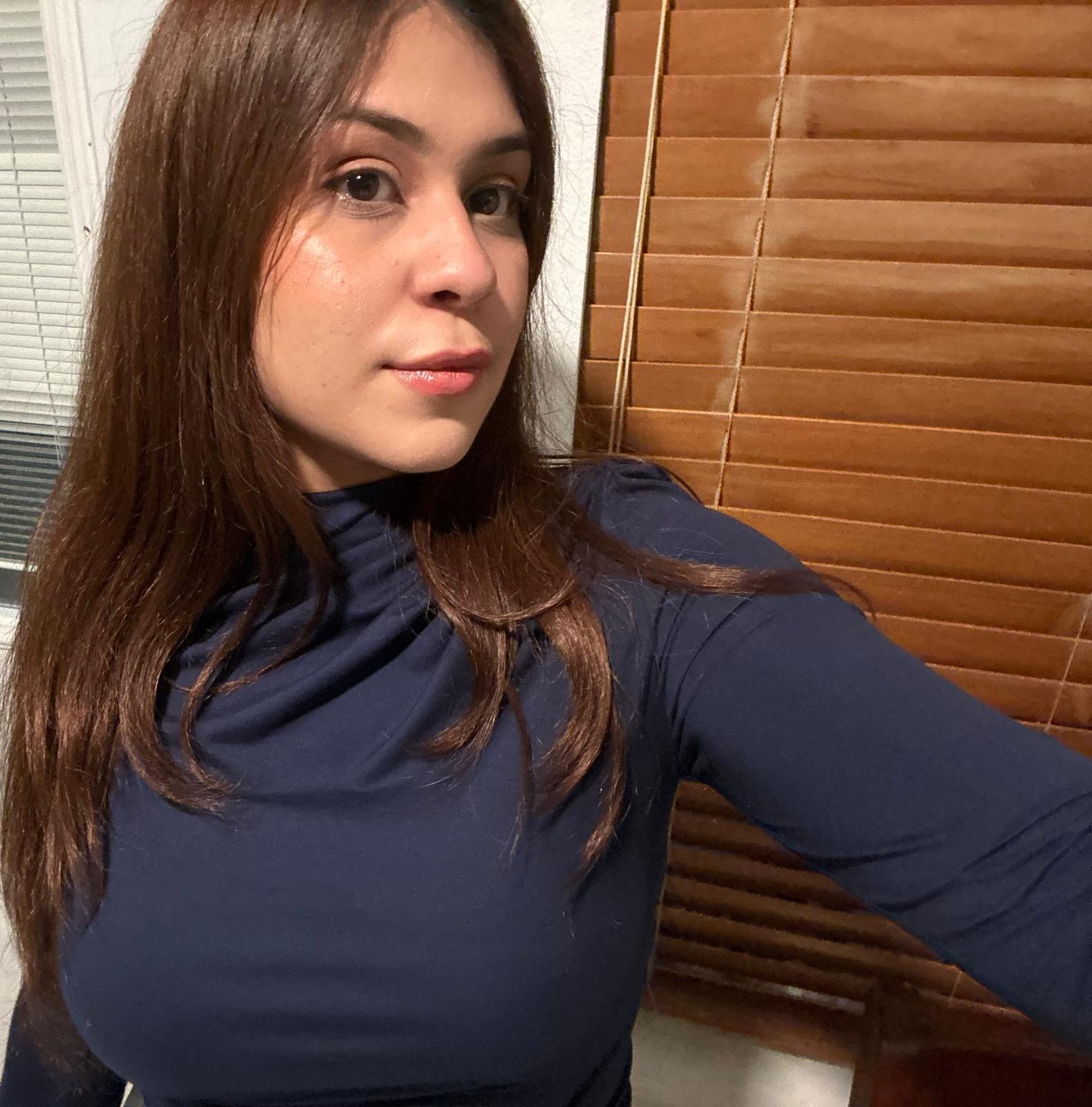
The practical challenge is logistics. Getting every team member into the same studio on the same day is expensive and nearly impossible for distributed companies. New hires, promotions and departures mean the team page is always slightly out of date. With AiProPortrait, each person simply uploads a few well-lit selfies from wherever they are, and AI generates consistent, studio-quality team headshots that match your existing visual style.
The result is a team page that always looks current, cohesive and professional – without coordinating schedules, flying people in or repeating expensive photoshoots every quarter.
How Much Do Team Headshots Cost?
Hiring a photographer for team headshots typically costs $150–$300+ per person, plus studio or travel fees. AiProPortrait generates consistent, professional company team photos from selfies for a flat $19 per person.
DIY team photos
$0
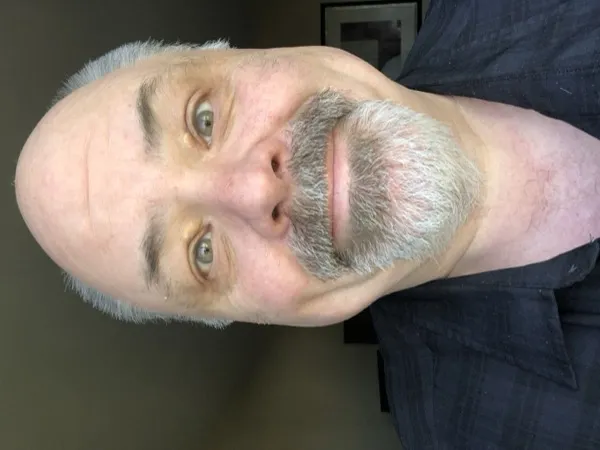
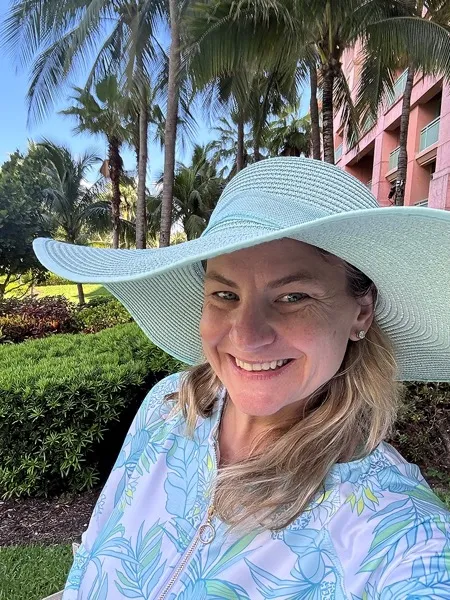
Ask each team member to upload their own photo for the website, Slack and LinkedIn.
Why
Free, but every person uses a different background, crop and style. Your team page ends up looking inconsistent and unprofessional.
$19/person
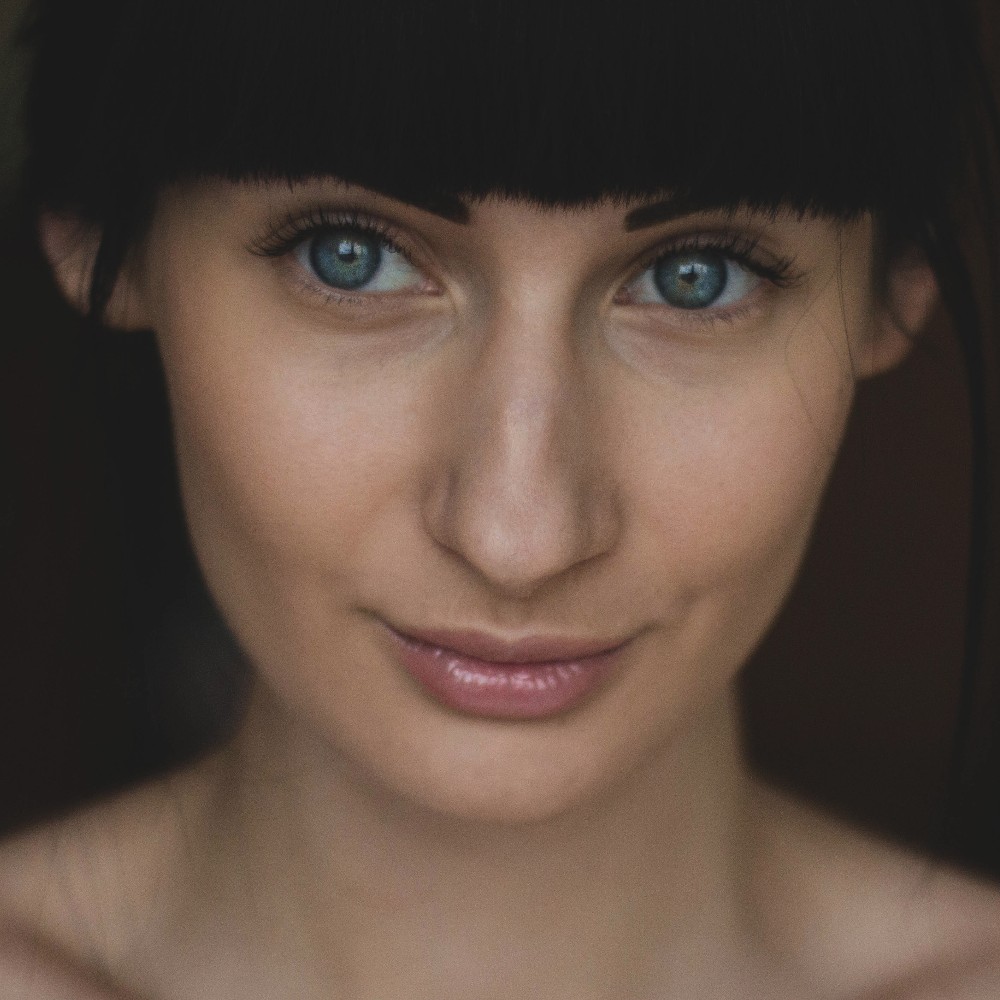
Use AI to generate 40+ studio-quality team headshots per person from a few selfies. Everyone matches.
Why
Consistent, professional company team photos in under an hour per person, without coordinating schedules or hiring a photographer.
On-site photographer
$200+ pp
Hire a photographer to come on-site or book a studio for the whole team in one session.
Why
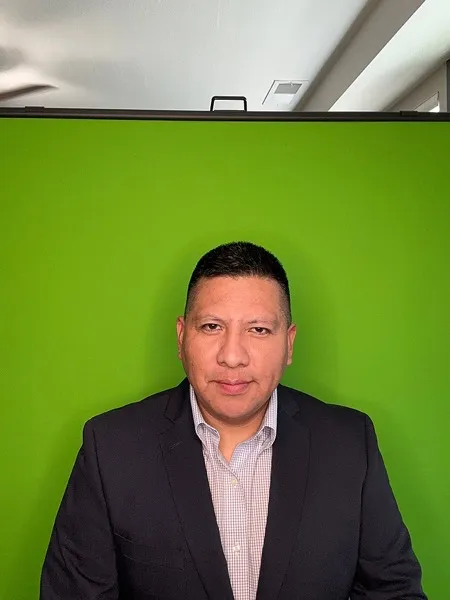
Great consistency, but expensive for large teams and impossible for remote employees. Every new hire means rebooking.
Get your team headshots in minutes , not in days
It's easy as 1-2-3 !
1
Upload a few photos of yourself
Just upload a few clear photos of yourself, and we’ll handle the rest.


2
Pick the perfect style for your role
Select team style
3
Choose your favorites
Get 40+ crisp, professional team headshots and pick the ones that represent you best.

Skip the studio. Same quality, 1/10th the hassle
Get professional business headshots from home in under an hour.
Studio photoshoot
AiProPortrait
✕$250
✓
From $19Value for money
✕2–3 days
✓
Under 1 hourSave time
✕4–5 headshots
✓
40+ headshotsVariety
✕1 look
✓
Multiple looks & stylesMore choices
Your questions, answered
Everything you need to know about our professional AI headshot generator for individuals and teams.

How does your AI headshot generator work?
It’s three simple steps: upload a few selfies, choose your preferred styles, and let our AI create studio-quality headshots. You’ll receive a gallery with plenty of options to download.
What kind of photos should I upload?
Variety helps. Upload 10–15 clear, well-lit photos with different angles, expressions, and backgrounds. Avoid heavy filters, sunglasses, or extreme cropping. Natural light near a window works great.
What do you do with my uploaded photos?
Your photos are used solely to generate your headshots. We never sell your data, never use your images to train global models without your consent, and you can request deletion at any time. By default, we auto-delete within 30 days.
Who owns my AI photos?
You do. You receive full commercial rights and can use your headshots on LinkedIn, websites, resumes, press kits, company directories, and more.
How long does it take?
Most orders are ready the same day—typically within 1–2 hours depending on queue and package. We optimize for realism and consistency rather than rushing.
What if I don’t like the results?
We offer a Profile-Worthy Guarantee. If you don’t get at least one headshot you’re proud to use, contact support and we’ll make it right or refund your purchase.
How many headshots will I receive?
That depends on the package you choose. Plans start around 40+ images and go up to 100–150+ with more outfits, backgrounds, and poses.
Can I change outfits and backgrounds after delivery?
Yes. You can remix backgrounds and outfits on your finished headshots. Higher-tier packages include edit credits for quick tweaks without re-uploading photos.
Are the results realistic?
Our system focuses on accurate likeness, natural skin texture, and believable lighting—avoiding the overly smooth, ‘plastic’ look common in basic tools.
Is this suitable for teams?
Absolutely. We offer team packages with volume discounts and centralized billing so companies can generate consistent headshots for entire departments.
What file sizes and formats do you deliver?
You’ll get high-resolution JPG/PNG suitable for web and print. Executive tiers include 4K options and both portrait and square crops for easy profile use.
Can I use these on LinkedIn and professional sites?
Yes. Many customers update LinkedIn, personal websites, Slack/Teams profiles, and company pages with their new headshots.
How do you keep my data safe?
We use secure storage, encryption in transit and at rest, and strict access controls. We never share your data with third parties for advertising.
Can I delete my photos and results?
Yes. You can request permanent deletion of your source photos and generated images at any time from your account or by contacting support.