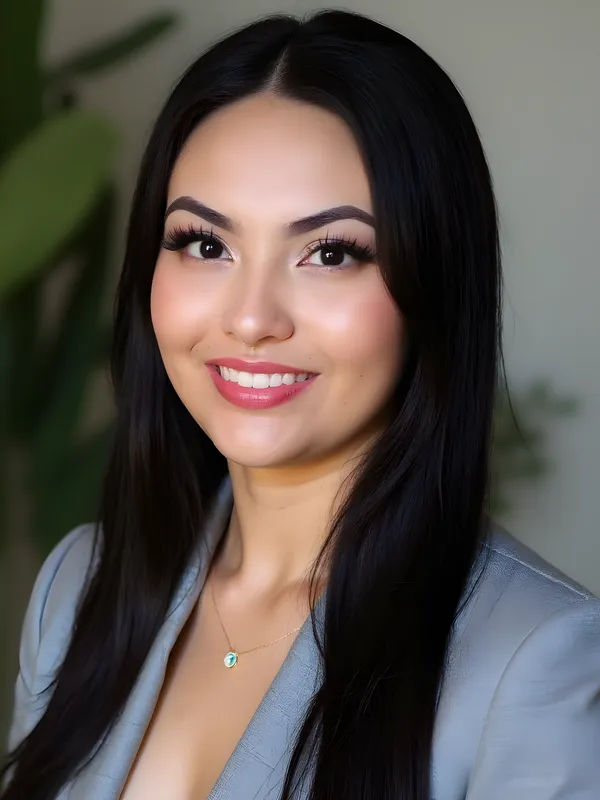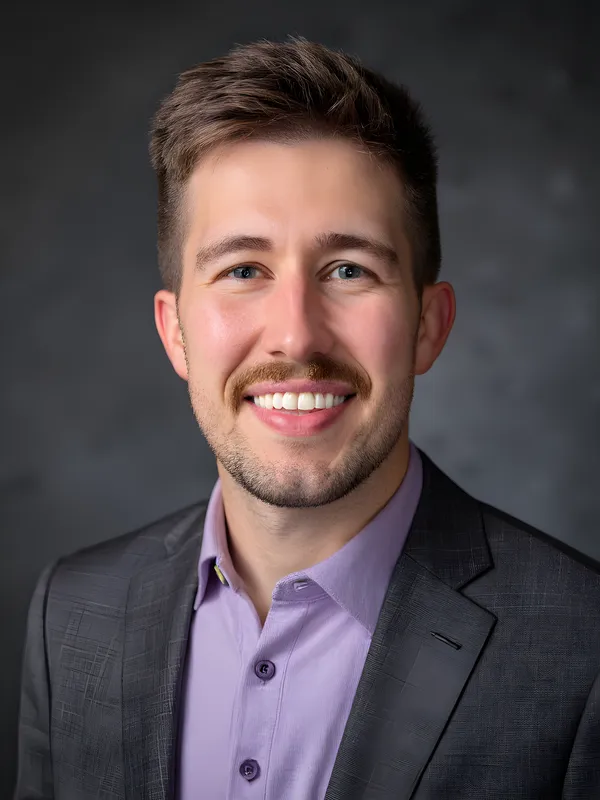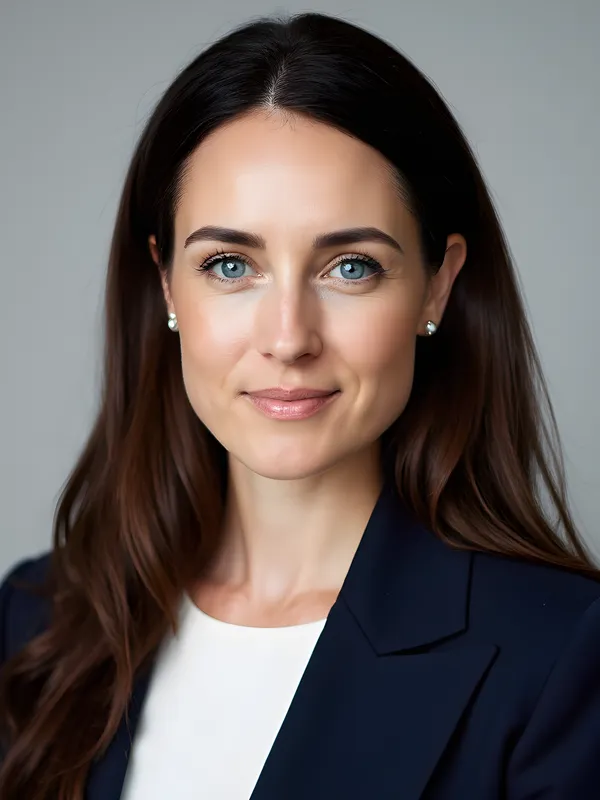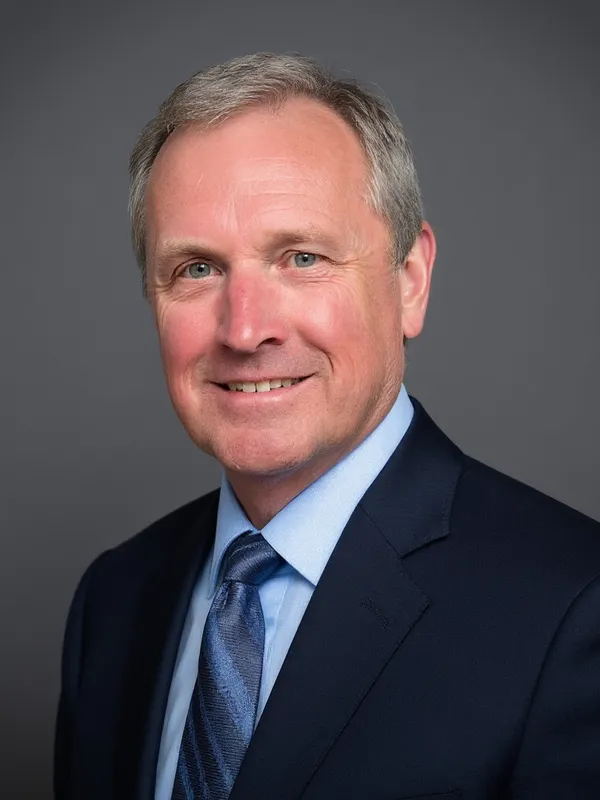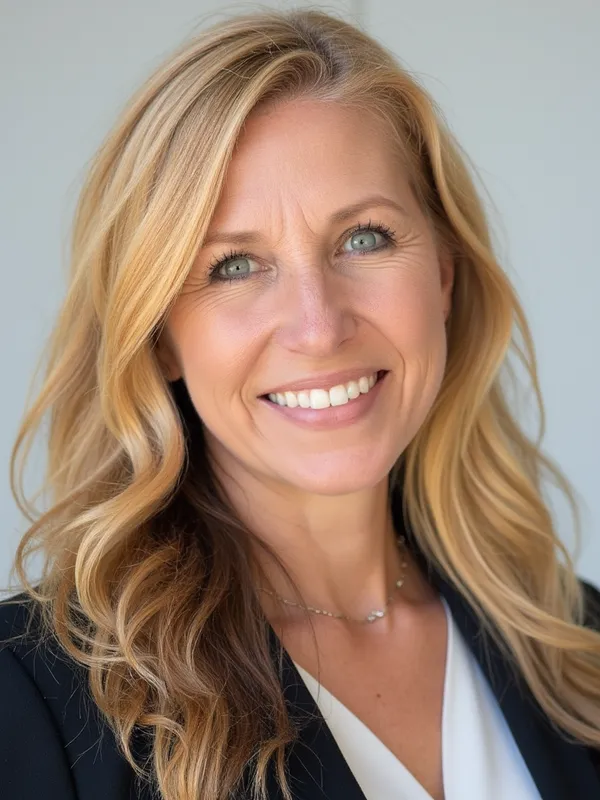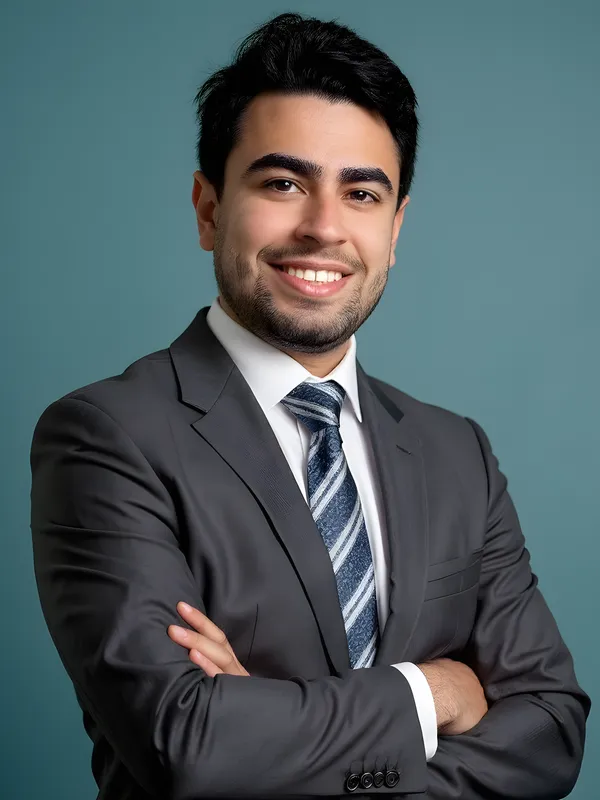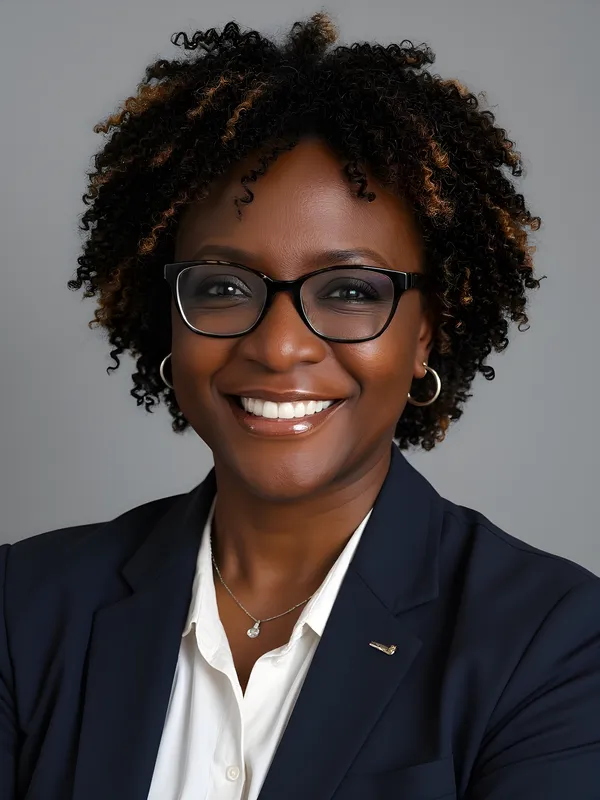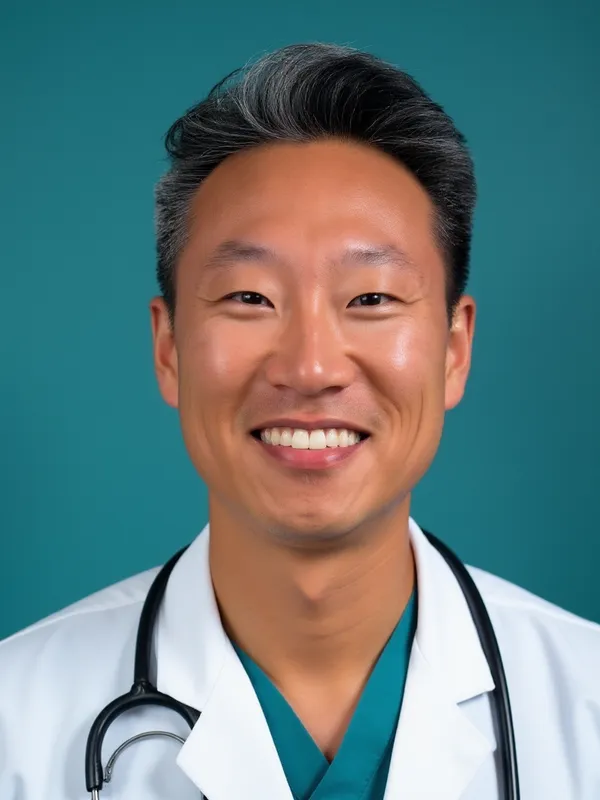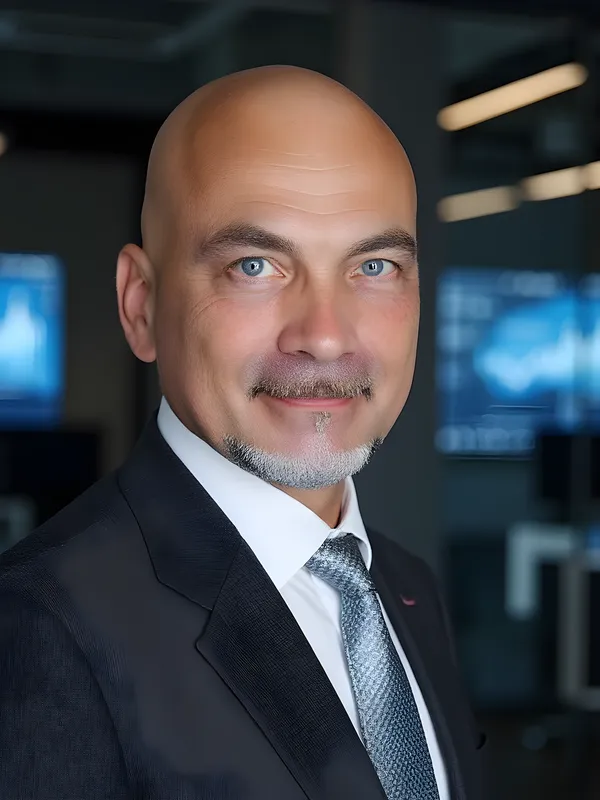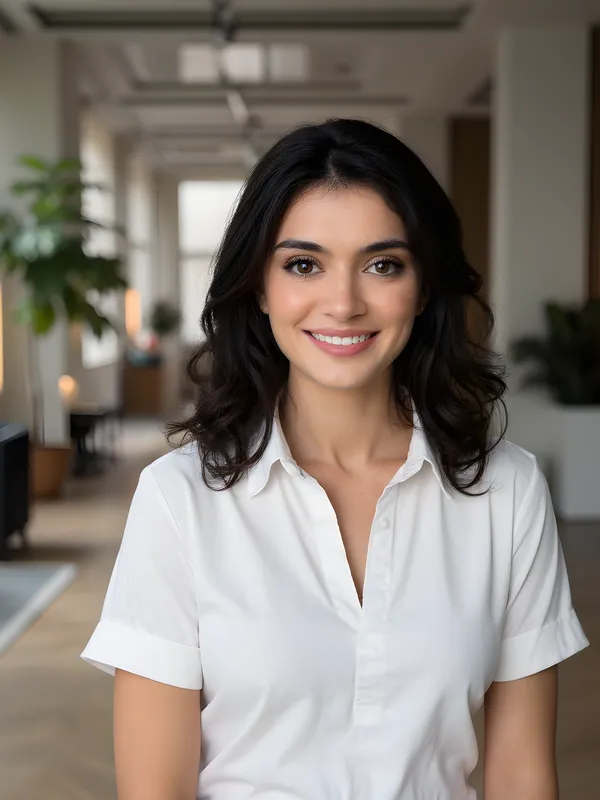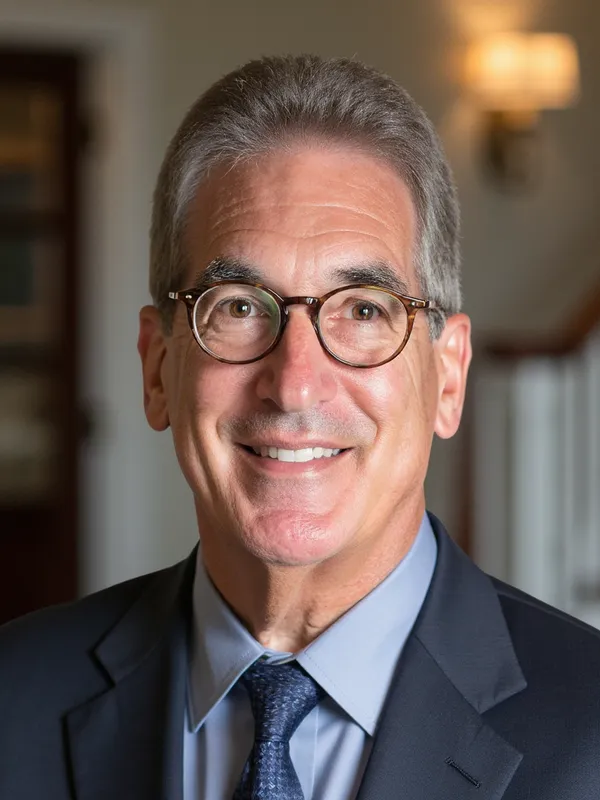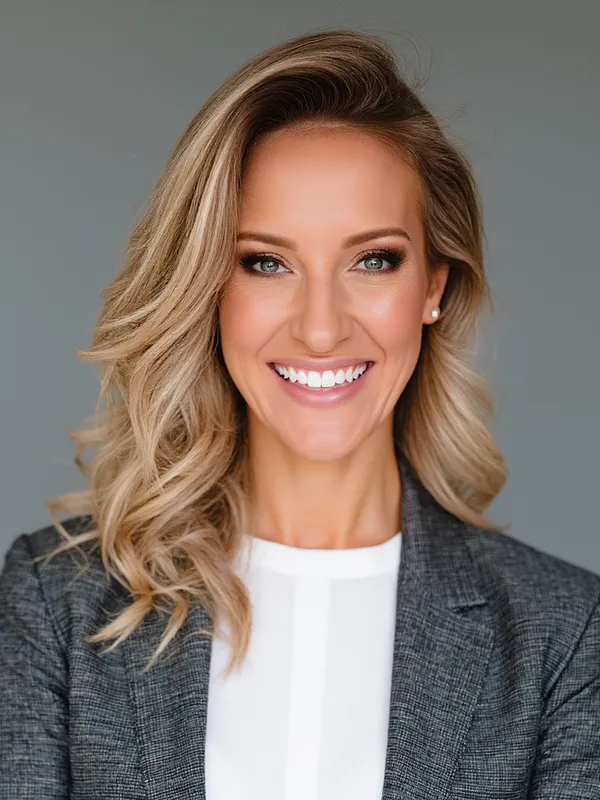
15 Headshot Tips for a Photo You Will Actually Love
Whether you are hiring a photographer, doing it yourself, or using an AI headshot generator, these 15 tips will help you get a professional headshot you are proud to use on LinkedIn, your company website, and everywhere else.
Before the shoot
1. Get a haircut one week before
A fresh haircut looks best after a few days of settling in. Getting it done the day before can look too sharp. A week gives your hair time to relax into a natural shape.
2. Plan your outfits in advance
Bring two to three options in solid colors. Iron everything the night before. Solid jewel tones (navy, teal, burgundy) photograph beautifully, while busy patterns create distracting moiré effects. Full details in our what to wear guide .
3. Hydrate and rest
Drink plenty of water the day before and get a full night of sleep. Dehydration shows in your skin, and tired eyes are hard to fix in editing.
4. Know your good side
Most people have one side they prefer on camera. Spend five minutes in front of a mirror turning left and right to figure out which angle you like. More on this in our headshot poses guide .
5. Look at examples for inspiration
Browse headshot examples in your industry before the session. Save a few favorites to share with your photographer so they understand the style you want.
During the shoot
6. Use soft, even lighting
Lighting is the single biggest factor in headshot quality. If you are doing it yourself, face a large window with indirect light. If you are in a studio, soft diffused light from a large source (softbox or umbrella) minimizes harsh shadows. Full breakdown in our lighting setup guide .
7. Keep the background simple
A clean, non-distracting background keeps all attention on your face. White, light grey, and subtle gradients are the safest choices. Avoid messy rooms, crowded streets, or anything that competes with you.
8. Push your chin forward and slightly down
This single adjustment defines your jawline and eliminates any double-chin effect. It feels awkward in person but looks perfectly natural on camera. It is the number one tip professional headshot photographers give their subjects.
9. Relax your shoulders
Tension in the shoulders is the most common posing problem. Take a deep breath, exhale, and let your shoulders drop before each shot. Lowering the shoulder closest to the camera adds a natural, relaxed feel.
10. Think of someone you like
Forced smiles look forced. Instead, think of a person you enjoy being around, a good memory, or something genuinely funny. The warmth reaches your eyes and produces a natural, engaging expression.
11. Take more photos than you think you need
Subtle changes in expression happen between frames. Take 50+ shots with slight variations. The perfect photo is often one you did not expect.
After the shoot
12. Choose sharpness over beauty
When selecting your final image, prioritize sharp focus (especially on the eyes) over a perfect smile. A slightly imperfect expression in a tack-sharp photo will always outperform a blurry photo with a great smile.
13. Go easy on the retouching
Light retouching (removing a temporary blemish, softening under-eye circles) is fine. But smoothing out all skin texture, reshaping your face, or whitening your teeth beyond reality makes you look artificial, and people will notice in person.
14. Size it correctly for each platform
Different platforms have different requirements. LinkedIn recommends at least 400 x 400 pixels (800 x 800 is better), while acting headshots need 2400 x 3000 pixels at 300 DPI. See our headshot size guide for every platform.
15. Update regularly
Your headshot should look like you today, not three years ago. Update every one to two years or whenever your appearance changes noticeably (new hairstyle, glasses, significant weight change).
The easiest way to get a great headshot
That is 15 steps to think about before, during, and after a single headshot session. If you would rather skip the checklist entirely, AiProPortrait handles every one of these details for you. Upload a few casual selfies, and the AI applies professional lighting, flattering poses, clean backgrounds, and polished retouching automatically. You get 40+ finished headshots in under 30 minutes, no photographer, no wardrobe planning, no post-production. Plans start at $19.