AiProPortrait vs Try It On AI: Honest Comparison (2026)
Try It On AI is one of the more budget-friendly AI headshot generators with over 1 million users. AiProPortrait offers custom prompts, design platform integrations, and competitive pricing. Here is how they compare on the features that matter most.
Quick verdict
Try It On AI is a solid budget option with a Creative Studio for experimentation. AiProPortrait offers more professional features with custom prompts, Canva and Adobe Express integration, brand colors, and comparable pricing starting at $19.
At a glance
| Feature | AiProPortrait | Try It On AI |
|---|---|---|
| Price | From $19 | From $21 |
| Headshots per session | 40+ | Varies |
| Turnaround | ~20 minutes | ~90 minutes |
| Custom prompts | Yes (1 credit = 4 photos) | No (has Creative Studio) |
| Brand colors | Yes | No |
| Industry styles | Corporate, Realtor, Medical, Legal, Startup, etc. | Multiple |
| Canva integration | Yes | No |
| Adobe Express integration | Yes | No |
| Money-back guarantee | Yes | Not specified |
Pricing comparison
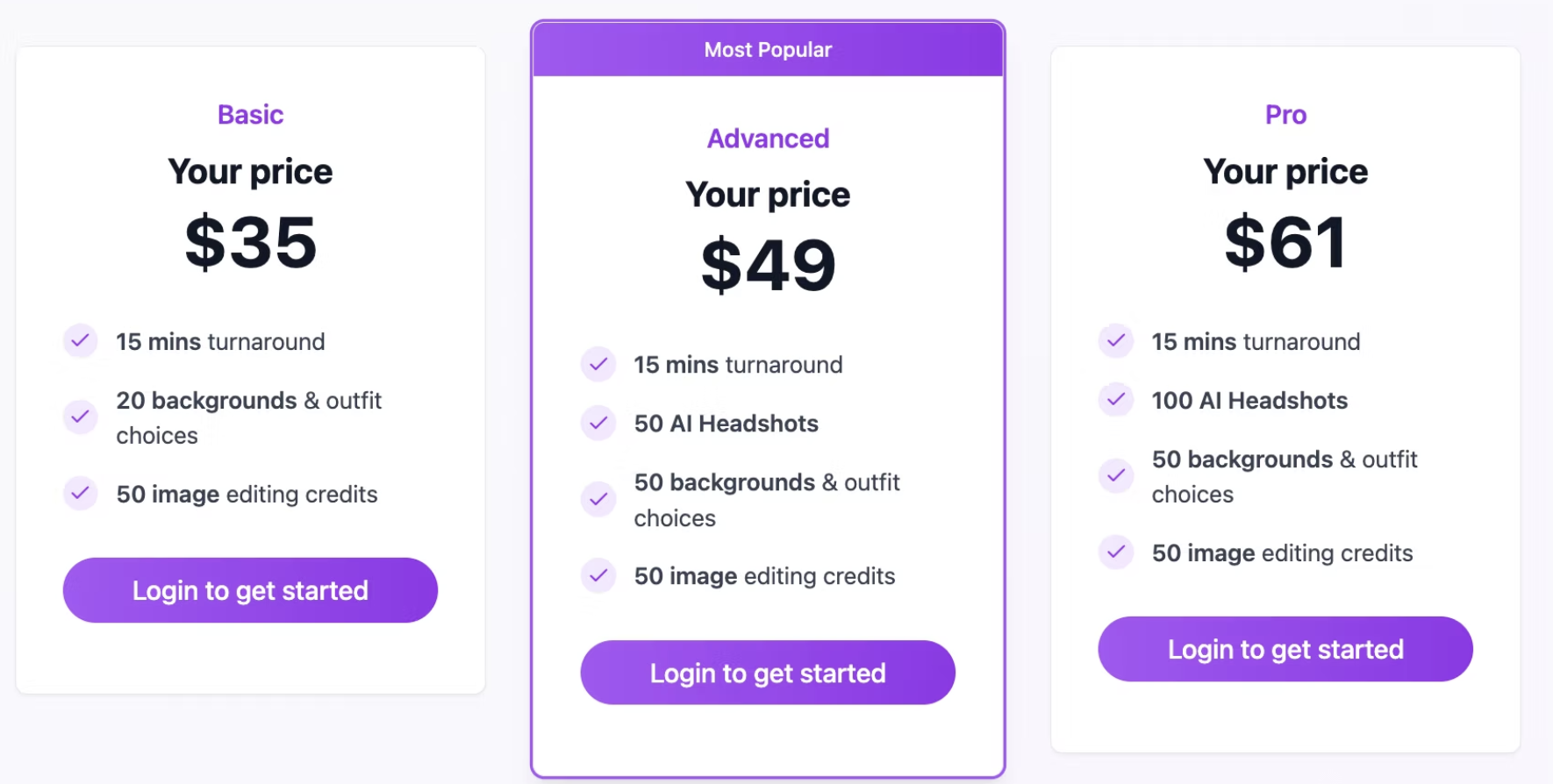
Both services sit at a similar price point. AiProPortrait starts at $19 for 40 headshots, while Try It On AI starts at $21. The pricing is close, but what you get for that money differs significantly.
AiProPortrait includes the custom prompt system in every plan. After your initial 40 headshots, each prompt costs 1 credit and generates 4 additional headshots with any description you write. Try It On AI has a Creative Studio feature but does not offer the same level of prompt-based customization.
Quality and realism
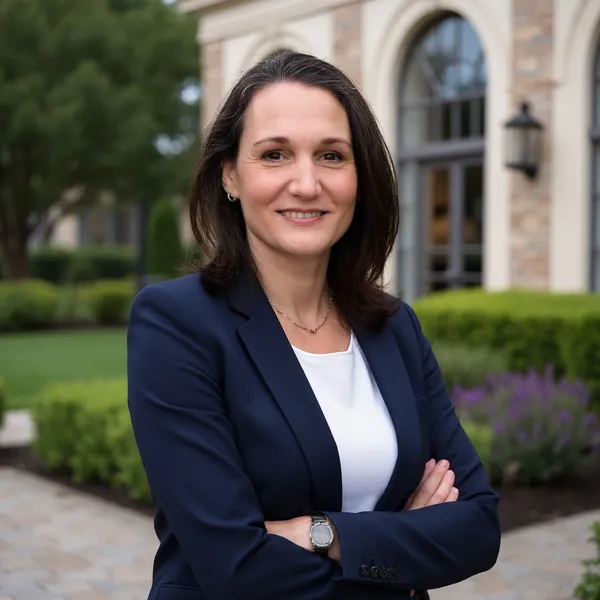
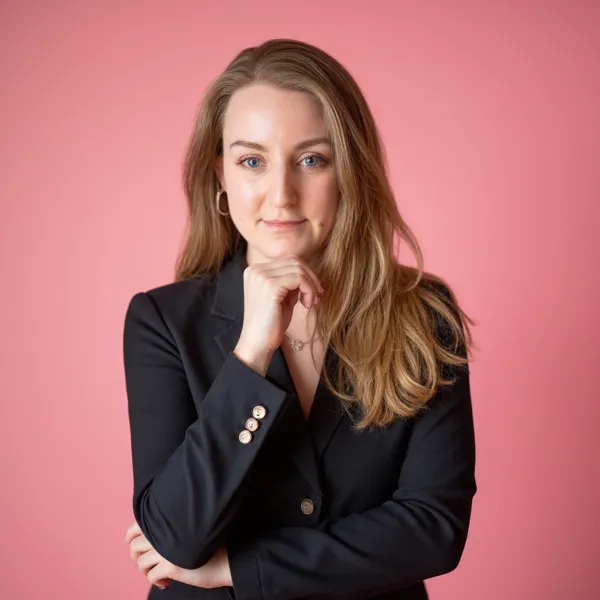

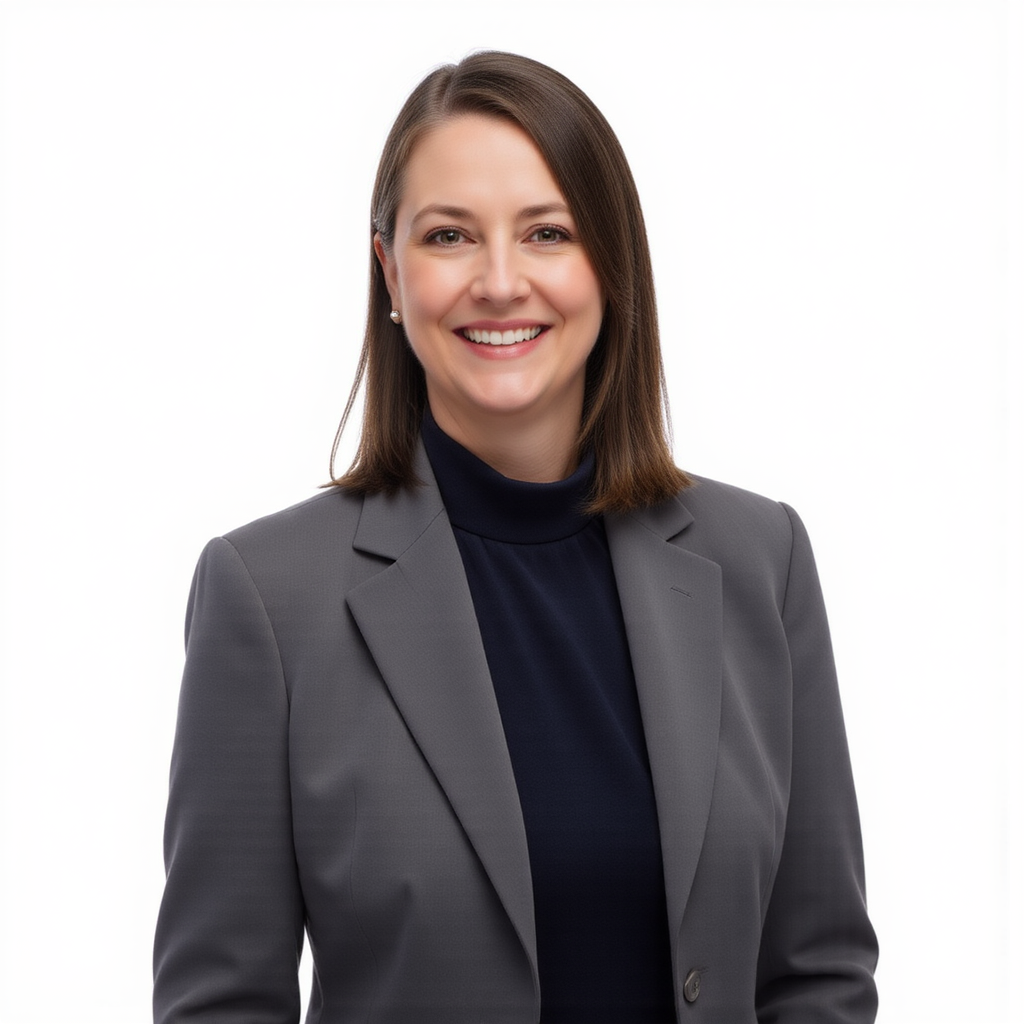
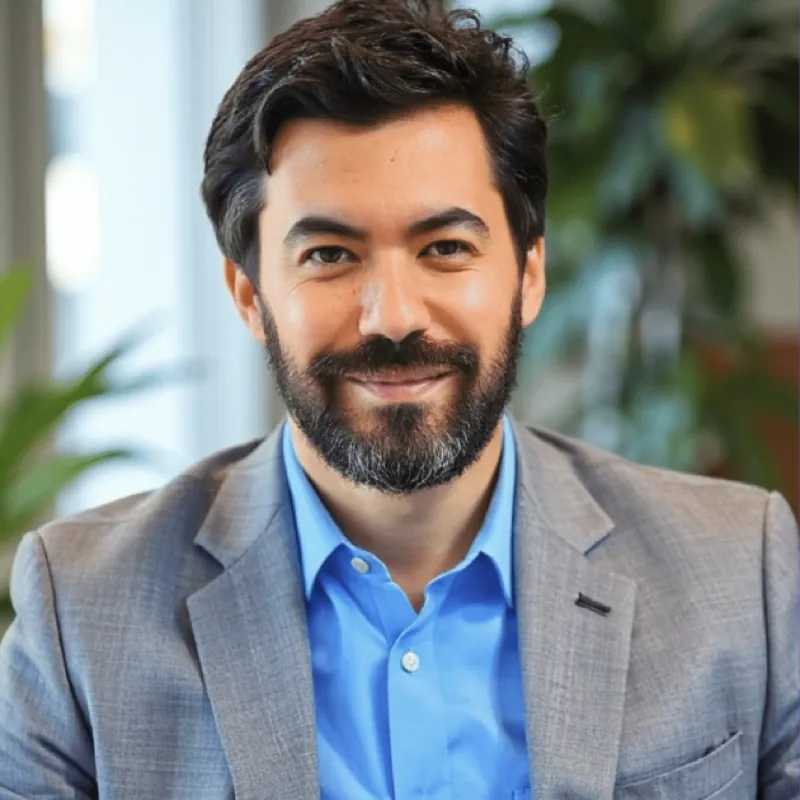
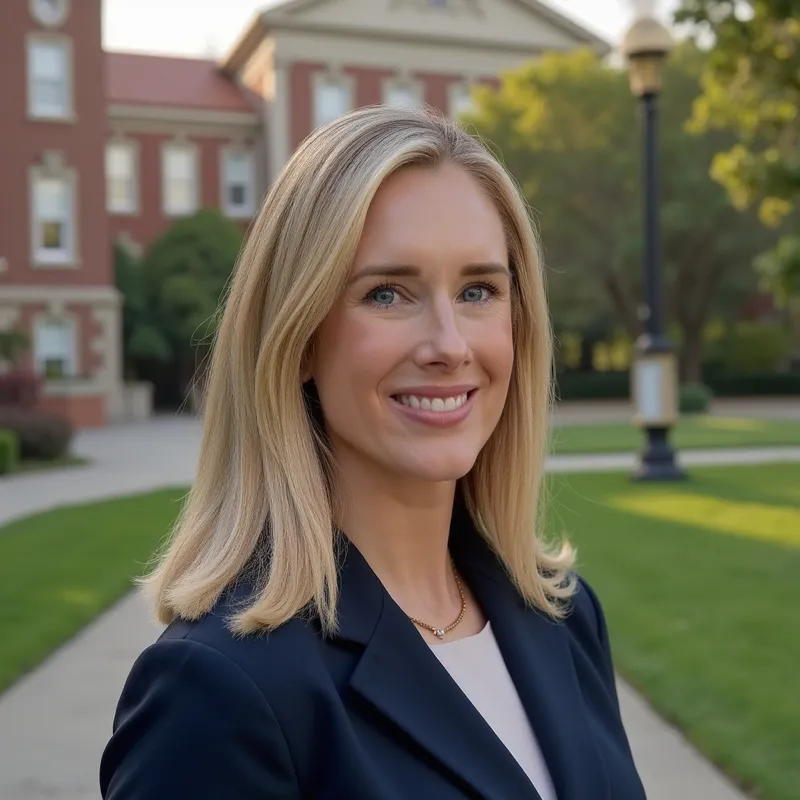
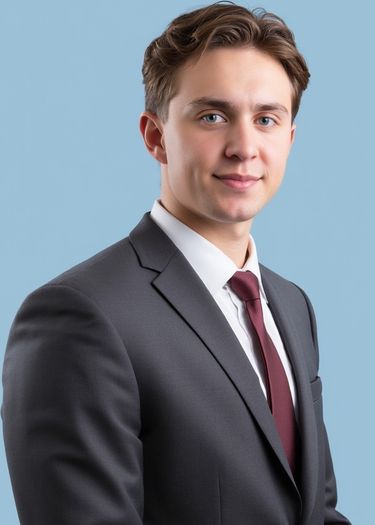
AiProPortrait trains a personalized AI model on your photos, producing headshots with natural skin texture and accurate facial features. The results are designed to be indistinguishable from professional studio photography.
Try It On AI also generates AI headshots from uploaded photos. With over 1 million users, it has demonstrated reliability at scale. Quality can vary depending on the plan and style selected. For maximum realism and creative control, AiProPortrait's custom prompt system gives you more precise output.
Features comparison
Try It On AI offers a straightforward headshot generation process plus a Creative Studio for experimentation. It is simple and accessible for users who want a basic AI headshot experience.
AiProPortrait includes additional features:
- Custom prompts. Write a description and get 4 headshots matching it. Full creative control over outfit, background, mood, and setting.
- Canva integration. Generate headshots inside Canva with industry-specific styles and brand colors.
- Adobe Express integration. The only AI headshot tool on Adobe Express.
- Brand colors. Match headshots to your company palette.
- Industry-specific styles. Purpose-built for corporate, real estate, medical, legal, and startup professionals.
Where Try It On AI wins
- Large user base. With over 1 million users, Try It On AI has proven its reliability at scale. A large community means plenty of reviews and examples to evaluate.
- Creative Studio. Their Creative Studio feature lets you experiment with different AI-generated looks beyond standard headshots, which some users find fun to explore.
- Budget-friendly entry. At $21 to start, Try It On AI is one of the most affordable options in the market, appealing to cost-conscious users.
Where AiProPortrait wins
- Even lower price. $19 vs $21. Slightly cheaper with more headshots included (40+).
- Much faster turnaround. About 20 minutes vs 90 minutes. When time matters, that is a significant difference.
- Custom prompts. Full creative control vs a general Creative Studio. Describe any scenario and get matching headshots.
- Platform integrations. Available on Canva and Adobe Express. Try It On AI has no design platform integrations.
- Brand colors and industry styles. Professional features that Try It On AI does not offer.
- Money-back guarantee. Full refund if not satisfied.
Who should choose Try It On AI?
Try It On AI works for users who want a simple, no-frills AI headshot experience, enjoy experimenting with the Creative Studio, or prefer a service with a very large established user base.
Who should choose AiProPortrait?
AiProPortrait is the better choice if you want professional-grade headshots with creative control, need results in 20 minutes instead of 90, use Canva or Adobe Express, or need industry-specific styles and brand color matching.
Frequently asked questions
Is Try It On AI worth it?
Try It On AI is a decent budget option for basic AI headshots. However, for just $2 less, AiProPortrait offers faster turnaround (20 min vs 90 min), custom prompts, platform integrations, and a money-back guarantee.
What is the best alternative to Try It On AI?
AiProPortrait is a strong Try It On AI alternative that offers more features at a similar price point: custom prompts, Canva and Adobe Express integrations, brand colors, industry styles, and faster turnaround.
Is AiProPortrait better than Try It On AI?
AiProPortrait offers more features, faster turnaround, and a lower price. Try It On AI has a larger user base and a Creative Studio feature. For professional headshots with creative control, AiProPortrait is the better choice.
Try It On AI vs AiProPortrait: which is faster?
AiProPortrait delivers headshots in about 20 minutes. Try It On AI takes approximately 90 minutes. AiProPortrait is over 4 times faster.
Ready to try AiProPortrait?
Get 40 professional headshots in 20 minutes. Custom prompts, platform integrations, and a money-back guarantee. Starting at $19.