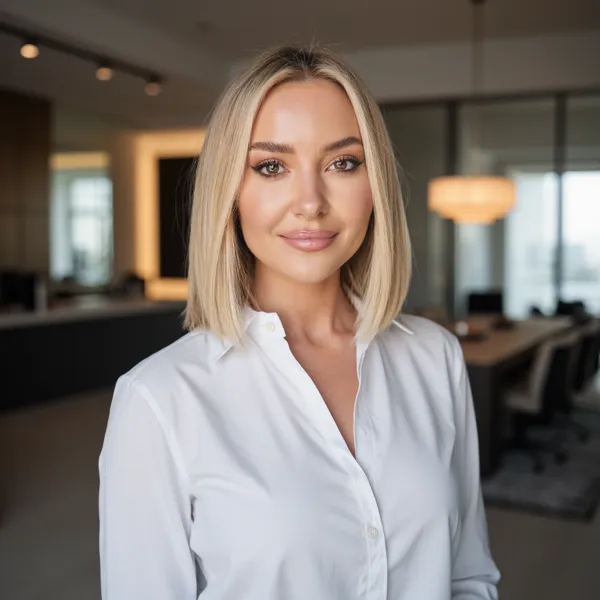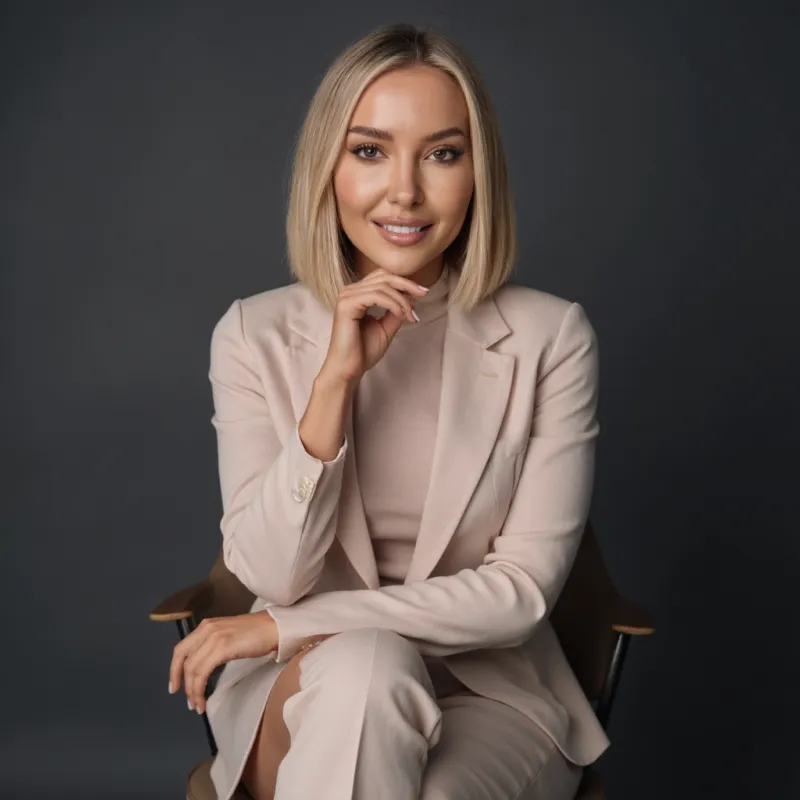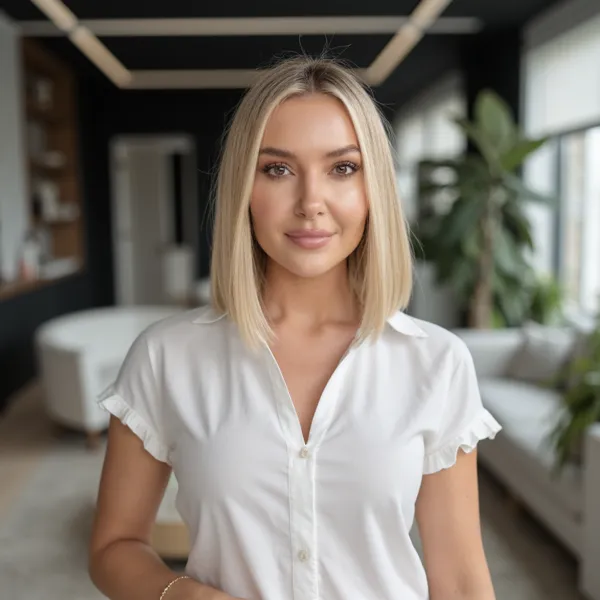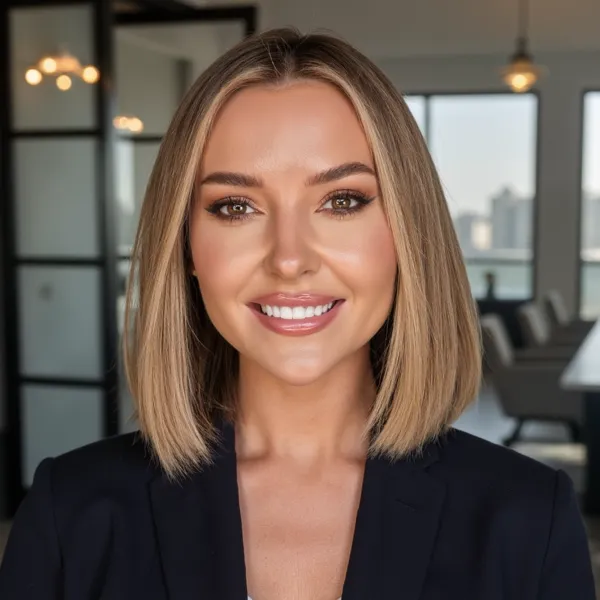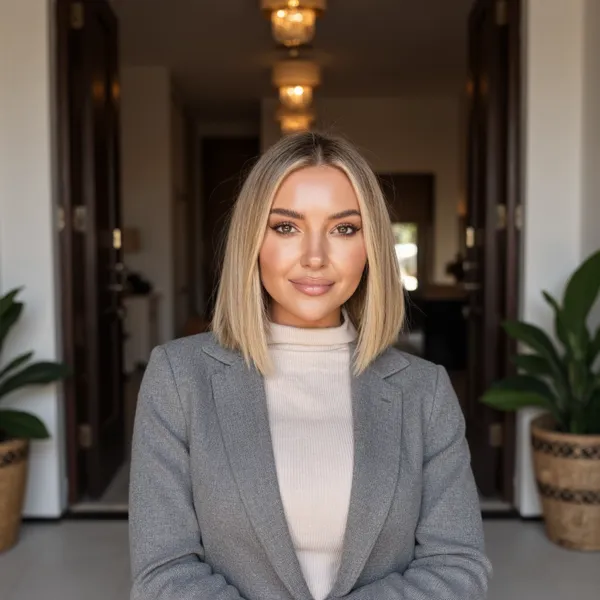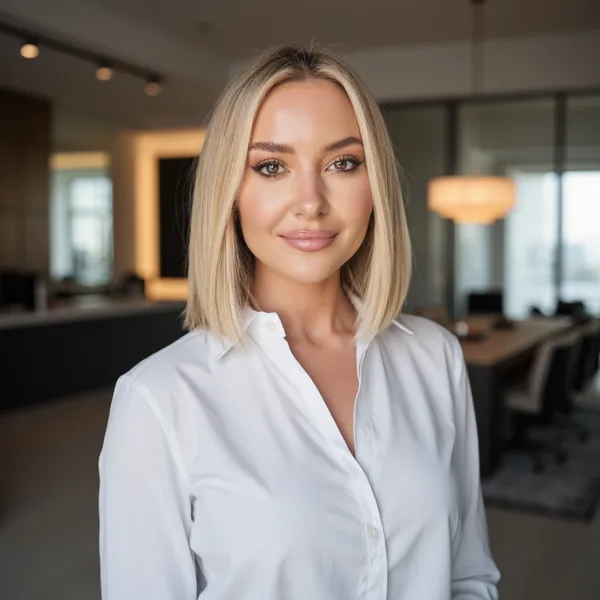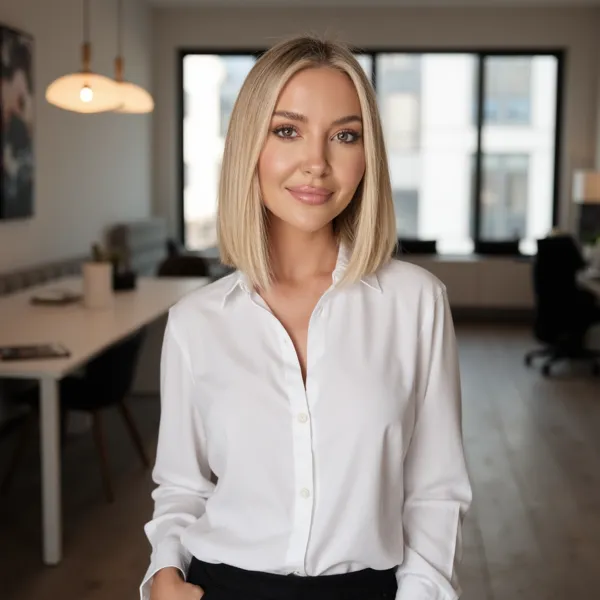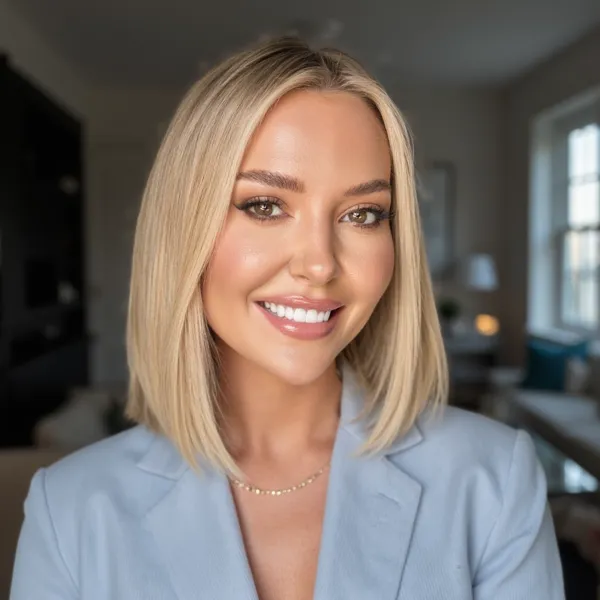
Professionell auf LinkedIn in unter 30 Minuten

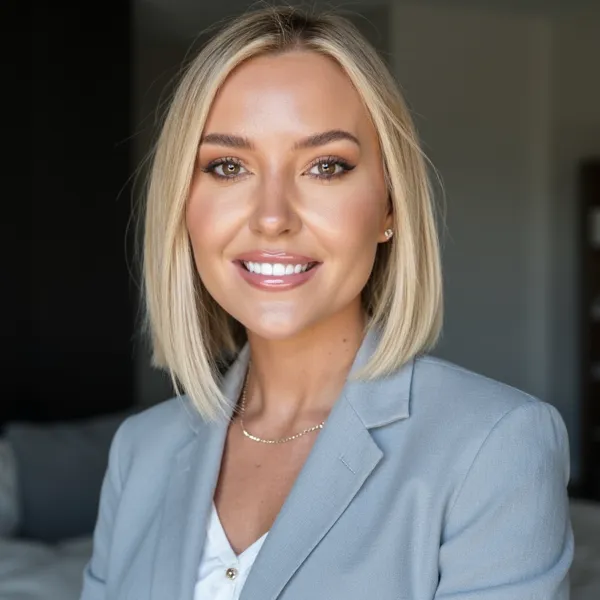
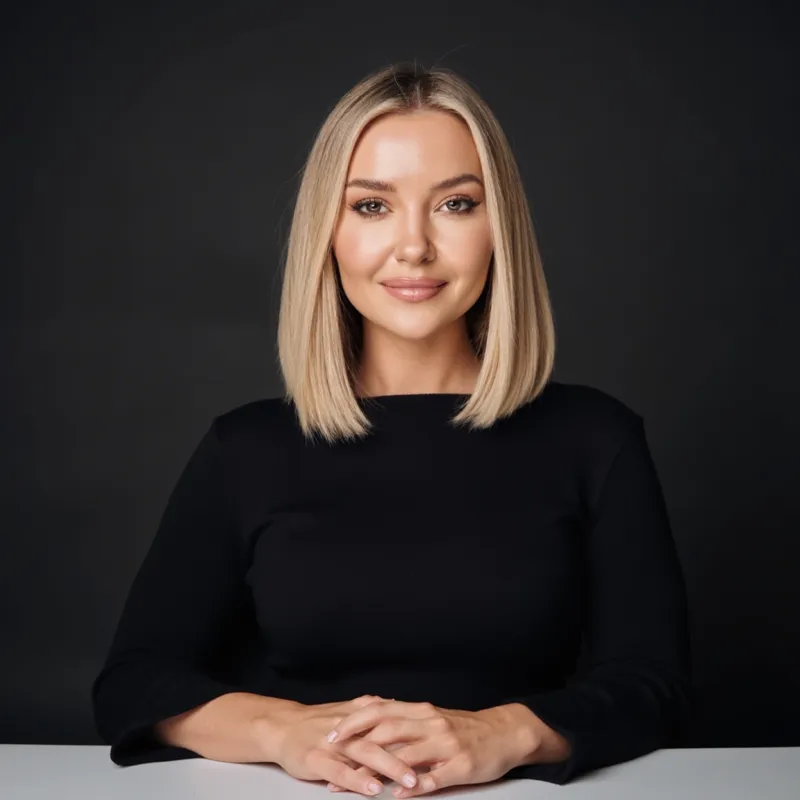
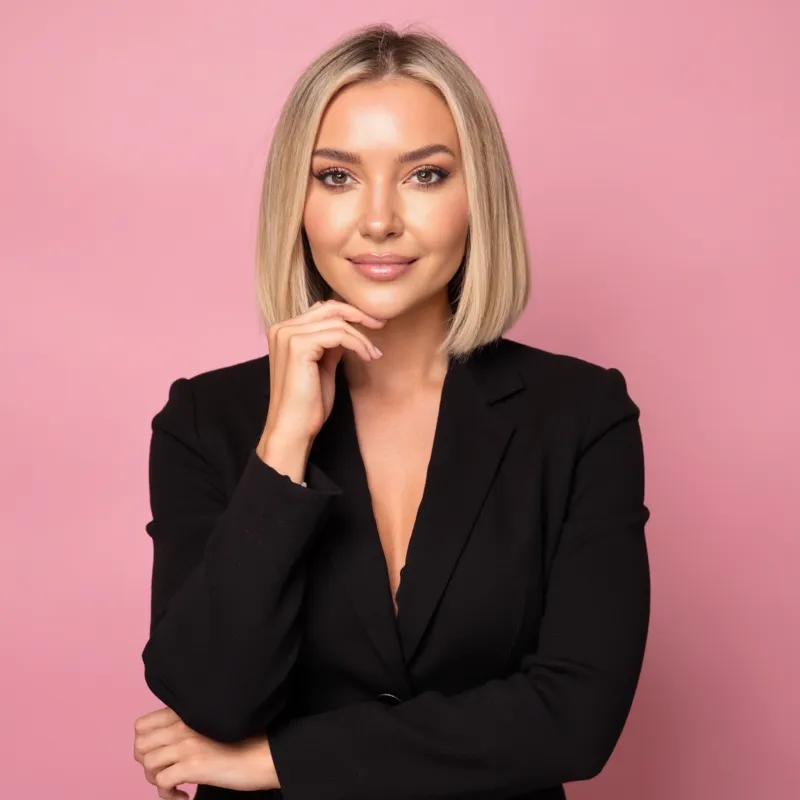
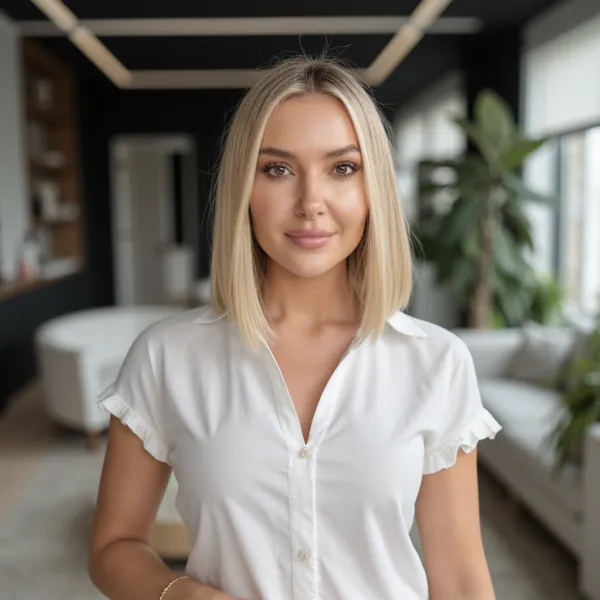
Lade ein paar Selfies hoch und erhalte LinkedIn-Fotos in Studioqualität, die Recruiter wirklich anklicken.

Erstelle jetzt deine Bewerbungsfotos
5-Sterne-Bewertung
Zufriedener Kunde 1
Zufriedener Kunde 2
Zufriedener Kunde 3

+50.000 zufriedene Kunden
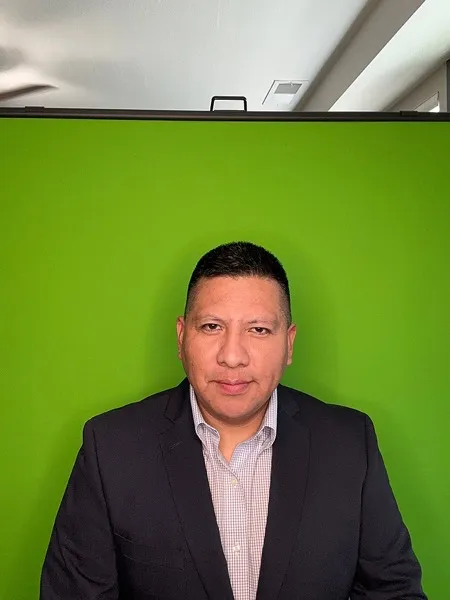
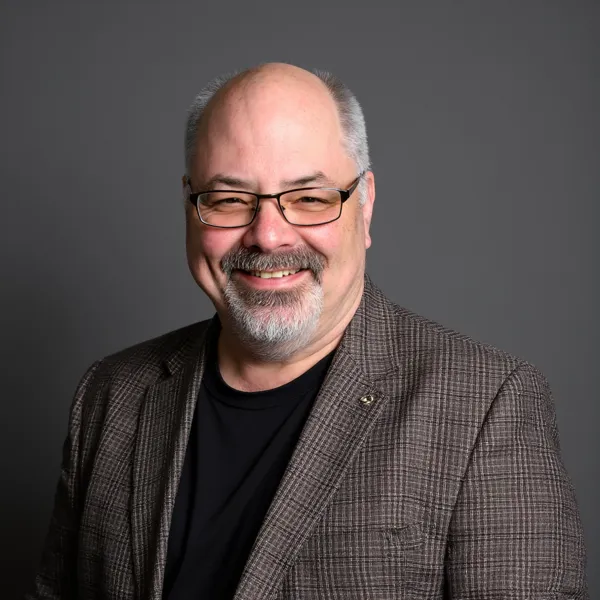
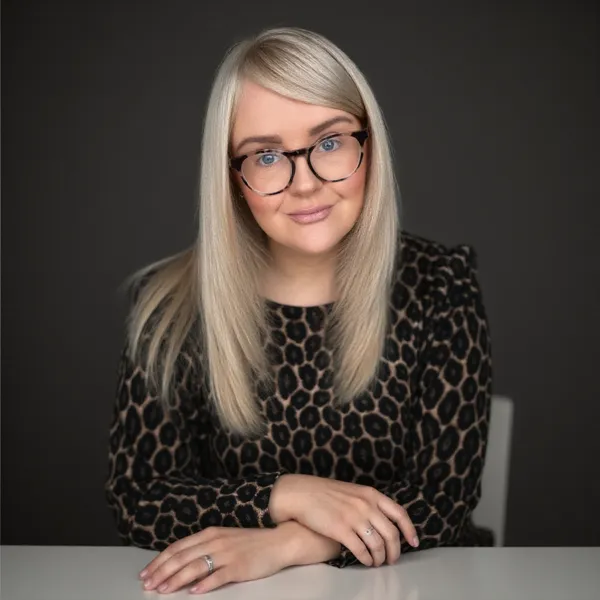
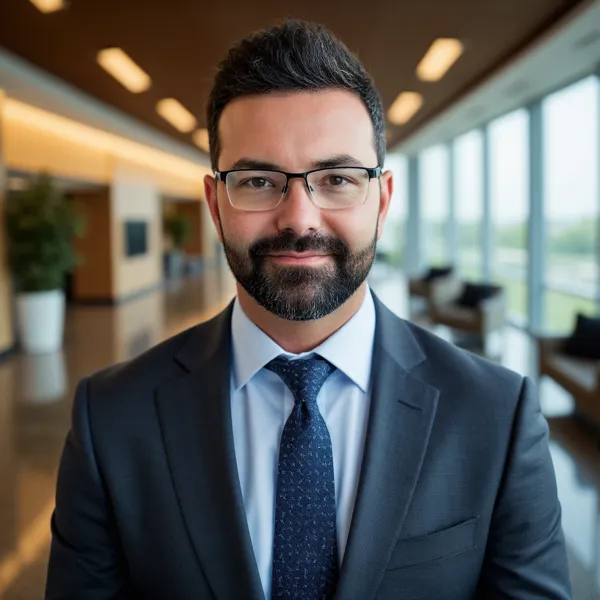
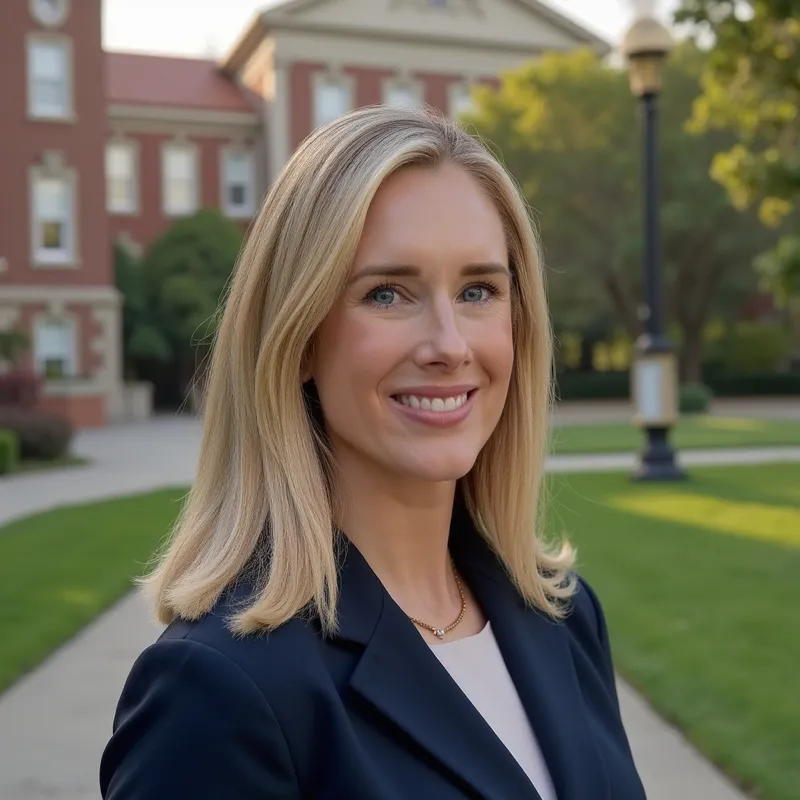
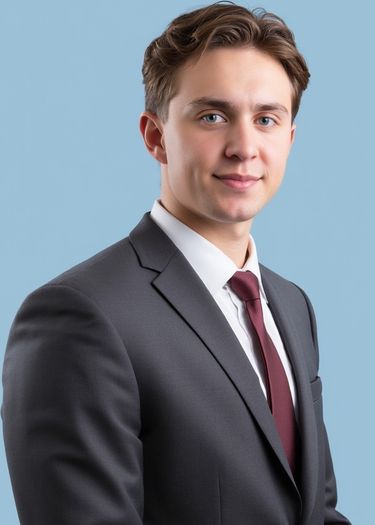
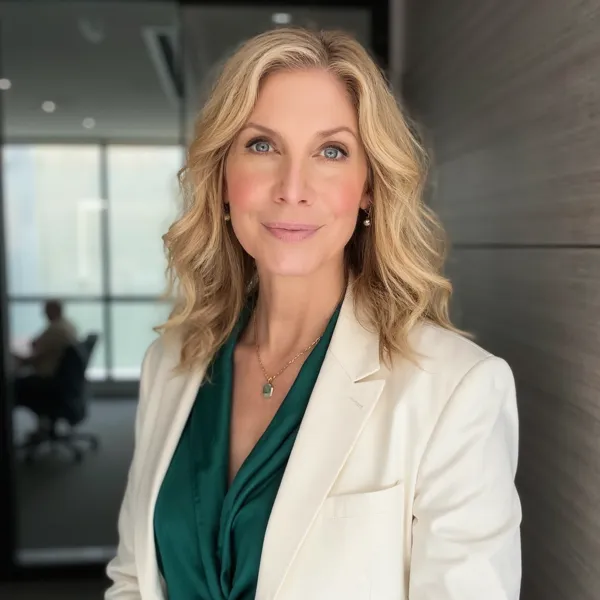
Professionelles KI-Foto 1
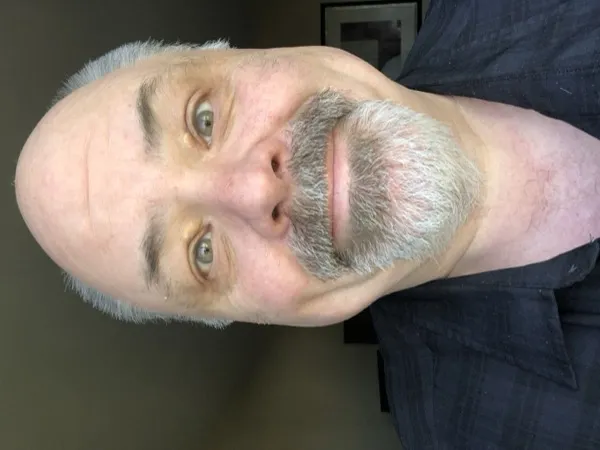
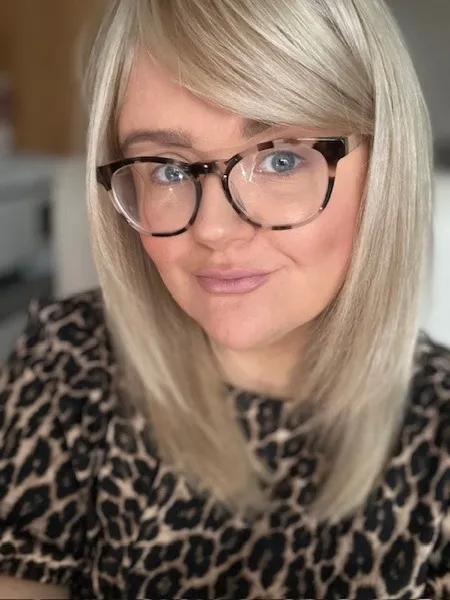
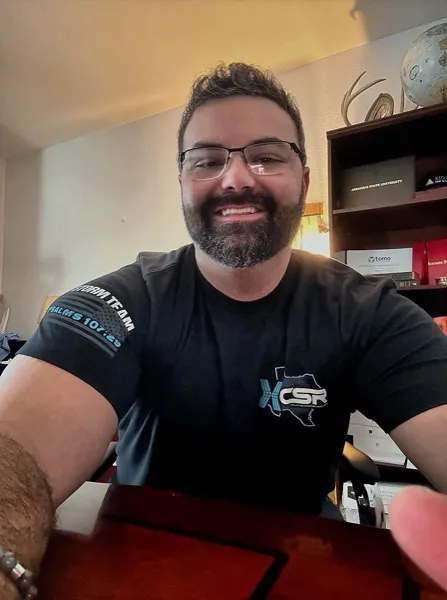
Vorher-Selfie - Professionelles KI-Foto 1
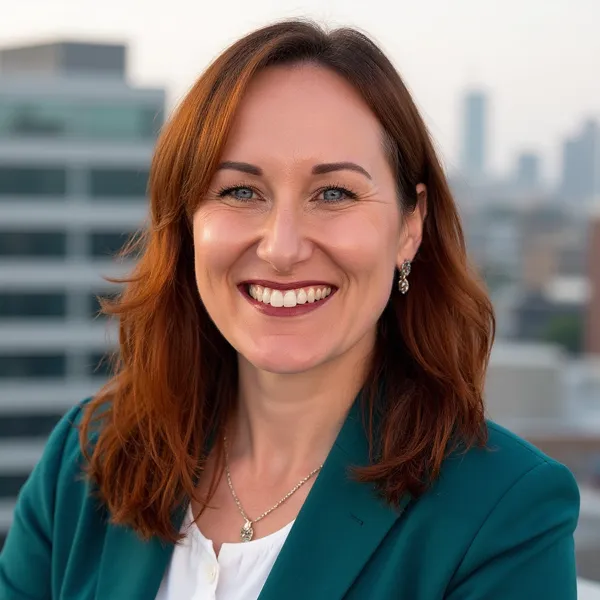
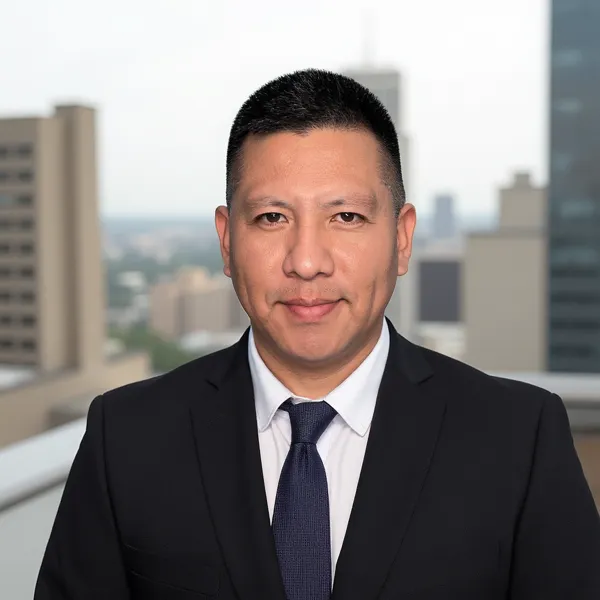
Professionelles KI-Foto 2
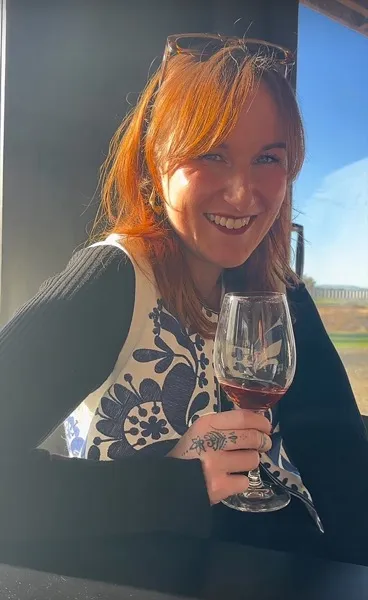
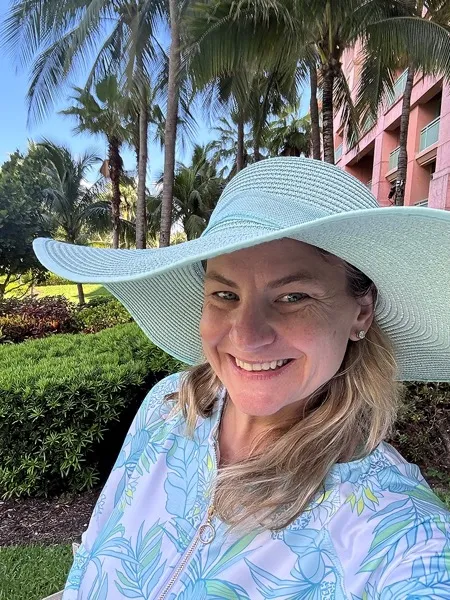
Vorher-Selfie - Professionelles KI-Foto 2
Professionelles KI-Foto 3
Vorher-Selfie - Professionelles KI-Foto 3
Professionelles KI-Foto 4
Vorher-Selfie - Professionelles KI-Foto 4
Professionelles KI-Foto 5
Vorher-Selfie - Professionelles KI-Foto 5
Professionelles KI-Foto 6
Vorher-Selfie - Professionelles KI-Foto 6
Professionelles KI-Foto 7
Vorher-Selfie - Professionelles KI-Foto 7
Professionelles KI-Foto 8
Vorher-Selfie - Professionelles KI-Foto 8
Professionelles KI-Foto 9
Vorher-Selfie - Professionelles KI-Foto 9
Professionelles KI-Foto 10
Vorher-Selfie - Professionelles KI-Foto 10
Professionelles KI-Foto 11
Vorher-Selfie - Professionelles KI-Foto 11

Warum dein LinkedIn-Foto und Profilbild wichtig sind

Was kosten LinkedIn-Fotos?

Traditionelle LinkedIn-Fotos im Studio können leicht Hunderte von Dollar kosten. AiProPortrait generiert professionelle LinkedIn-Fotos aus deinen Selfies für einen Bruchteil davon.

Selbst machen

$0

Mach dein eigenes LinkedIn-Foto zu Hause mit deinem Handy.

Warum

Günstigste Option, aber Beleuchtung, Bildausschnitt und Bearbeitung liegen bei dir. Es ist leicht, mit einem unscharfen oder unvorteilhaften LinkedIn-Profilbild zu enden.

$19

Nutze KI, um 40+ LinkedIn-Fotos in Studioqualität aus ein paar Selfies zu generieren.

Warum

Du erhältst Dutzende professionelle, einheitliche LinkedIn-Profilfotos in unter 30 Minuten – für weniger als eine traditionelle Fotosession.

Professioneller Fotograf

$200+

Buche einen Fotografen und gehe ins Studio für klassische Fotos.

Warum

Tolle Qualität, aber du musst einen Termin buchen, ins Studio fahren und bekommst meist nur eine Handvoll Endbilder.

Erhalte deine linkedin-Fotos in 30 Minuten, nicht in 3 Tagen

So einfach wie 1-2-3!

1

Lade ein paar Fotos von dir hoch

Lade einfach ein paar klare Fotos von dir hoch und wir kümmern uns um den Rest.
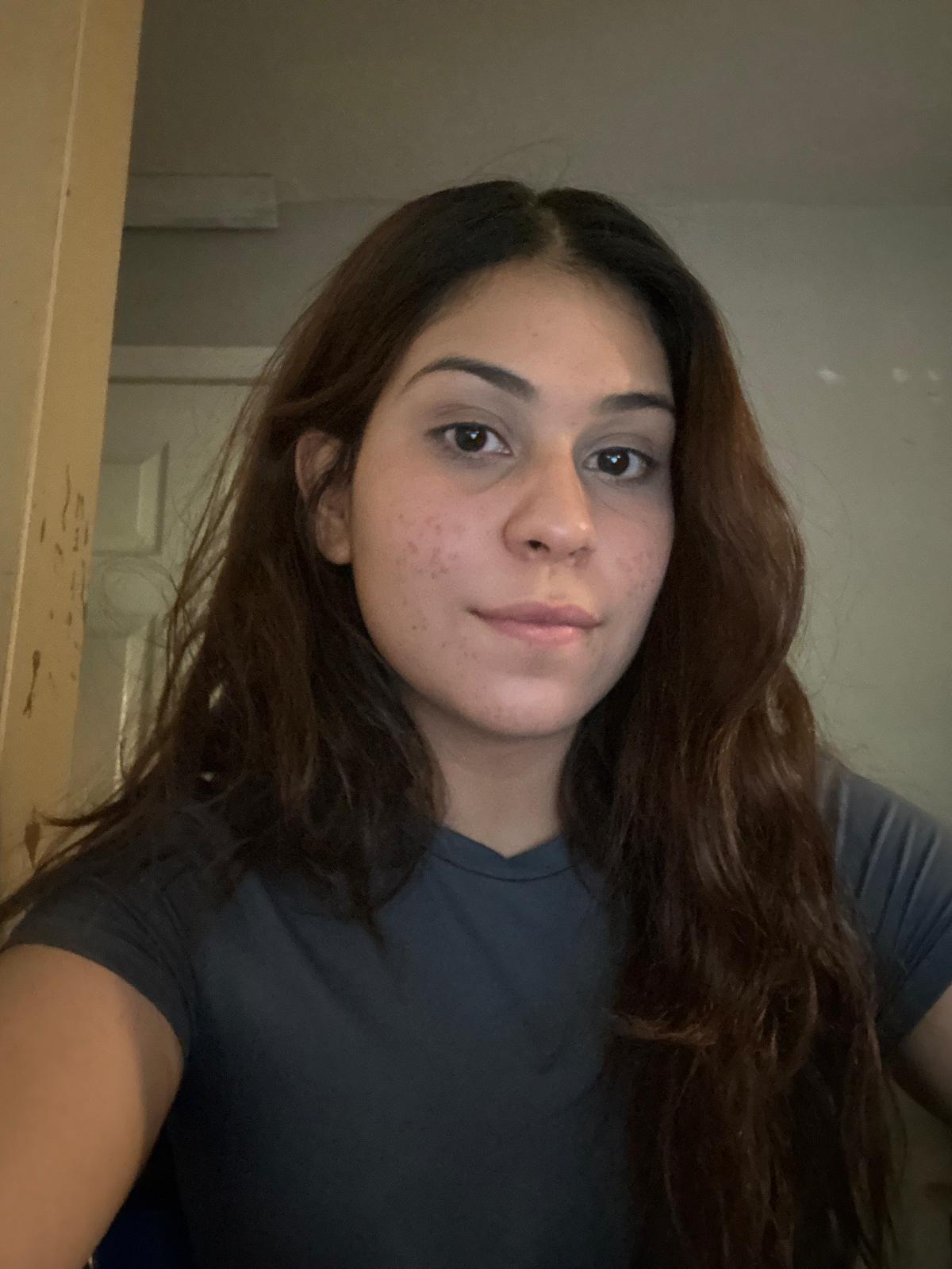
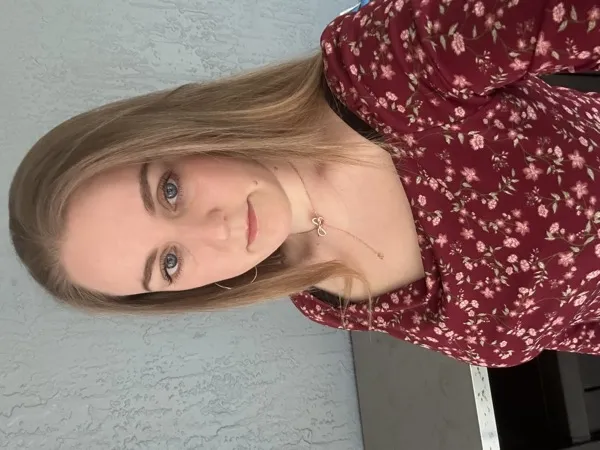
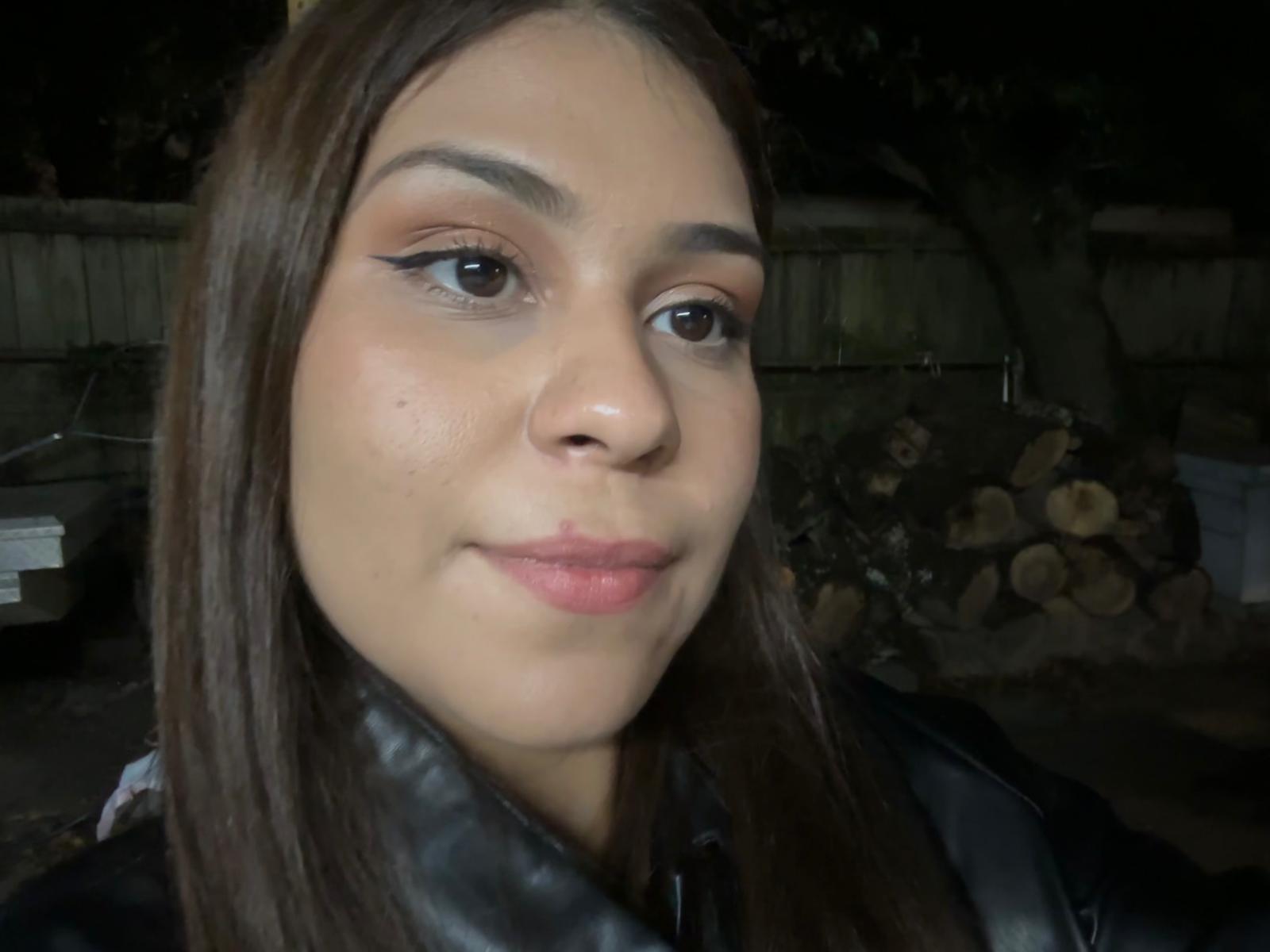
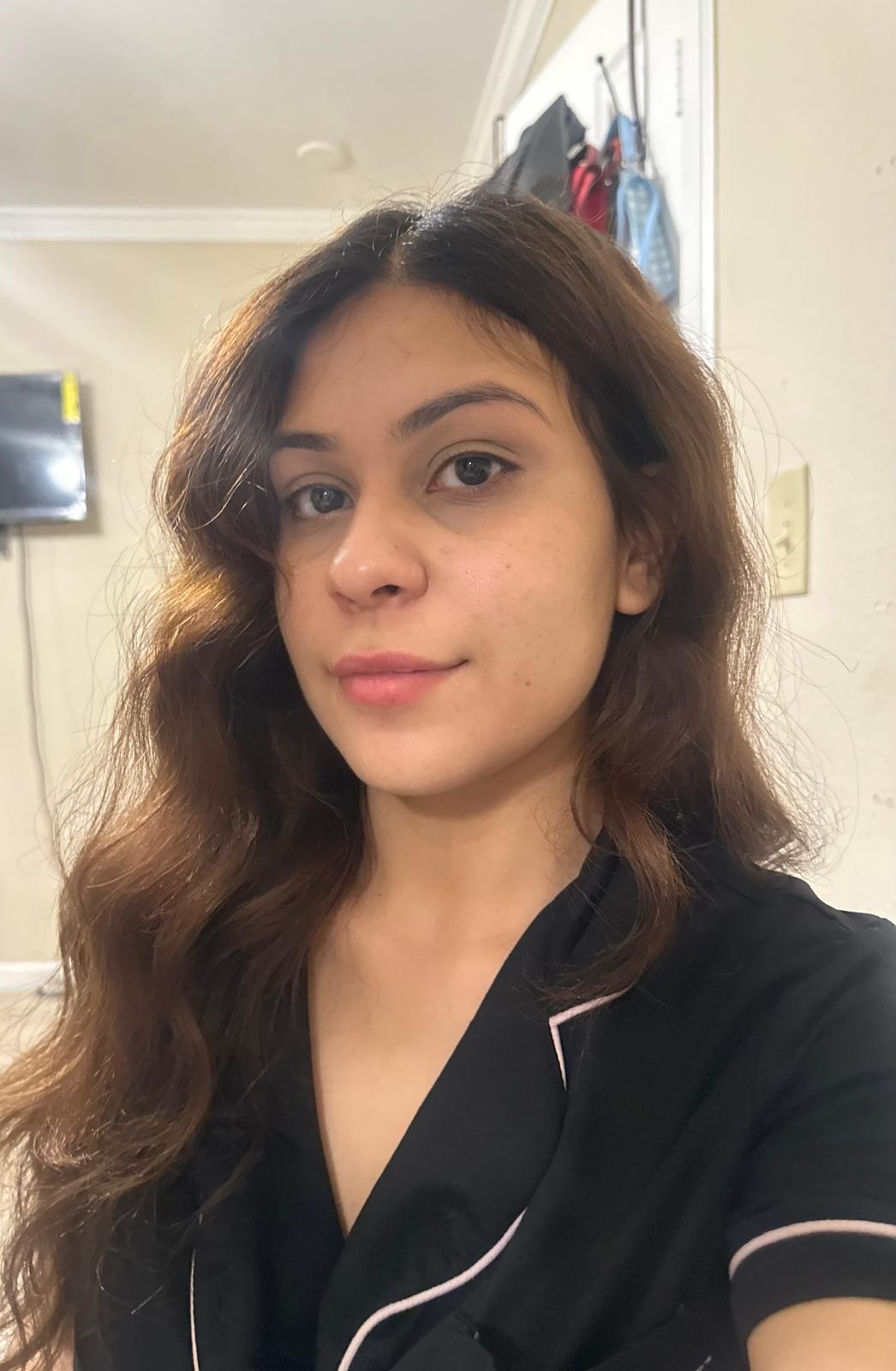
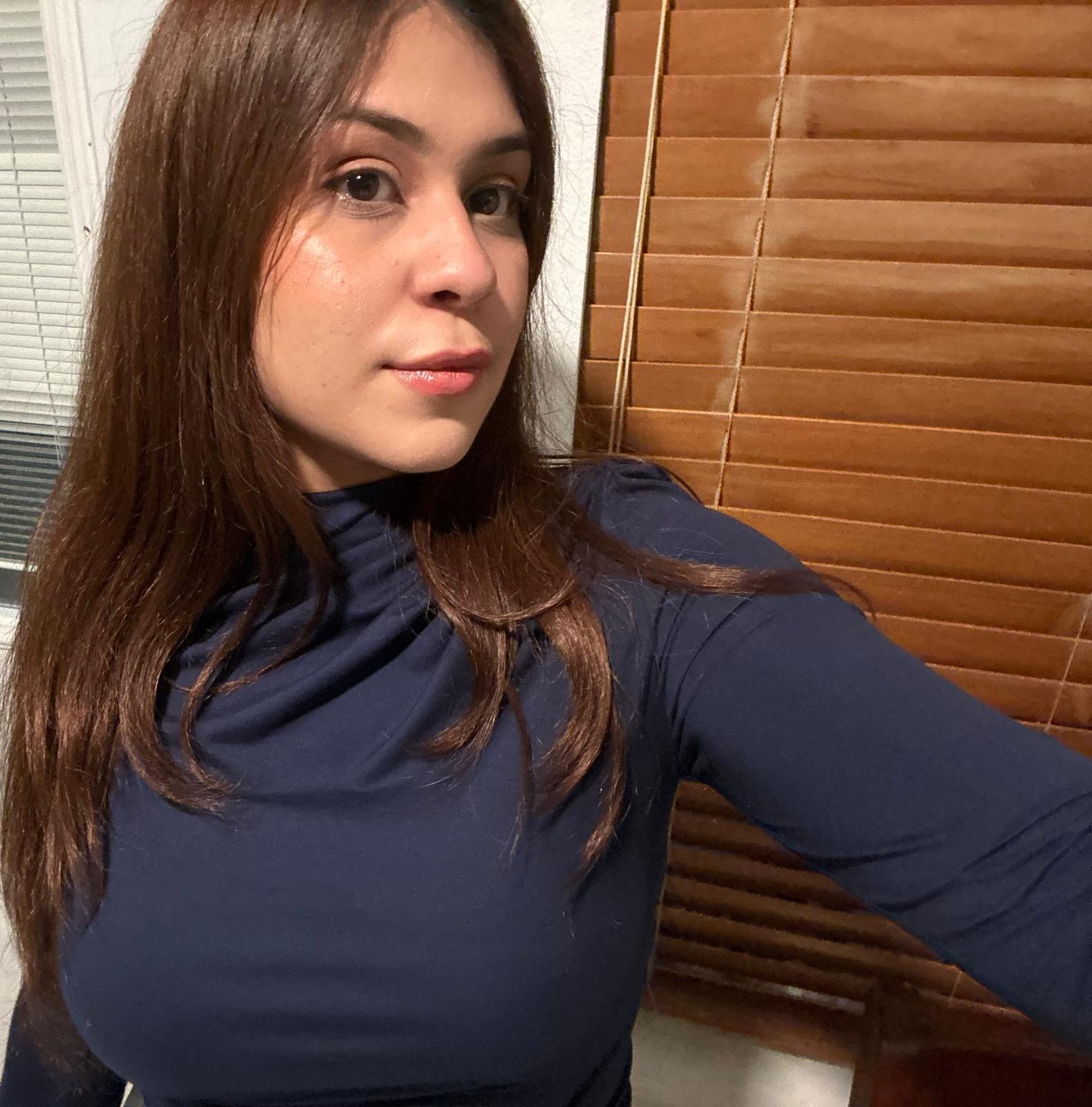
Sample selfie upload for AI headshot training photo 1Sample selfie upload for AI headshot training photo 2Sample selfie upload for AI headshot training photo 3Sample selfie upload for AI headshot training photo 4
2

Wähle den perfekten Stil für deine Rolle

Wähle den linkedin-Stil

3

Wähle deine Favoriten

Erhalte über 40 professionelle linkedin-Fotos und wähle die, die dich am besten repräsentieren.
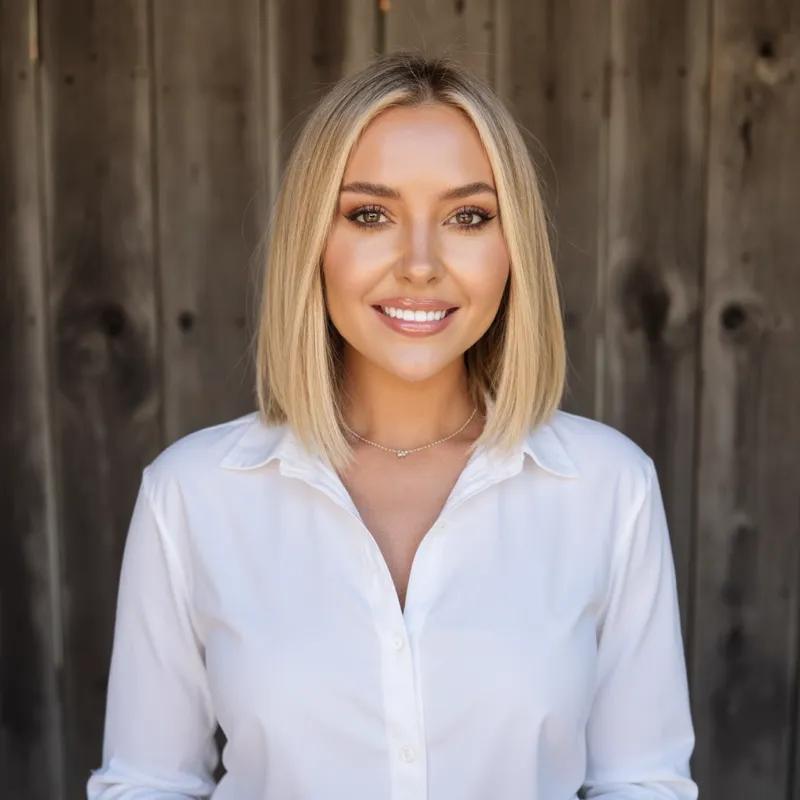
  • AI professional headshot example 1
  • AI professional headshot example 2
  • AI professional headshot example 3
  • AI professional headshot example 4
  • AI professional headshot example 5
  • AI professional headshot example 6
  • AI professional headshot example 7
  • AI professional headshot example 8
  • AI professional headshot example 9
  • AI professional headshot example 10
  • AI professional headshot example 11
  • AI professional headshot example 12
  • AI professional headshot example 13
  • AI professional headshot example 14
  • AI professional headshot example 15
  • AI professional headshot example 16
  • AI professional headshot example 17
  • AI professional headshot example 18
  • AI professional headshot example 19
  • AI professional headshot example 20
  • AI professional headshot example 21
  • AI professional headshot example 22
  • AI professional headshot example 23
  • AI professional headshot example 24
  • AI professional headshot example 25
  • AI professional headshot example 26

Überspringe das Studio. Gleiche Qualität, 1/10 des Aufwands

Erhalte professionelle Business-Fotos von zu Hause in unter 30 Minuten.

Studio-Fotoshooting
AiProPortrait
250 $
Ab 19 $Preis-Leistung
2–3 Tage
Unter 30 MinutenZeit sparen
4–5 Fotos
Über 40 FotosVielfalt
1 Look
Mehrere Looks & StileMehr Auswahl

LinkedIn headshot FAQ

Quick answers about fit, styling, plan choice, and where this page sits in the wider commercial funnel.
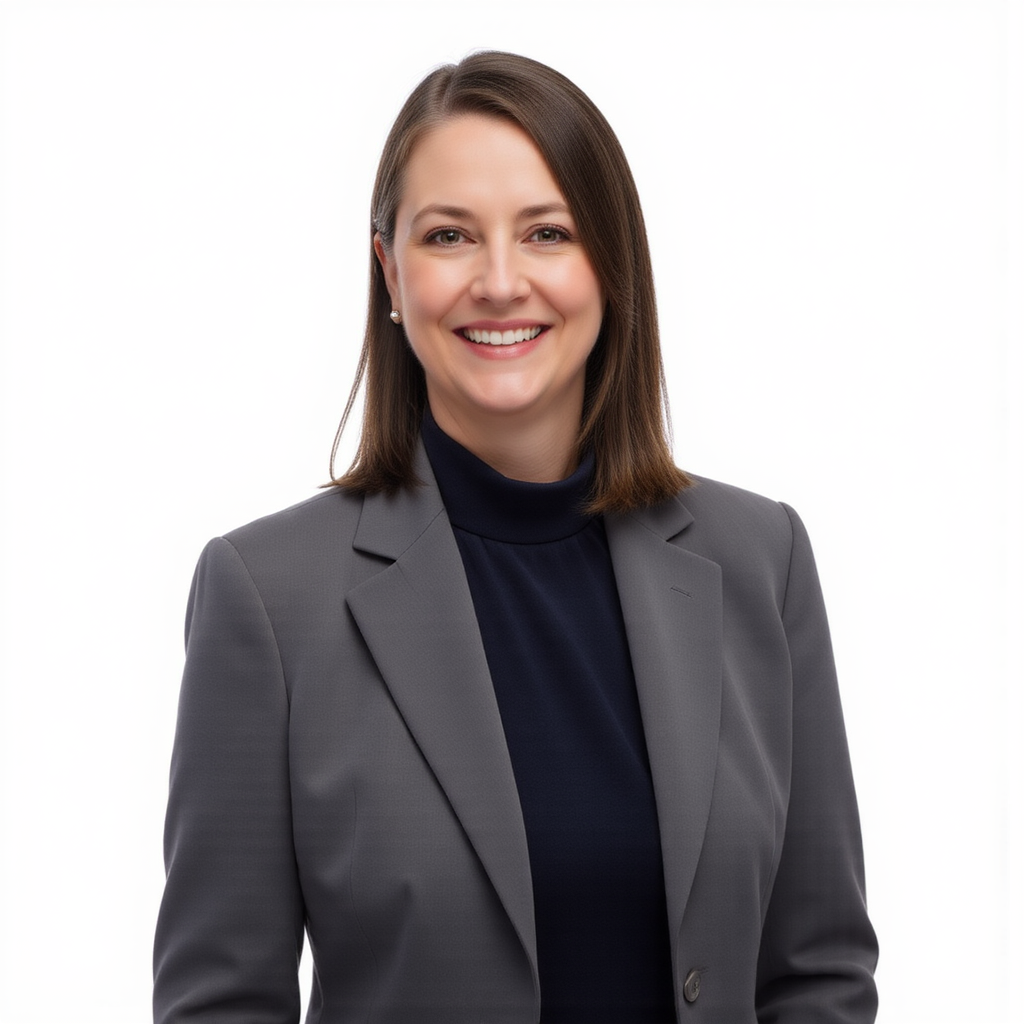
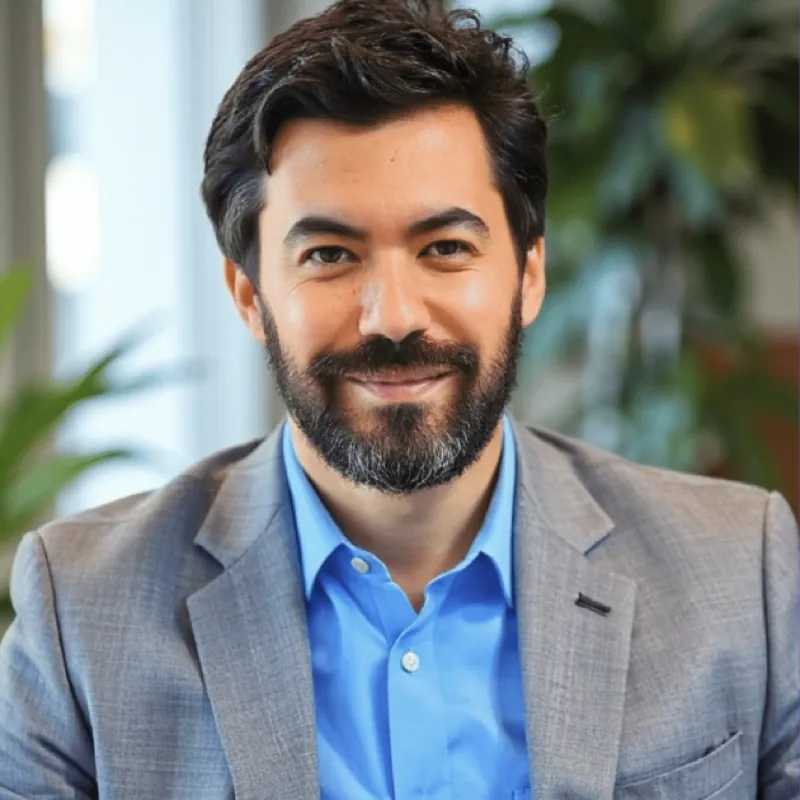
Who is the LinkedIn headshots page for?
Use the LinkedIn page if your main goal is a sharper profile photo for job applications, networking, recruiting visibility, or personal branding on LinkedIn.
What makes a good AI LinkedIn headshot?
LinkedIn photos tend to work best with clean lighting, realistic wardrobe choices, and neutral or softly blurred backgrounds that keep the focus on your face.
Can I reuse LinkedIn headshots outside LinkedIn?
Yes. Many buyers start here for LinkedIn and then reuse the same images on resumes, email signatures, and speaker bios. If you need broader workplace use, the professional page is the best companion.
Which plan is best for LinkedIn headshots?
The pricing page is the fastest place to compare plans, but most solo buyers testing a new LinkedIn profile picture start with the $19 option.
Professional headshot of a woman smiling in a blue blouse and blazer, AI headshot photo example
Professional headshot of a man in glasses, blue shirt, and suit, AI headshot photo example
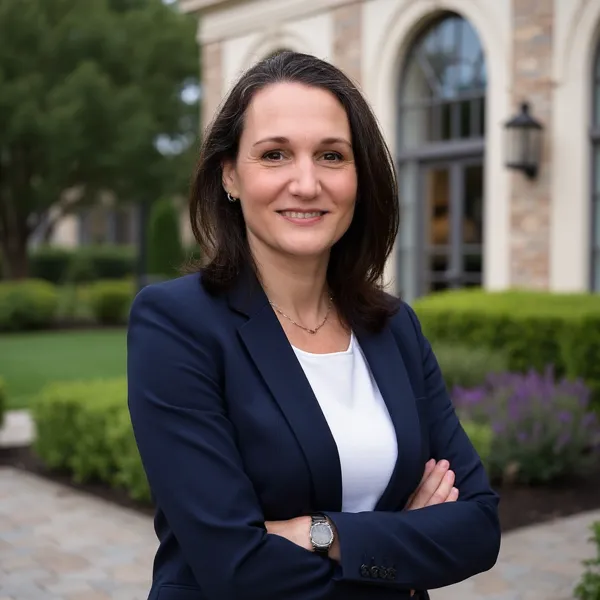
Professional headshot of a woman with straight dark hair, neutral expression, AI headshot photo example
Professional headshot of a man in a gray suit and tie, AI headshot photo example
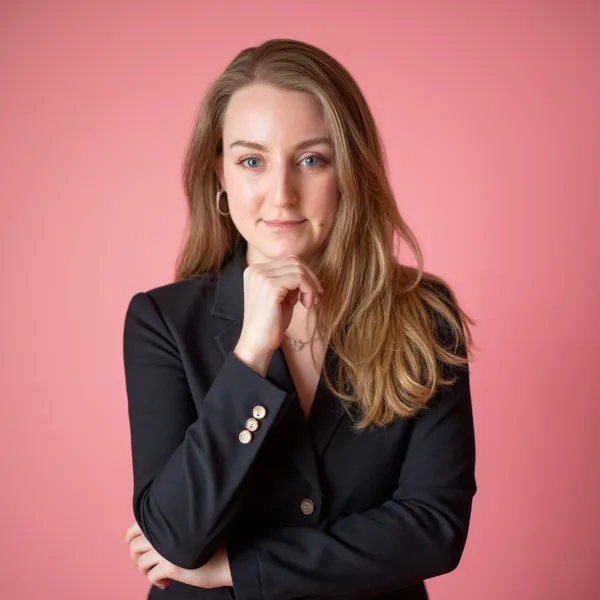
Professional headshot of a woman smiling in a blazer and light-blue blouse, AI headshot photo example